Overview
Hand Trace Camera EX is a drawing assistance tool for illustrators, manga artists, and animators who struggle with drawing hands.

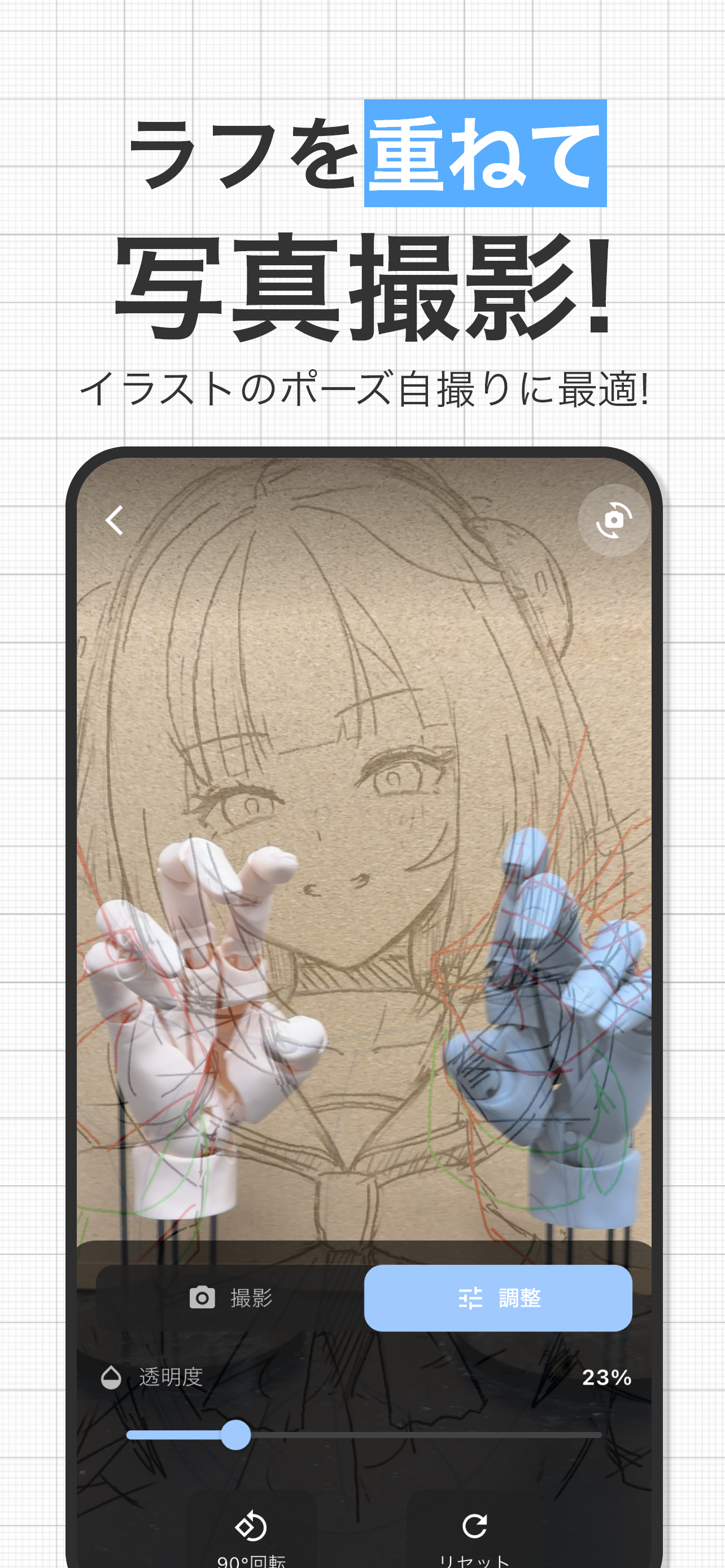
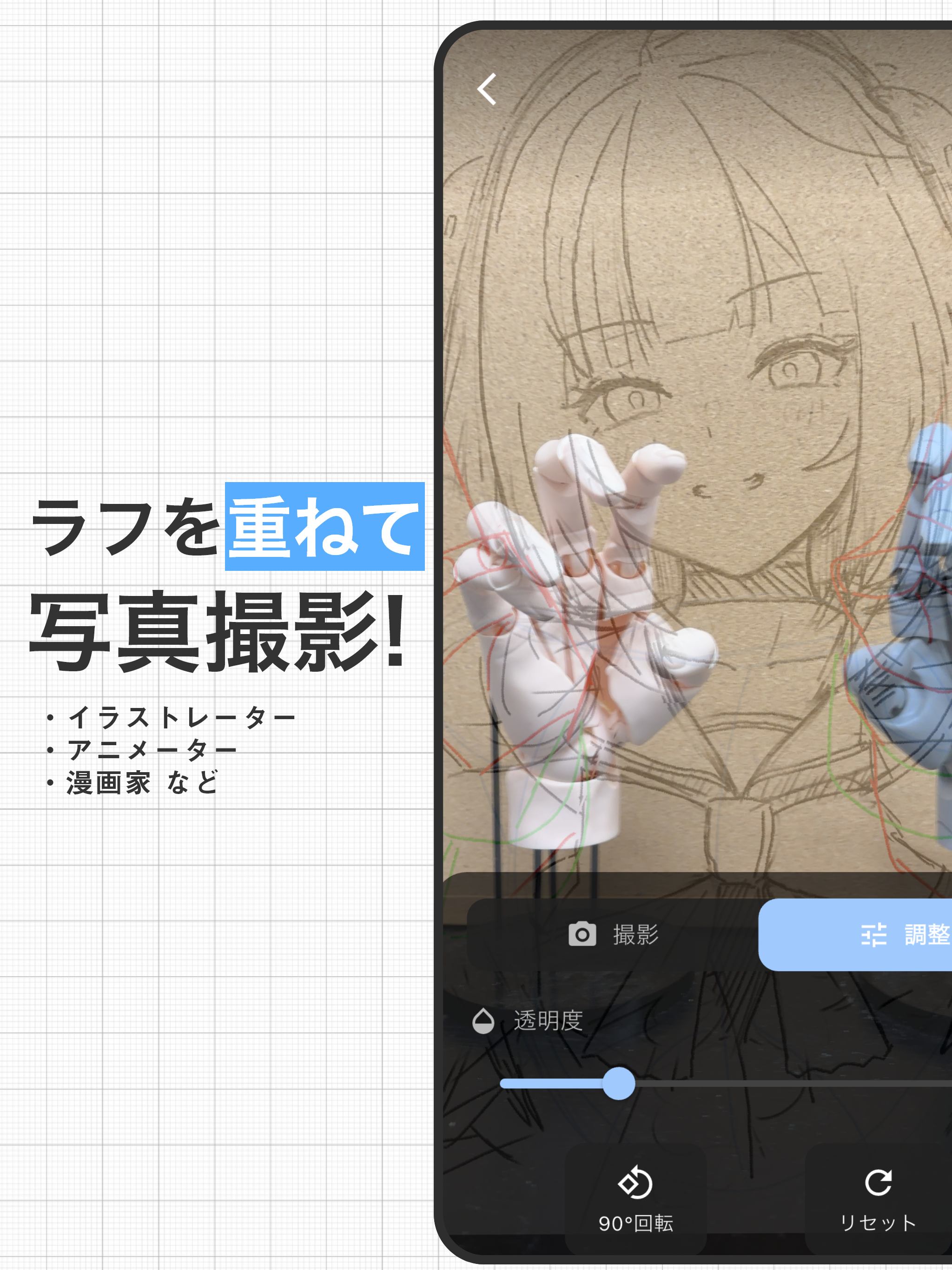
You can photograph hands while overlaying your rough illustration.
Key Features
Overlay Photography
- Photograph while displaying rough sketches or preliminary drawings semi-transparently
- Confirm position and angle in real-time
- Achieve perfect pose matching
Adjustment Features
- Opacity adjustment (0% to 100%)
- Zoom in/out (pinch gesture supported)
- Free position movement
- 360-degree rotation
- Quick 90-degree rotation
Photo & Video Capture
- High-quality photo capture
- Video recording (up to 60 seconds)
- Front/rear camera switching
- Easy switching between capture mode and edit mode
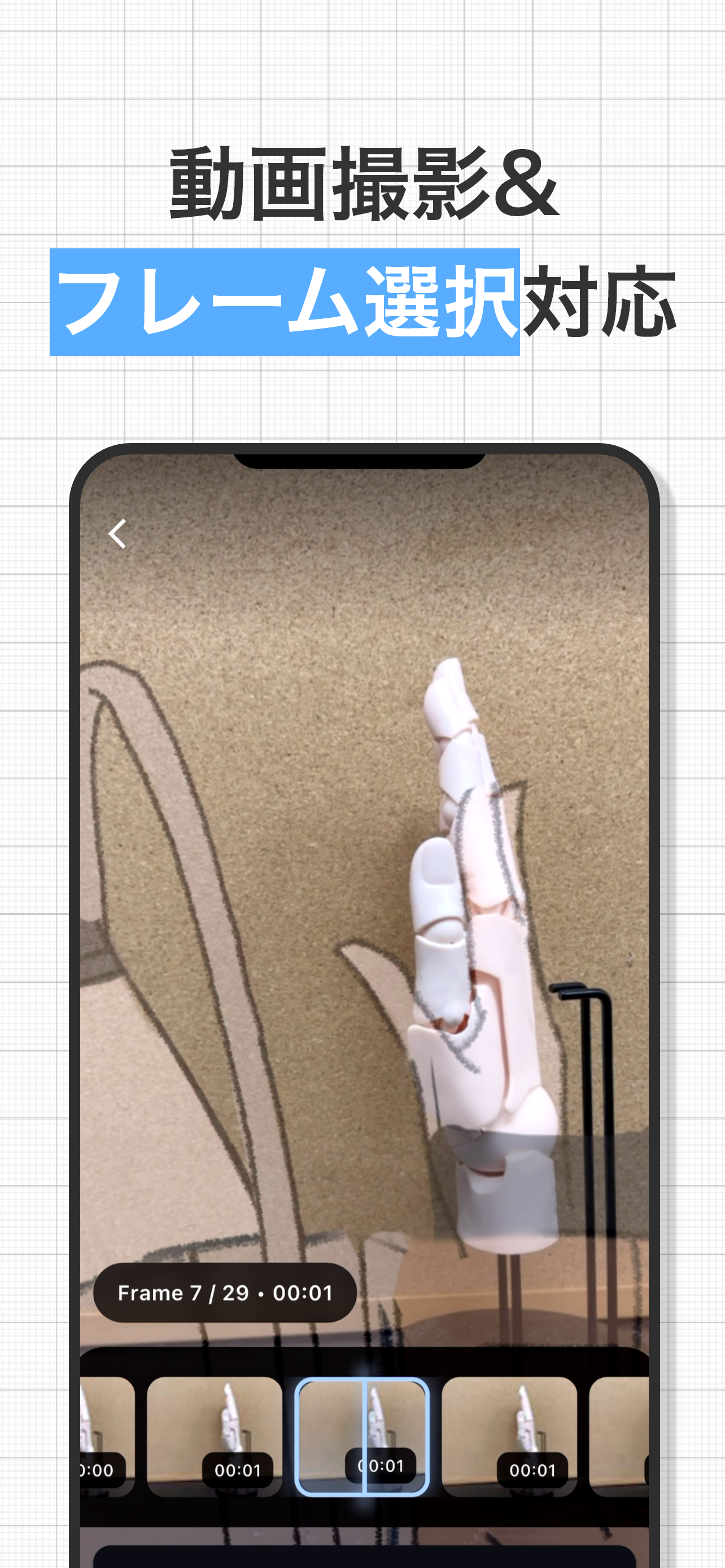
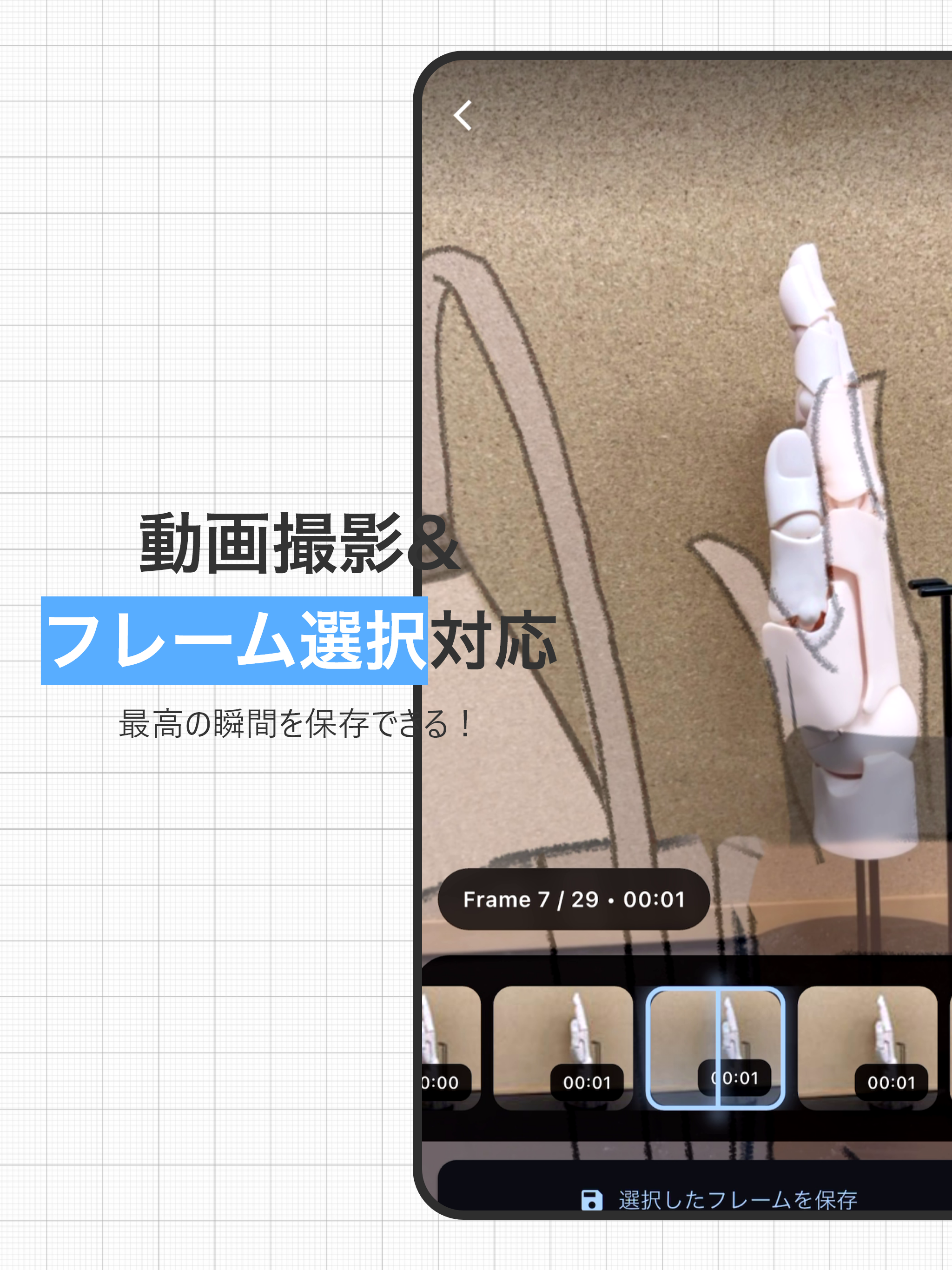
Video Frame Extraction
- Select needed frames from recorded videos
- Easy selection with timeline display
- High-quality frame saving
- Batch saving of multiple frames
Convenient Features
- Instantly share captured images
- Auto-save to camera roll
Recommended For
- Illustrators who struggle with hand drawing
- Manga artists seeking realistic hand poses
- Animators working on in-between frames
- Art students practicing drawing
- Creators who want to efficiently photograph reference materials
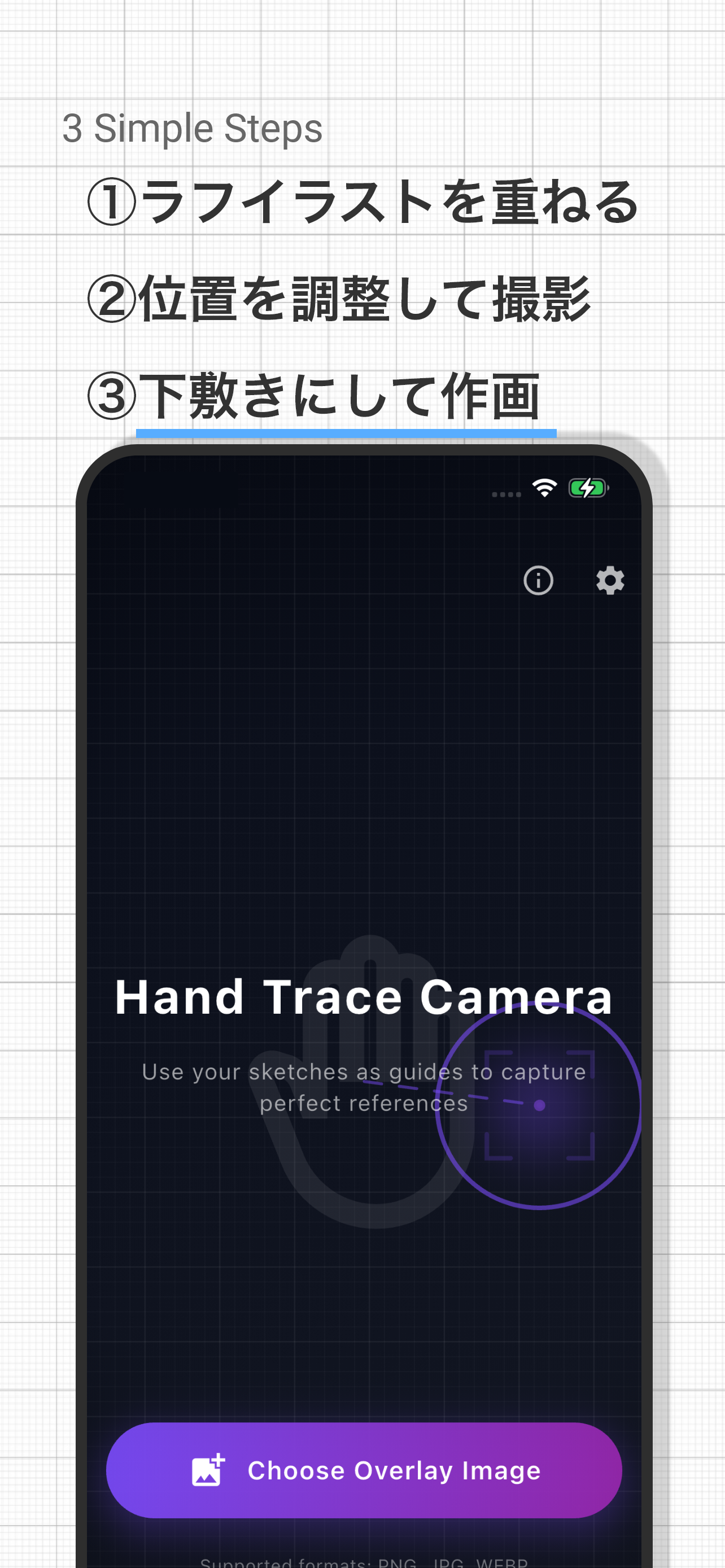
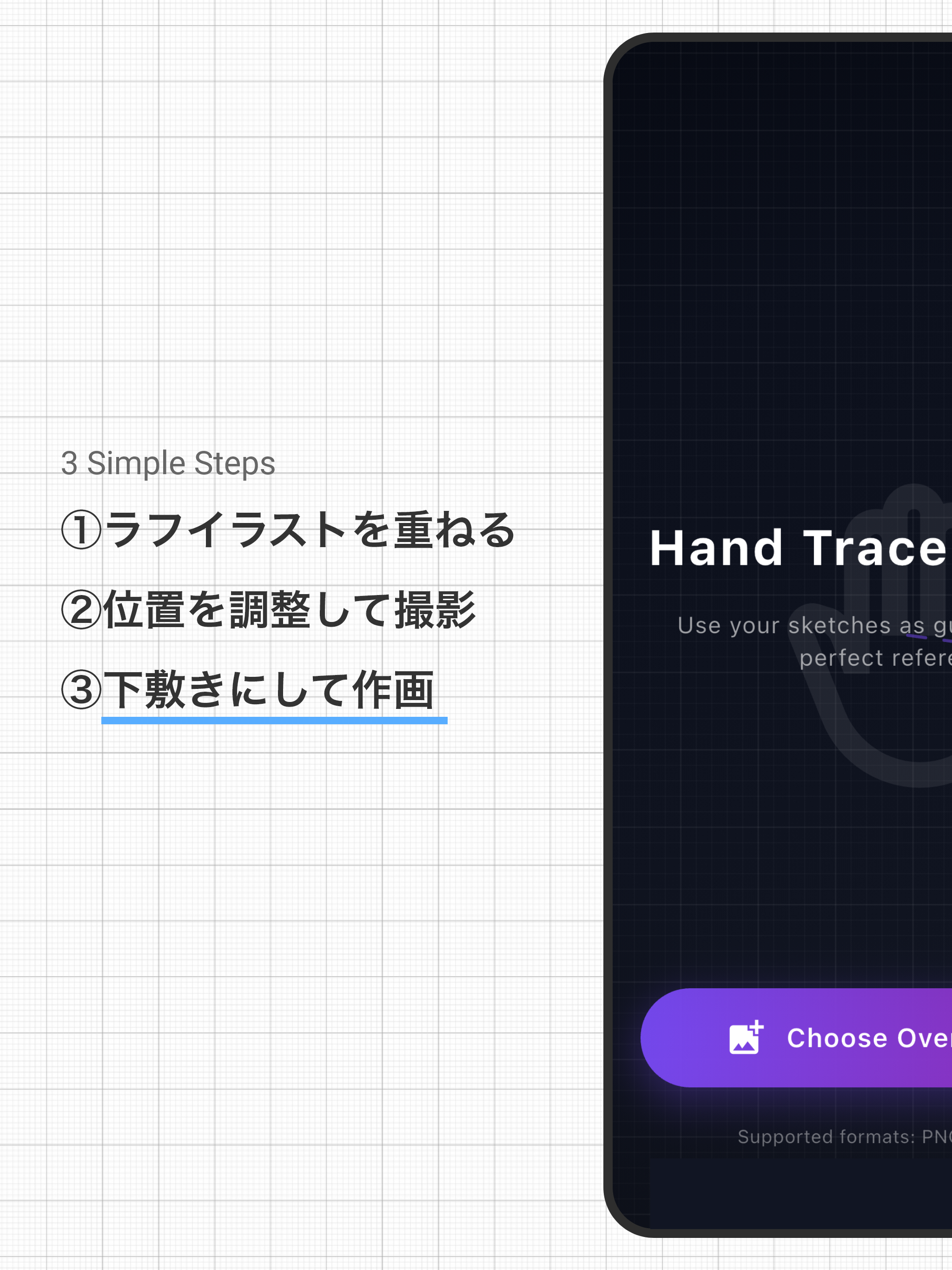
Easy 3-Step Usage
- Select rough sketch from gallery
- Adjust overlay and position your hand
- Capture and save as reference
Multilingual Support
Fully supports 12 languages: Japanese, English, Chinese, Korean, Spanish, French, German, Portuguese, Russian, Italian, Hindi, and Turkish
FAQ
Is this app free to use?
Yes, basic features are free to use. An ad-free plan is also available.
What purposes can this be used for?
It's convenient for photographing reference materials for illustrations, such as hand poses and body orientations. You can capture at the optimal angle while overlaying your rough sketch.
Can captured images be saved?
Yes, captured images are saved to your camera roll. You can also edit them in other apps.
Can the overlay image be changed?
Yes, you can set any image from your camera roll as an overlay. Opacity can also be adjusted.
Does it work on both iPad and iPhone?
Yes, it supports both iPhone and iPad. On iPad's larger screen, you can more comfortably view the overlay while capturing.