

Manga Speech Bubble Maker
Easily create manga-style speech bubbles! Includes various styles like zigzag, fluffy, and sharp. Tail position is fully adjustable.
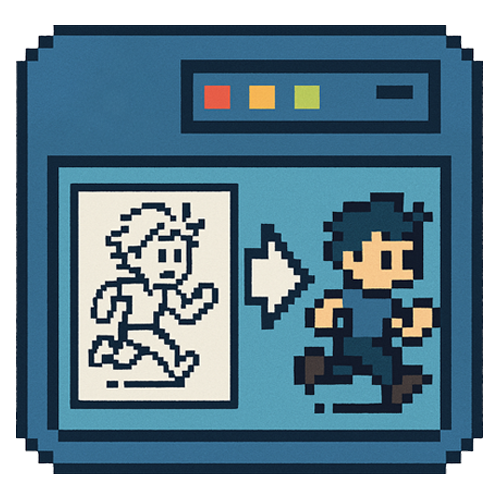
Pixel art conversion tool for batch processing multiple frame images to a common pixel size
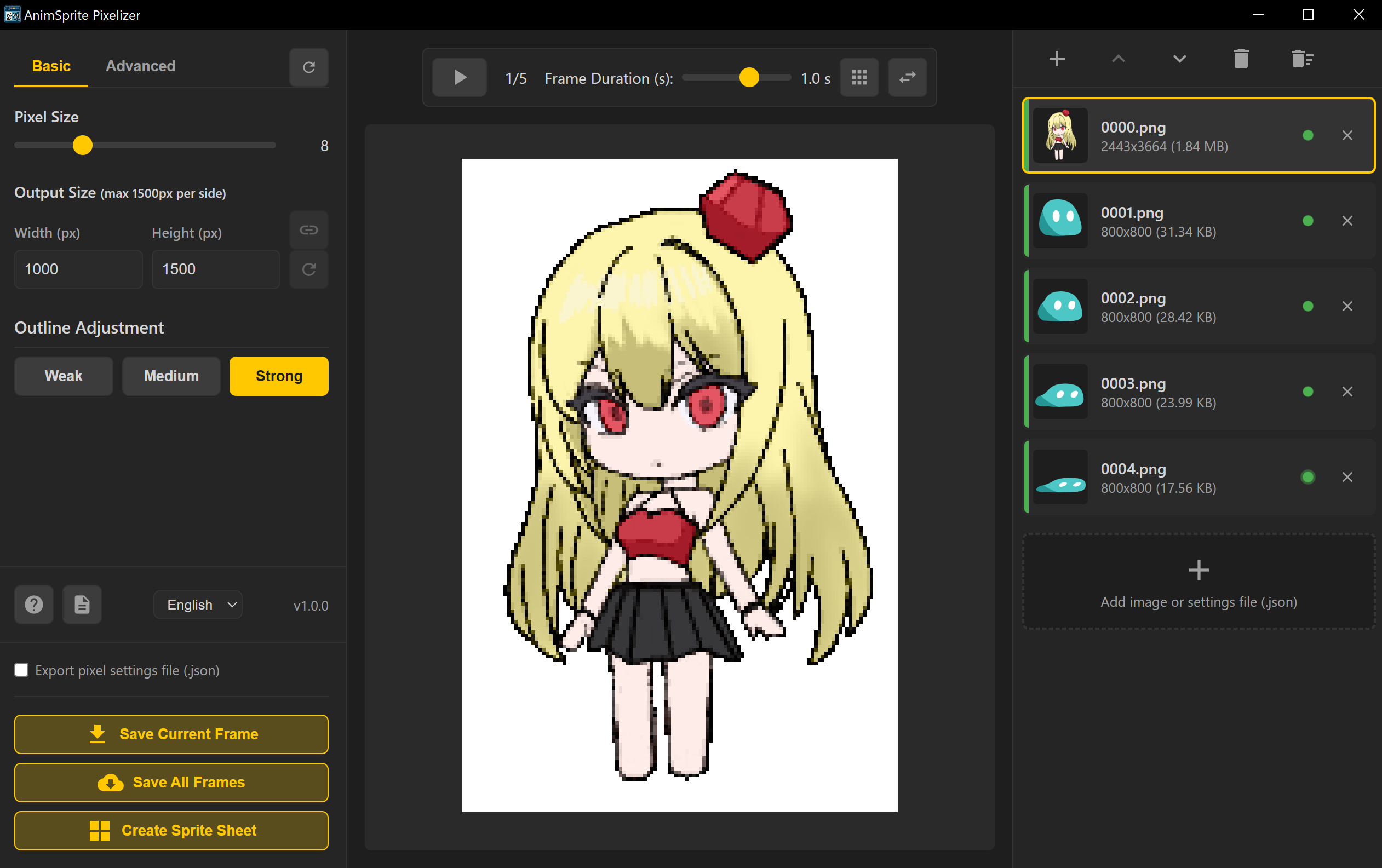


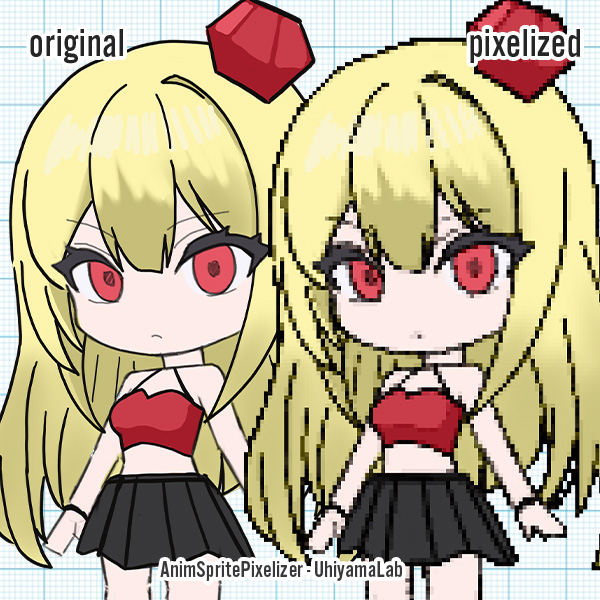

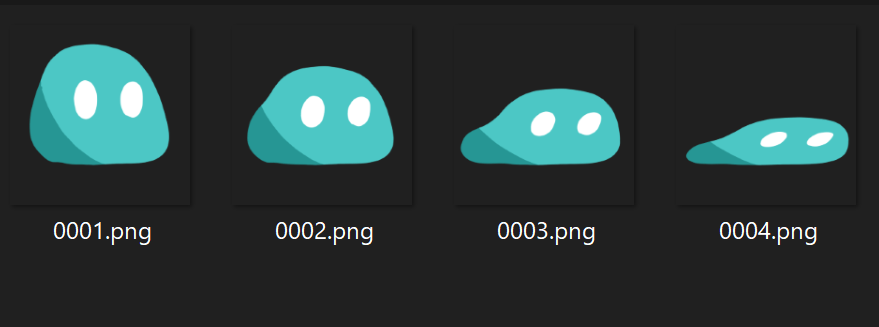
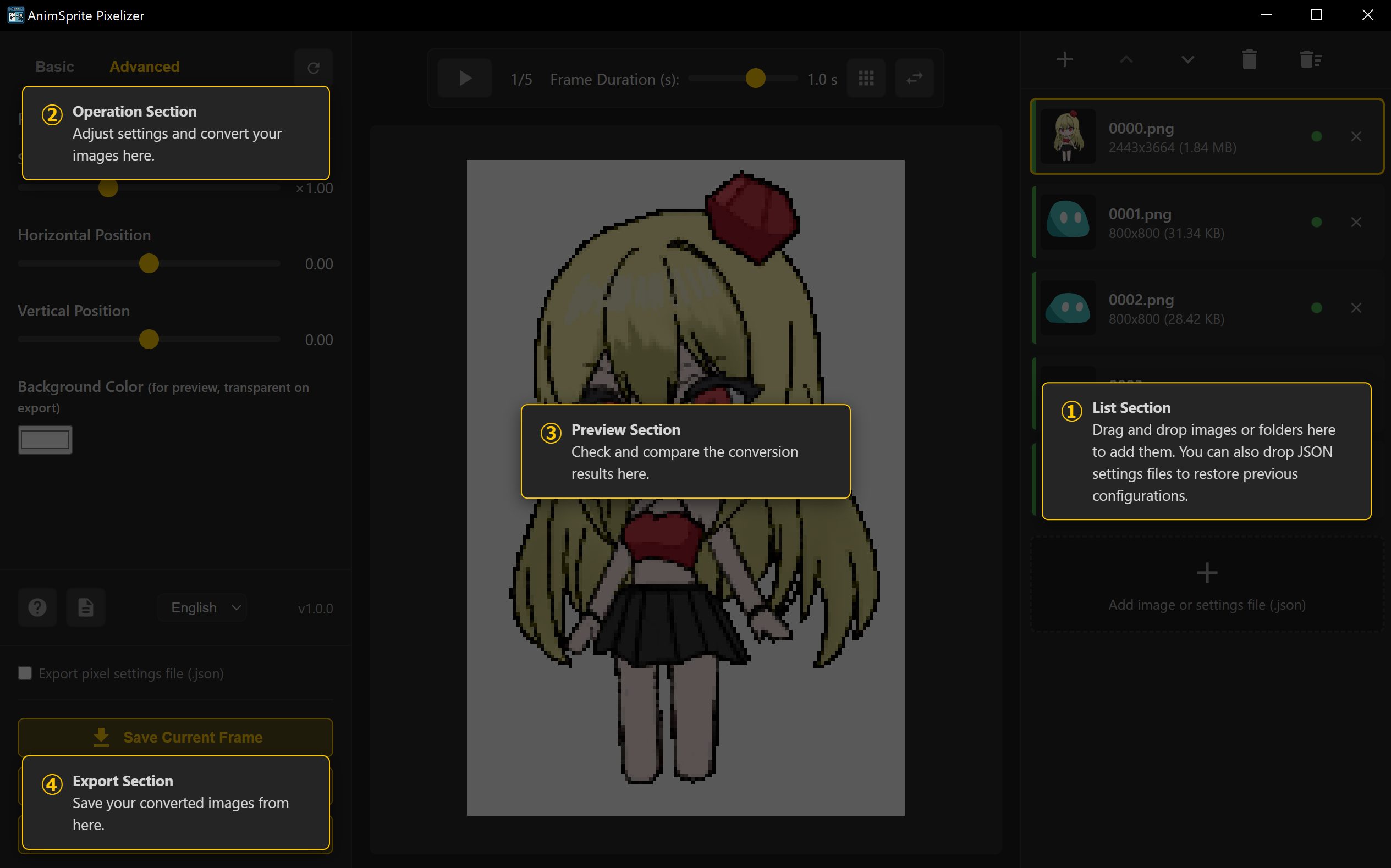
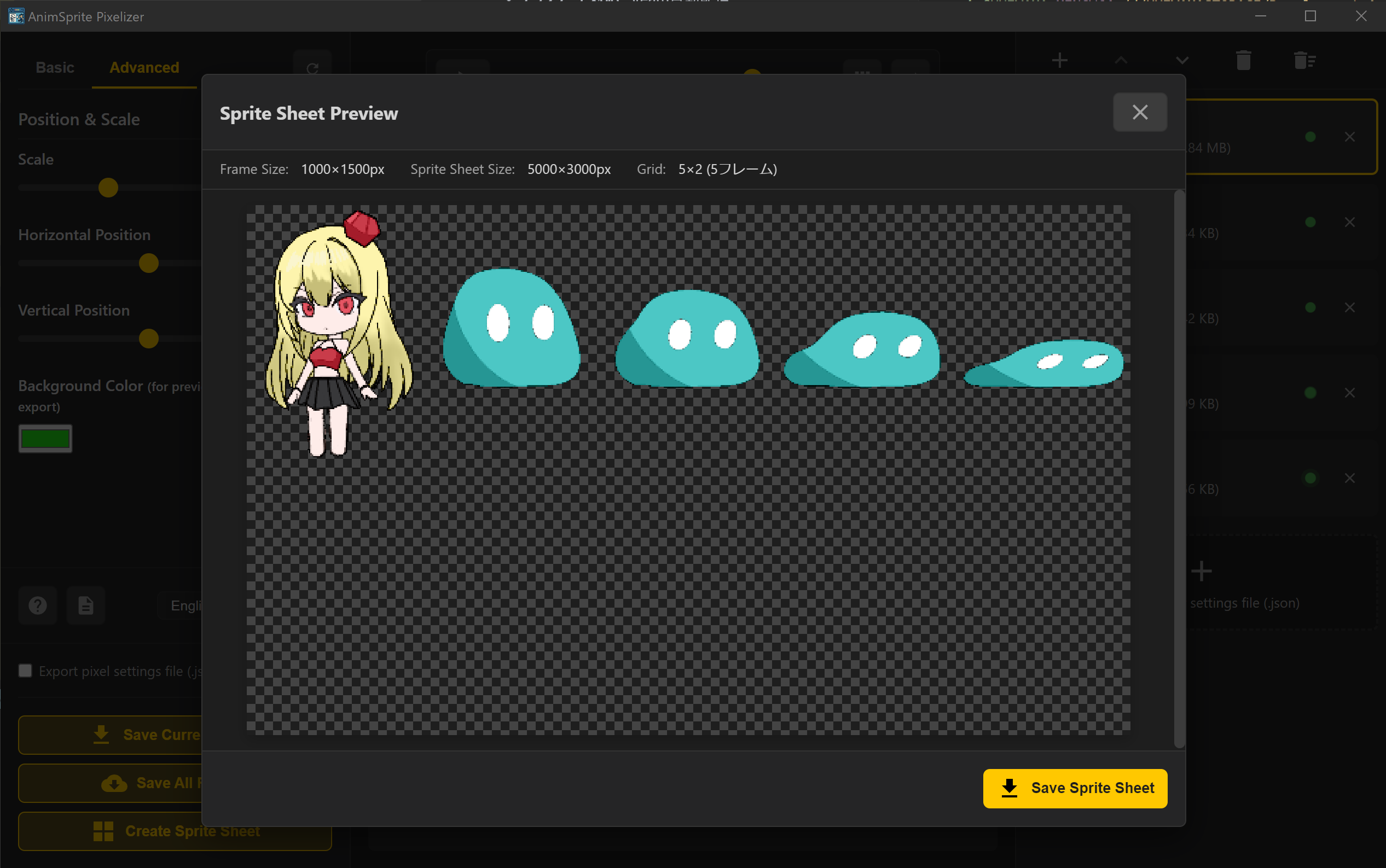
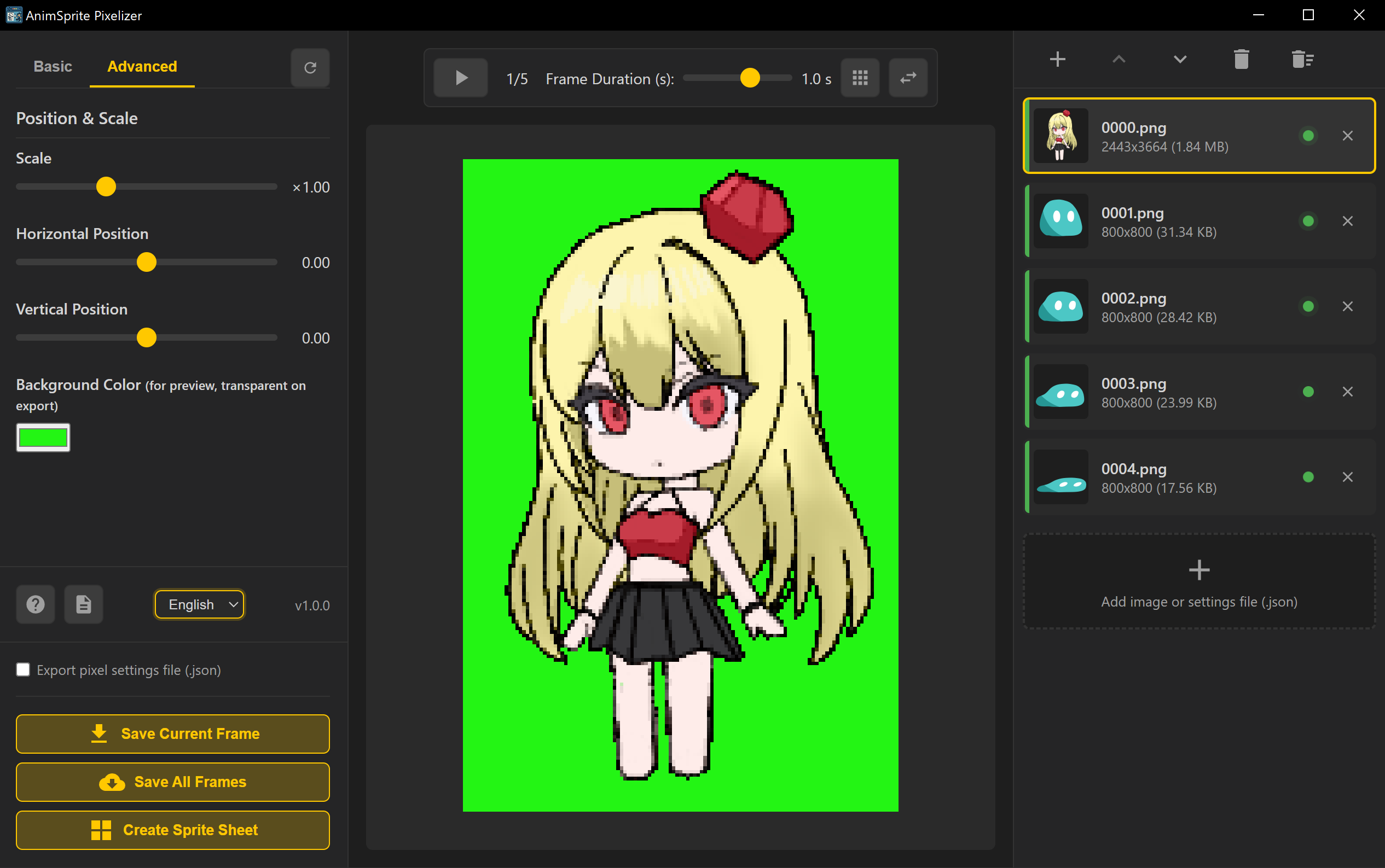
A desktop tool that converts hand-drawn animations into pixel art and exports game-ready sprite sheets. It batch-processes multiple frames with unified settings, supports animation preview and automatic sprite sheet generation. The save/share feature for settings files makes it easy to maintain quality consistency in team development and restore settings for re-conversion.
When developing 2D games that require large amounts of image assets, you could purchase from asset stores, but if you want originality, you'll want to create your own characters and environmental objects. However, creating walking animations from scratch in a dot editor pixel by pixel is extremely difficult, and corrections take considerable time.
With AnimSprite Pixelizer, you can export animation frames drawn in ClipStudio or similar tools as transparent PNGs and batch convert them to pixel art. After checking the converted animation, if everything looks good, simply export as a sprite sheet and incorporate it into your game. This dramatically streamlines asset production and revision.
Optimized for 2D Game Development
High-Quality Conversion Matching Web Version
Workflow Optimization
Once you understand the conversion characteristics, you can reduce drawing costs by simplifying the original artwork or color palette. Even those who want to create pixel art from scratch can significantly reduce work time by using converted rough sketches as a base and refining the dots in Aseprite or similar tools.
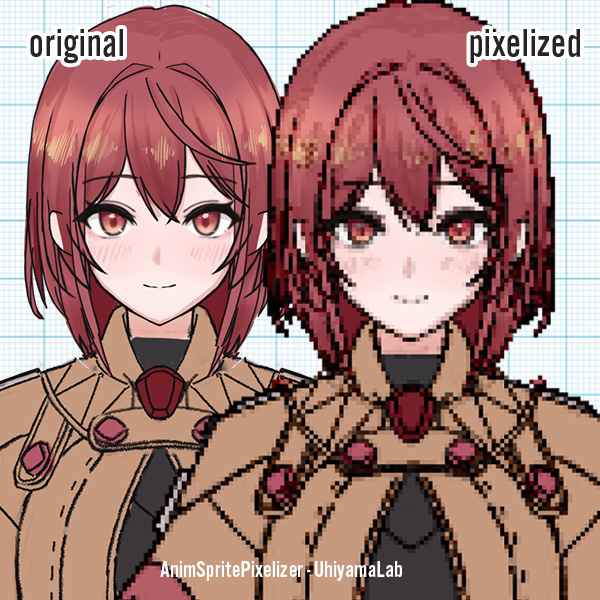
The conversion uses nearly the same logic as the web version. Please try Image Pixelizer (Web-based pixel art converter) first - it's free for anyone to use. If you're satisfied with the conversion quality and need to create large amounts of animation sprites for 2D game development, we recommend using AnimSprite Pixelizer.
*Images converted with this software can be used for various purposes, commercial or non-commercial. *This tool is primarily intended for converting illustrations you've drawn yourself. Converting and publishing third-party copyrighted material without permission may constitute copyright infringement.
The web version is free to use. The desktop version is paid but provides more advanced features and a stable operating environment.
Supports common image formats including PNG, JPG, GIF, and WebP. Transparent PNG output is also supported.
A sprite sheet is a single image that contains all frames of an animation. It's used in game development for character animations and similar purposes.
Yes, images created with this tool can be freely used for both commercial and non-commercial purposes.
Yes, you can finely adjust pixel size and canvas size. You can output at the optimal resolution for your intended use.
Easily create manga-style speech bubbles! Includes various styles like zigzag, fluffy, and sharp. Tail position is fully adjustable.
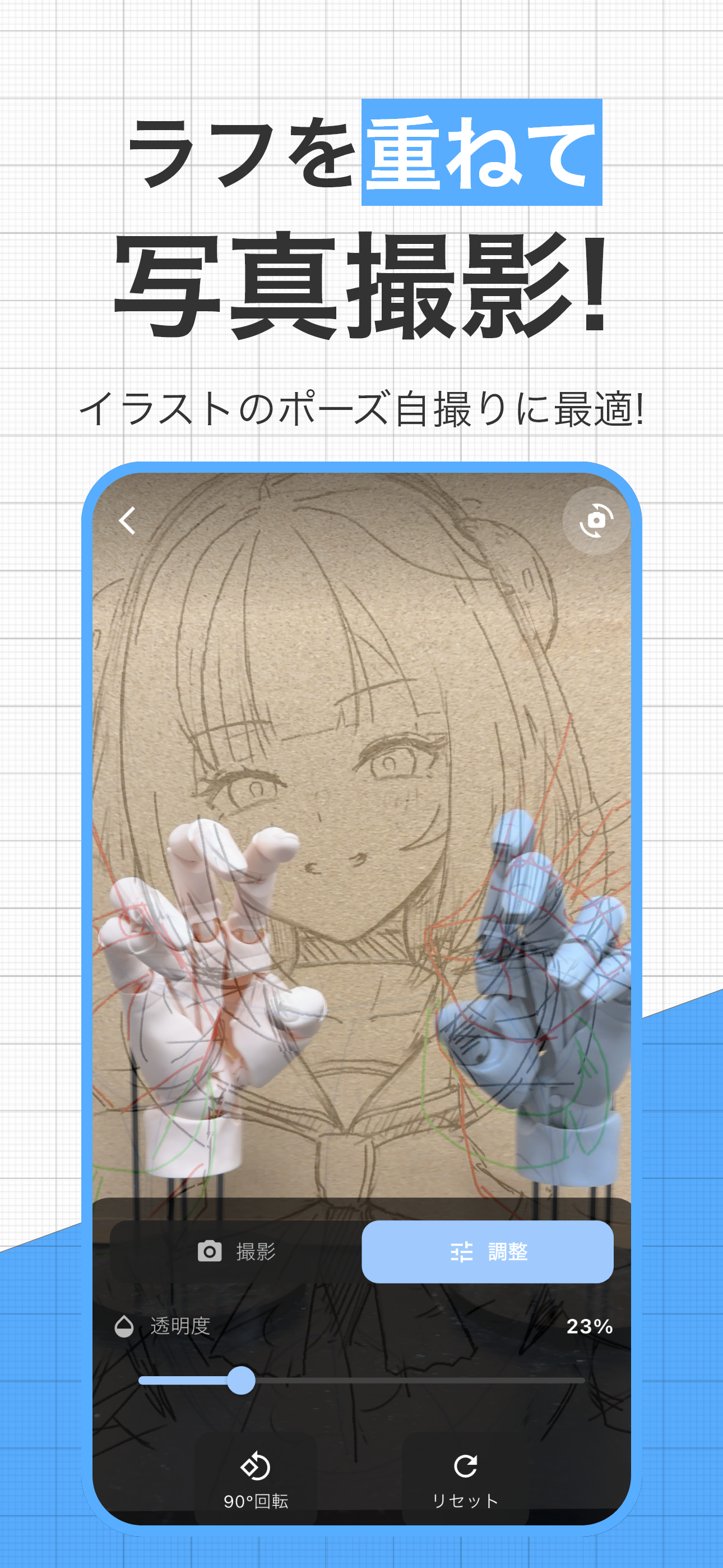

A drawing support camera that allows you to take photos with rough illustrations overlaid. Perfect for selfies of hand poses and more.
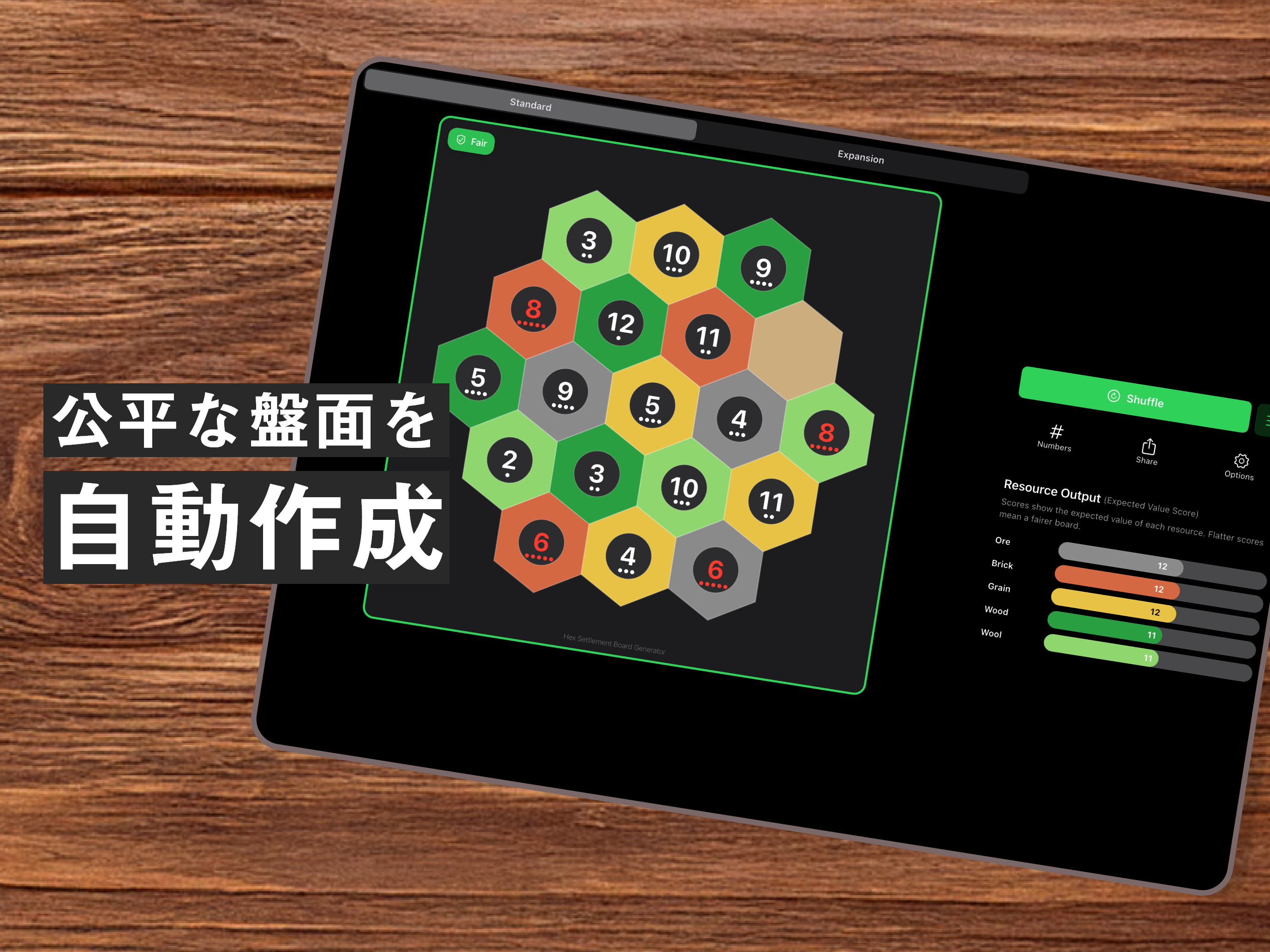

A board game support app that automatically generates resource distribution for hexagonal tile boards, helping create fair game setups.