Essential Shortcut Keys You Must Know: Complete List
The shortcut keys Blender beginners should learn first, organized by purpose
Quick-reference notes for Blender modeling, texturing, animation, and rendering, organized by what you want to do. All 19 articles are grouped by category and ordered from the basics.
The shortcut keys Blender beginners should learn first, organized by purpose
Complete guide to understanding and using Blender's two main modes: Object Mode and Edit Mode
Master Blender viewport operations (orbit, pan, zoom) to create a comfortable 3D workspace
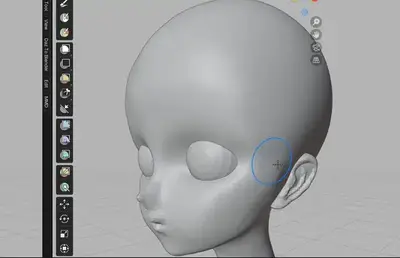
Learn the basics of Blender's Sculpt Mode. Master brush types, usage, and Dynamic Topology to tackle organic modeling for characters and creatures.
How beginners can combine basic primitives to create complex shapes in Blender
Detailed guide on the most frequently used modifiers in Blender: Mirror and Subdivision Surface
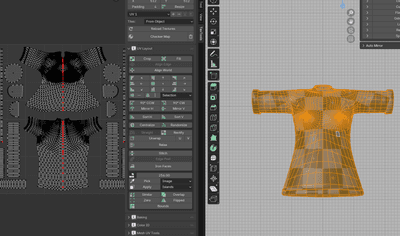
UV unwrapping basics for texturing 3D models. Covers seam placement, unwrapping, and verifying results with checker maps
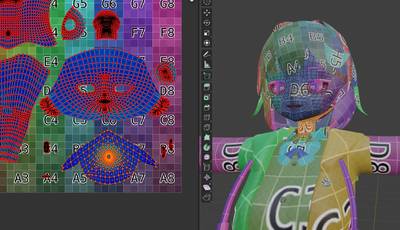
Paint directly on a UV-unwrapped model with Blender's Texture Paint, and create normal and displacement maps with the same tools.
A beginner-friendly explanation of Blender's material system and PBR workflow basics
Learn the fundamentals of animation in Blender. This guide covers keyframe concepts and how to use the Graph Editor to bring life and motion to your 3D creations.
Get started with Blender's Grease Pencil: draw in 3D space, make simple 2D animation, and combine hand-drawn lines with 3D scenes.
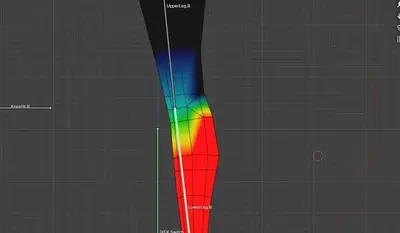
Learn Blender character rigging basics: placing bones, binding the mesh with Armature Deform, and fixing unnatural deformation with weight painting.
Essential knowledge and practical methods for achieving realistic, beautiful lighting in Blender
Understanding the differences between Blender's two rendering engines (Cycles and Eevee) and how to configure them properly
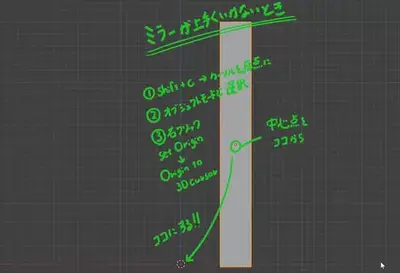
Troubleshooting guide for when the Mirror Modifier doesn't work as expected. Learn how to fix origin position and transform issues.
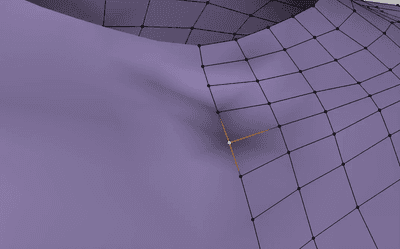
Fix strange shadows and shading artifacts on Blender models by recalculating normals, merging duplicate vertices, and clearing custom normals.
A comprehensive collection of problems Blender beginners actually encounter, with detailed solutions
How to install and manage Blender add-ons, which ones help beginners most, when to use them, and how to troubleshoot common problems.
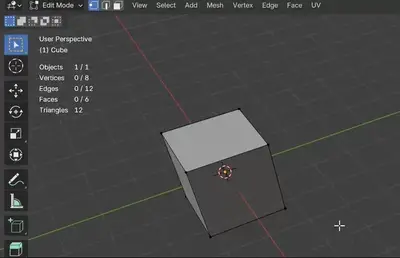
How to display statistics like polygon count and vertex count in the 3D viewport