

Overview
"I just need a speech bubble, but searching asset sites every time is such a hassle..."
"I can never find a bubble with just the right size and color..."
"The tail is pointing the wrong way so I can't use it..."
Sound familiar?

Manga Speech Bubble Maker is a design asset creation app that lets you quickly create the exact speech bubble you need, right when you need it. Free yourself from endlessly searching asset sites.
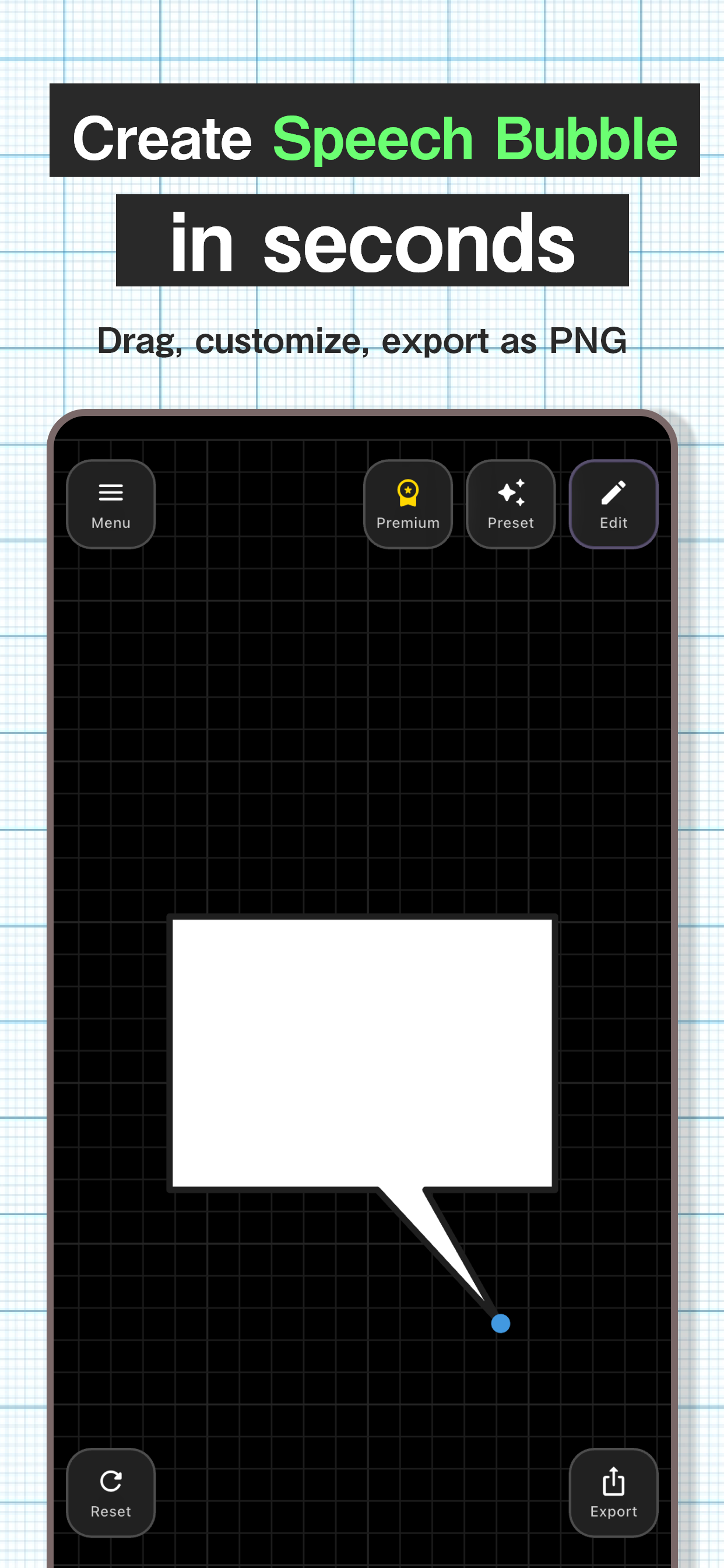
Just drag with your finger to freely position the tail, so you can instantly create bubbles that match your character placement.
Export as transparent PNG for easy editing in your favorite image editing app.
Recommended For
- Those who want to add speech bubbles to manga or illustrations
- Those who want to make SNS posts more stylish
- Those creating their own LINE stickers or emojis
- Those making thumbnails for game streams or YouTube
- Those who want to make presentations and documents clearer
Key Features
Selectable Shapes
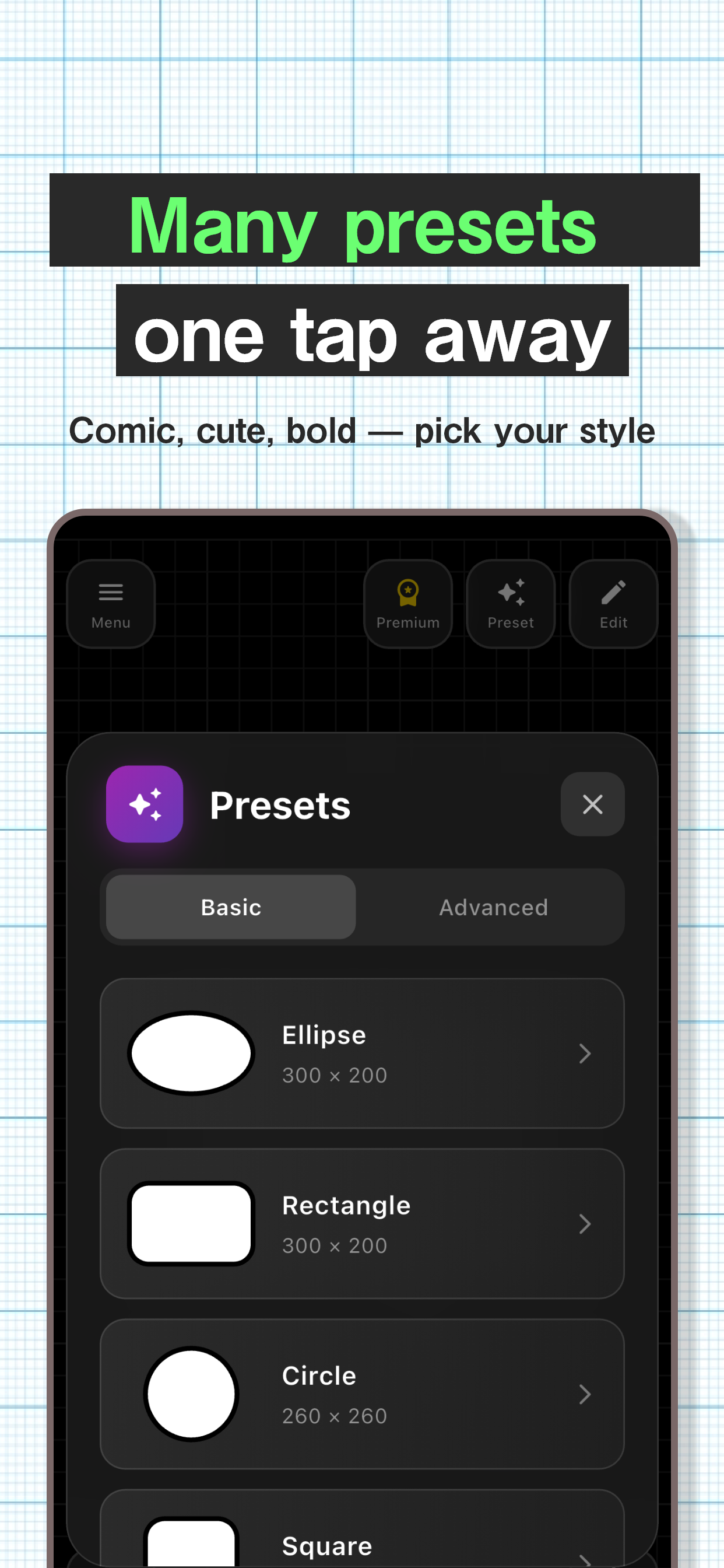
Choose from ellipse, rectangle, cloud, jagged, and more to match your scene. Find the perfect shape for your intended expression - dialogue, inner thoughts, shouts, and more.
Free Customization
Finely adjust size, color, and border thickness. Create speech bubbles exactly as you imagine them.
Flexible Tail Positioning
Just drag with your finger to place the bubble's tail anywhere you want. Position it naturally near your character's mouth.
16 Presets
When in doubt, just choose from presets. Apply various styles with one tap - manga style, cute style, simple, impactful, and more.
Transparent PNG Export
Save as PNG images with transparent backgrounds, so they blend naturally when layered over photos or illustrations. High-resolution export ensures print-quality results.
Easy Sharing
Share created bubbles directly to LINE, Twitter, Instagram, and more. You can also send to your favorite image editing app for further processing.
Easy 3-Step Usage
- Choose a shape or preset
- Adjust color and size to your liking
- Press export button to save/share
Intuitive operation that anyone can master right away.
FAQ
Is this app free to use?
Yes, basic features are free to use. An ad-free plan is also available.
Can created speech bubbles be used commercially?
Yes, you can freely use them for both commercial and non-commercial purposes. No credit attribution required.
Can I save in formats other than transparent PNG?
Currently only transparent PNG format is supported. The transparent background makes it versatile for various uses.
What's the difference between the web and app versions?
Basic features are the same, but the app version works offline and provides a smoother experience.
Can I input text?
This app specializes in creating speech bubble assets. Please use it in combination with other image editing apps for adding text.