 Illustration
Character Color Analyzer
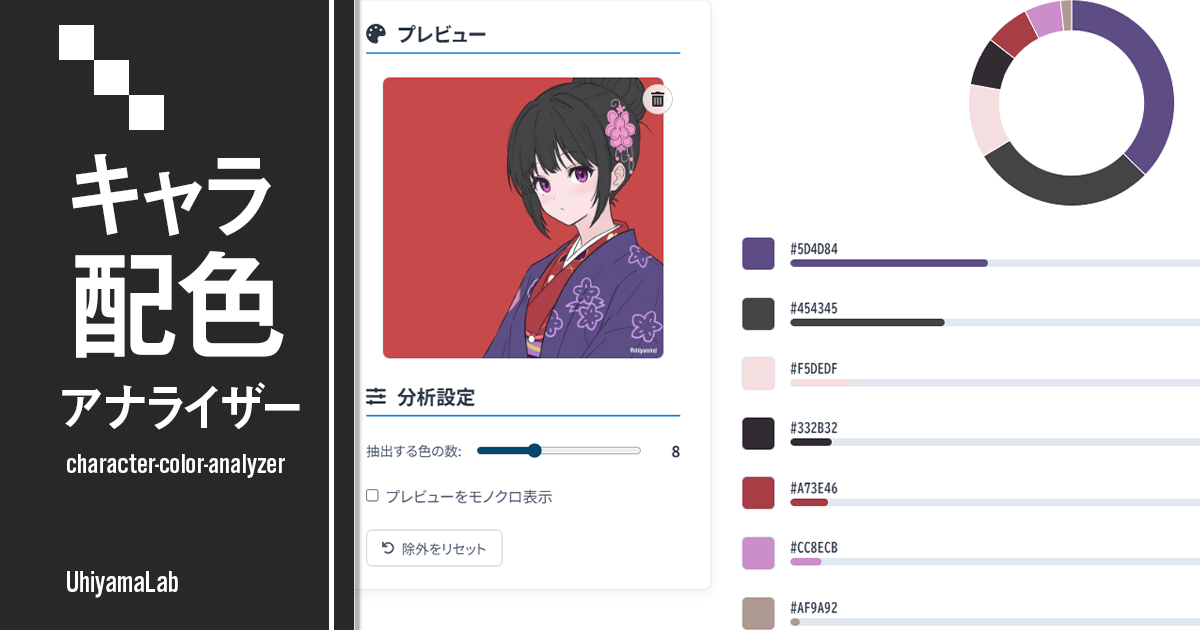
Analyze the color balance of character illustrations locally in your browser. Upload an image to visualize palette balance and study your own work or reference pieces.

A palette assistant focused on character color design. Pick a base color and get seven color schemes based on color theory. Copy HEX codes with one click or save the palettes as an image.
Keeps the hue and adjusts brightness and saturation to match the impression.
Saves the palettes currently shown in the catalog as a single PNG image.
Click any color to copy its HEX code. Swatch widths suggest area roles (Base / Sub / Accent), and the small hue wheel shows how each palette's colors are arranged on the color wheel (the larger dot is the base color).
Variations in brightness and saturation of a single hue. Cohesive, calm, and harmonious.
Adjacent colors on the color wheel. Natural, easy on the eyes, gentle and friendly.
Colors opposite each other on the wheel. Strong contrast that makes each color stand out.
The two colors next to the complement. Keeps vibrancy while softening the harsh contrast.
Three evenly spaced colors. Diverse hues with balanced distribution and a lively feel.
Four colors forming a rectangle on the wheel. Rich and diverse expression.
Four evenly spaced colors. More uniform intensity — dynamic and daring.
Choose the starting color with the color picker, hue slider, or the Surprise Me button. Tone presets tune it toward the character's impression while keeping the hue.
Seven color schemes are generated automatically from your base color. Filter by theme and find the palette that matches your image.
Click any color to copy its HEX code instantly. Save the catalog as one PNG image to keep it beside your canvas.
Character Color Navigator is a free web tool that helps you decide character color schemes. Pick a single base color and it instantly proposes seven color palettes based on color-wheel relationships. All processing happens in your browser — nothing is uploaded.
Analyze the color balance of character illustrations locally in your browser. Upload an image to visualize palette balance and study your own work or reference pieces.
IllustrationAnalyze the color balance of character illustrations locally in your browser. Upload an image to visualize palette balance and study your own work or reference pieces.
 Illustration
Generate a catalog of ten recolor variations of your character illustration. Skin tones and outlines are kept automatically — just tap a candidate like Pastel, Vivid, or Inverted while shading stays intact. Save the recolored image or a before/after sheet.
 Illustration
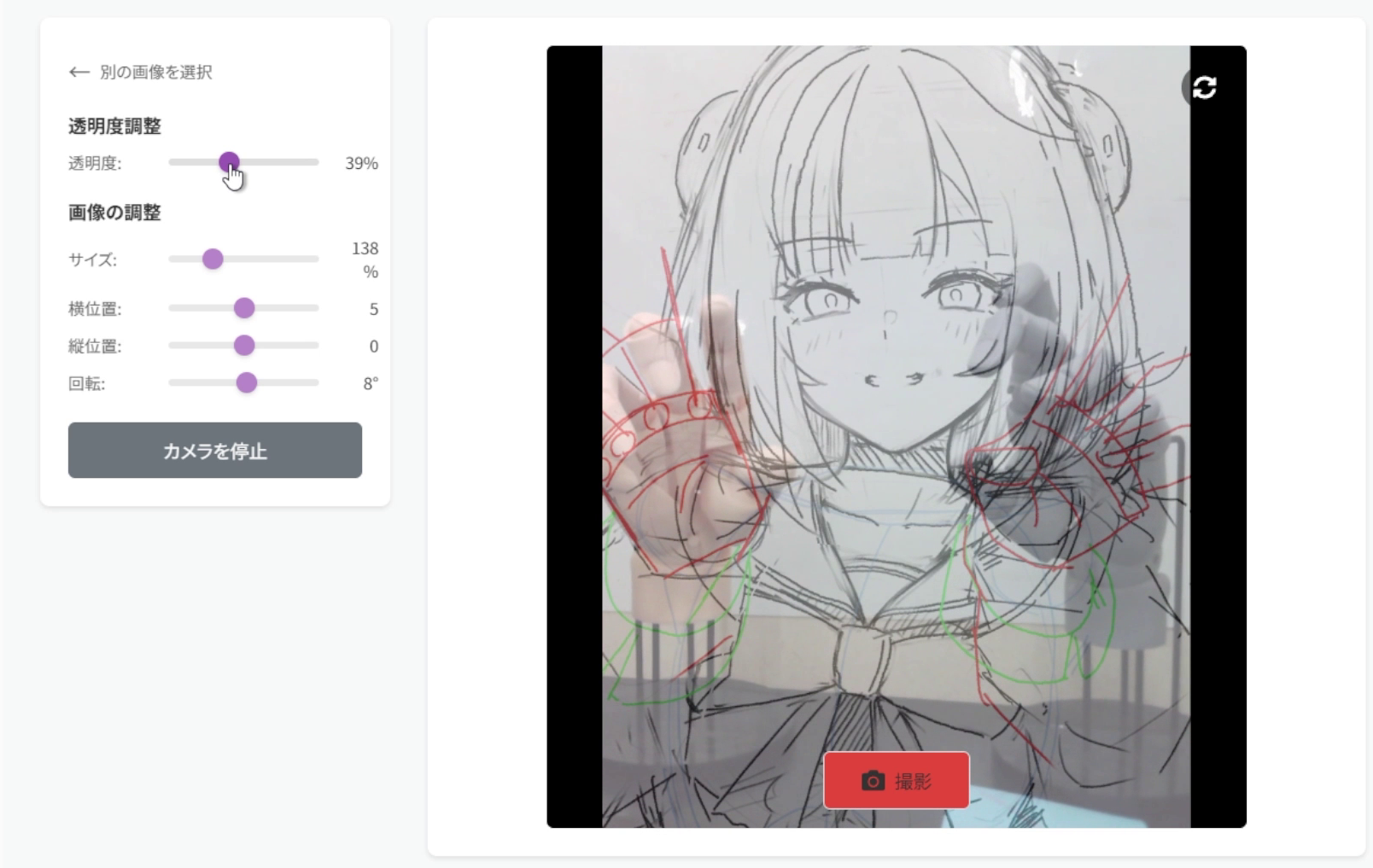
Overlay an illustration like tracing paper and photograph real hand poses as drawing reference. Designed for hand pose studies, with all processing kept on-device.