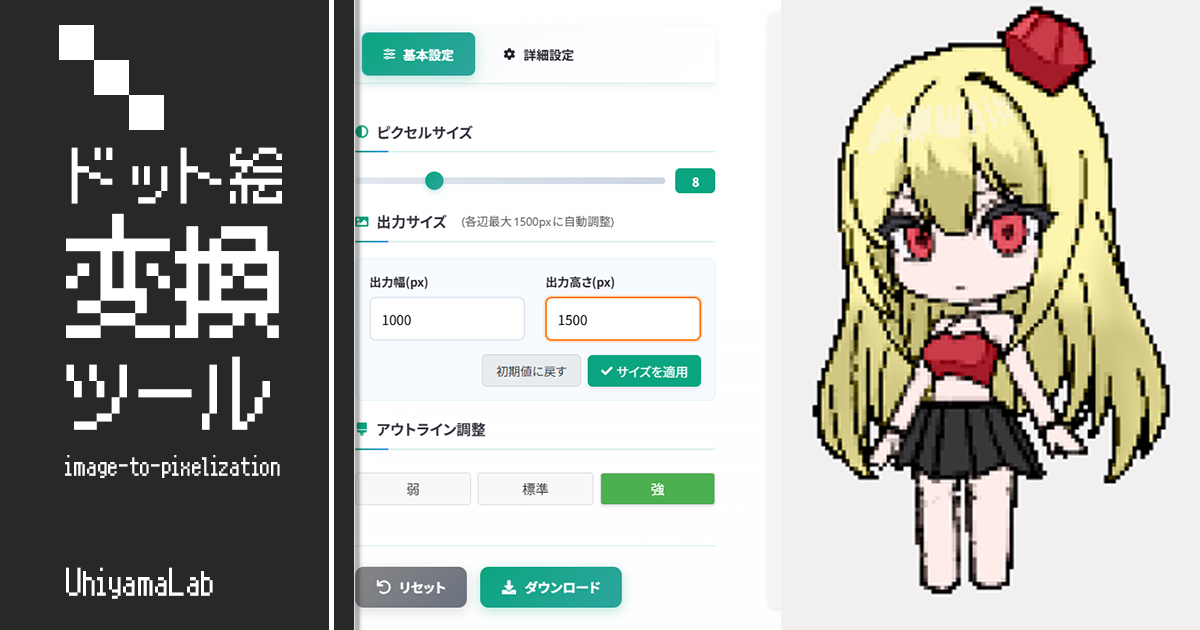
 Visual
Image Pixelizer
A browser-based tool that converts images into pixel art while preserving the original color balance. Everything runs locally in your browser, with adjustable pixel size and outline strength.

Create manga-style focus lines, speed lines, and solid flashes for comics and thumbnails. Drag to move the focal point, tune density and thickness, and download as a transparent PNG. Everything runs locally, free for commercial use.
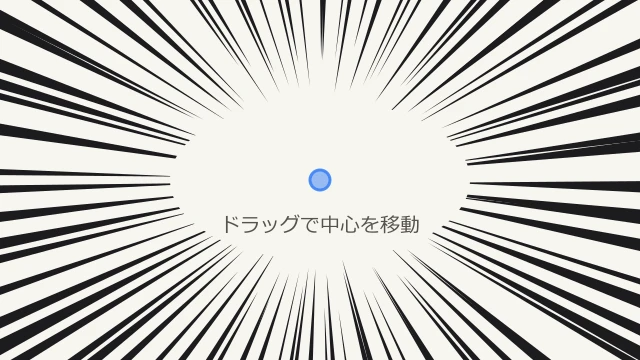
Pick a line type: focus lines, speed lines, or a solid flash.
Drag on the canvas to move the focal point. Adjust density, thickness, and colors in the right panel.
Click "Download PNG" to save a transparent effect-line image.
Choose focus lines, speed lines, or a solid flash. Presets give you a polished starting point in one tap.
Drag on the canvas to move the focal point, then tune density, thickness, variation, and colors. Hit Shuffle for a new random pattern.
Click "Download PNG" to export a high-resolution image with a transparent background, ready to layer over manga panels or thumbnails.
VisualA browser-based tool that converts images into pixel art while preserving the original color balance. Everything runs locally in your browser, with adjustable pixel size and outline strength.
 Visual
Create custom speech bubble images for manga, illustration, and design work. Freely adjust the shape, tail, and line style to match your scene.
 Visual
Extend an arrow in any direction from the center, customize color and border, and download as a transparent PNG. Perfect for presentations, video editing, and design assets.
 Visual
Generate placeholder images for app, website, and game UI design. Customize size, colors, and text to create exactly the sample image you need.
 Visual
Automatically calculate mosaic size from one-hundredth of the long edge. Apply mosaic, blur, or fill effects with rectangle, ellipse, or lasso selections, entirely locally.