 Illustration
Character Color Analyzer
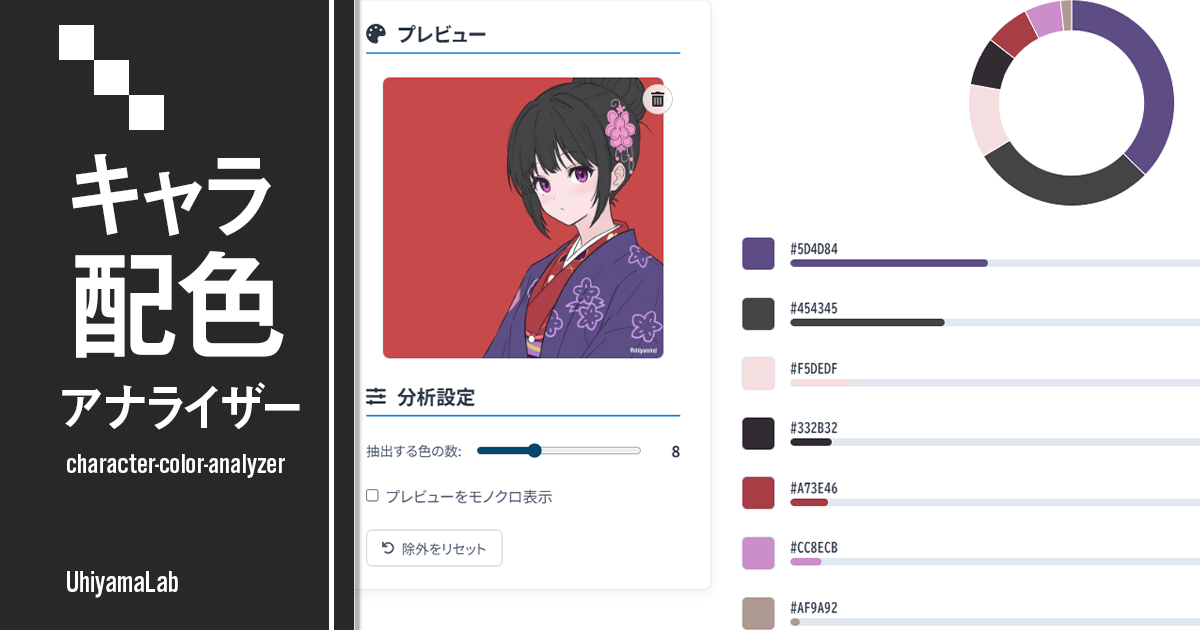
Analyze the color balance of character illustrations locally in your browser. Upload an image to visualize palette balance and study your own work or reference pieces.

Generate a catalog of ten recolor variations of your character illustration. Skin tones and outlines are kept automatically — just tap a candidate like Pastel, Vivid, or Inverted while shading stays intact. Save the recolored image or a before/after sheet.
Drag and drop a file here, or click to choose one
10 recolor variations of your own artwork, side by side
Skin tones and outlines are auto-detected and kept
No color theory knowledge needed
Hue-shift based recoloring keeps gradients and shadows
Download the recolored image or a before/after sheet
Drop or click to upload a character illustration. Skin tones and outlines are detected and kept automatically. Everything stays in your browser.
Ten recolor variations of your artwork appear as a catalog — pastel, vivid, inverted and more. Tap one to see it large, and shuffle for ten new ideas.
Toggle which colors are kept at any time — the chosen scheme stays put. Save the recolored image or a before/after sheet as a PNG.
This tool is for illustrators who want to see their character in different color schemes without any color-theory knowledge. Upload an illustration and it generates a catalog of ten recolor variations of your actual artwork — skin tones and outlines are auto-detected and kept unchanged by default. Recoloring is applied as a per-cluster hue/saturation/value transformation rather than flat fills, so gradients and shadows are preserved. Because every candidate is generated from a random seed, toggling which colors are kept never scrambles the scheme you picked. All processing is completed locally in the browser, and uploaded images are never sent to a server.
Analyze the color balance of character illustrations locally in your browser. Upload an image to visualize palette balance and study your own work or reference pieces.
IllustrationAnalyze the color balance of character illustrations locally in your browser. Upload an image to visualize palette balance and study your own work or reference pieces.
 Illustration
A palette assistant focused on character color design. Pick a base color and get seven color schemes based on color theory. Copy HEX codes with one click or save the palettes as an image.
 Illustration
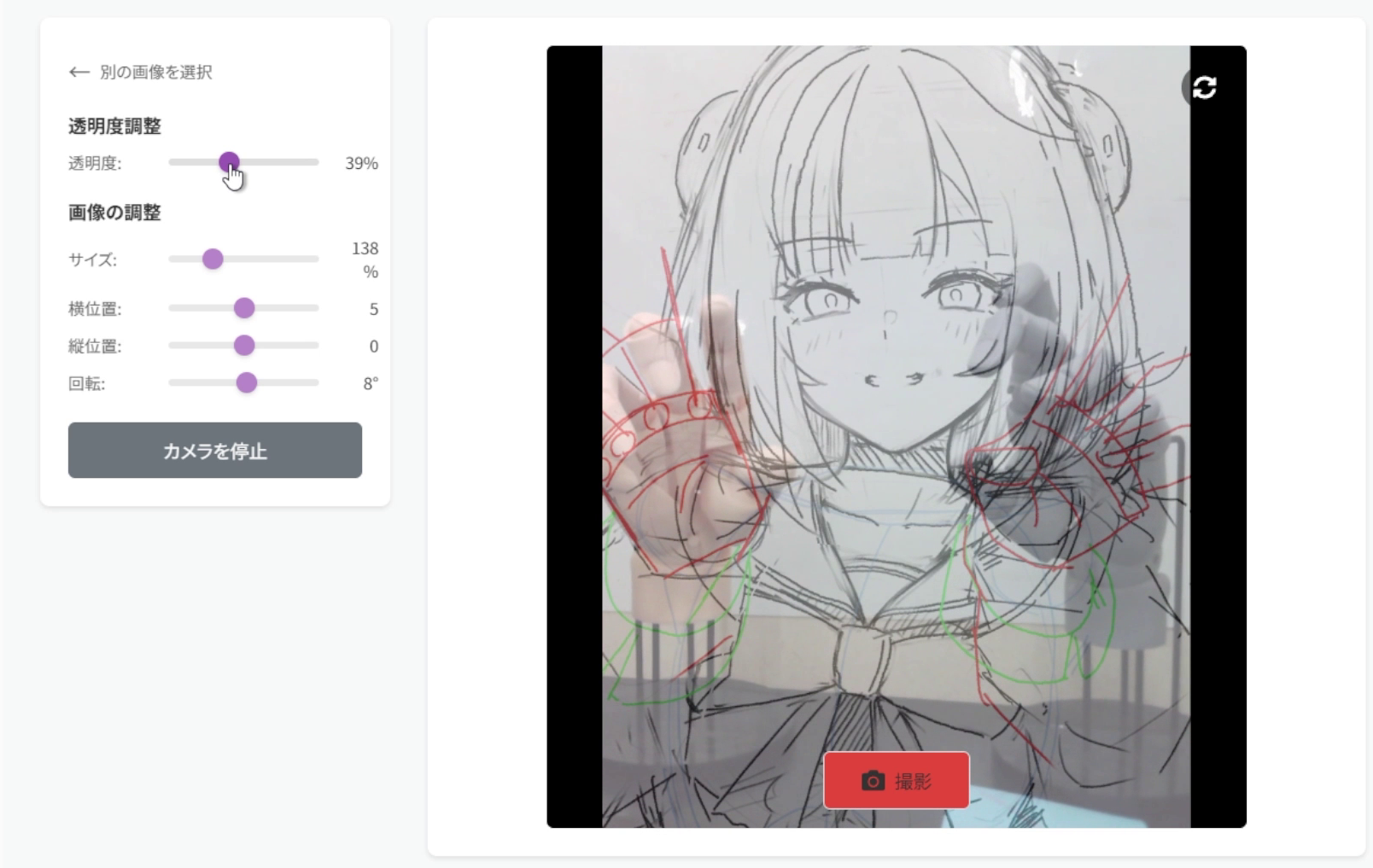
Overlay an illustration like tracing paper and photograph real hand poses as drawing reference. Designed for hand pose studies, with all processing kept on-device.