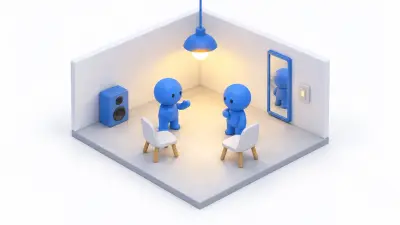
 01
01How to Start Building VRChat Worlds: Six Steps to Grow One Small Room
A VRChat world learning path: start with a 6m floor and add light, sound, gimmicks, sync, and publishing, with one-day to one-month plans.
Build VRChat worlds with UdonSharp, from setup to interactive gimmicks, networking, and publishing. All 63 articles are grouped by category and ordered from the basics.
01A VRChat world learning path: start with a 6m floor and add light, sound, gimmicks, sync, and publishing, with one-day to one-month plans.
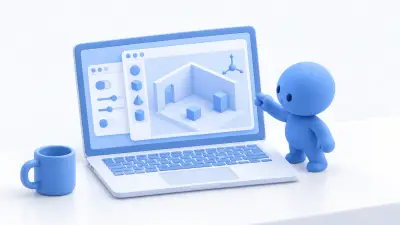 02
02Create a VRChat Worlds project with ALCOM or VCC and open the SDK panel in Unity, including save locations and the slow first launch.
 03
03The four Unity windows you need for VRChat worlds, Hierarchy, Scene, Inspector, and Project, and placing, moving, and saving your first Cube.
 01
01Place a floor, VRCWorld, spawn point, and Respawn Height, walk around in ClientSim, then enter VRChat with Build & Test.
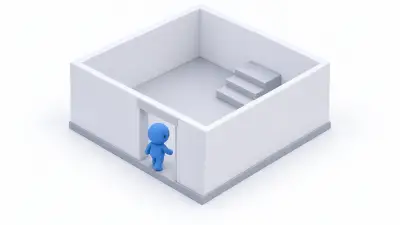 02
02Block out walls, a 1.6m doorway, and stairs from Cubes in Unity, with dimensions that feel right in VR and stairs players won't snag on.
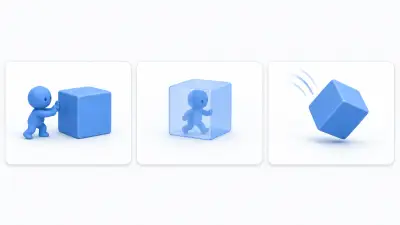 03
03Turn three Cubes into a wall, a pass-through decoration, and a falling box by toggling Collider, Is Trigger, and Rigidbody in a VRChat world.
 04
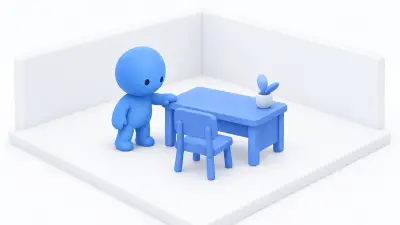
04Getting furniture from Booth into your world. How to import a unitypackage, fix models that come in giant or tiny, add collision, and get rid of the pink.
 05
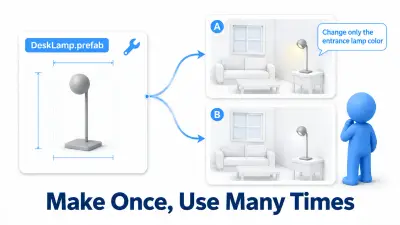
05Reuse parts with Unity Prefabs in VRChat worlds: change one copy or all of them, Override, Apply, and Revert, and shared material pitfalls.
 06
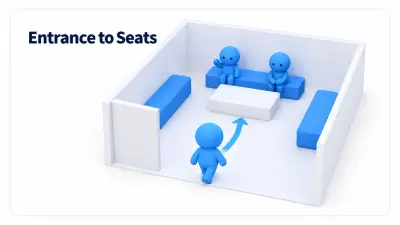
06Arrange spawn direction, partitions, and seating so first-time visitors find a seat in your VRChat world, and how layout changes conversation.
 01
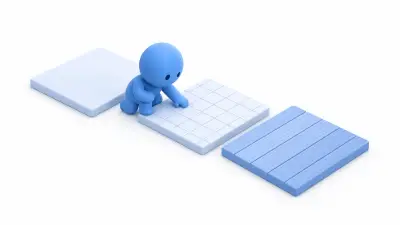
01How Shader, Material, and Texture fit together, applying a tile texture to a floor, setting Tiling from real size, and fixing pink materials.
 02
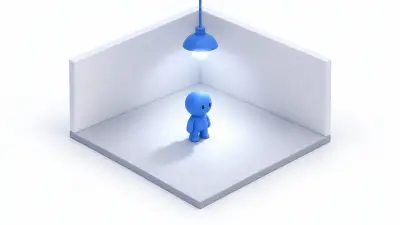
02Bake a Point Light into a small VRChat room: Realtime vs Baked vs Mixed, Contribute GI, Generate Lighting, and why it turns dark after baking.
 03
03Why moving objects look dark in a baked VRChat world, and how to fix it by placing Light Probes and adding a Reflection Probe for metal.
 04
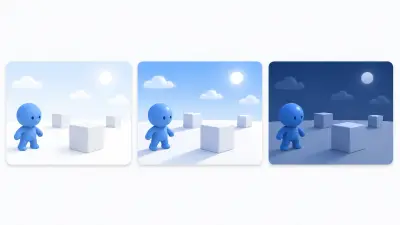
04Change a VRChat world's sky with a Skybox and blur the distance with Fog, and see why the sky changes room brightness and fog color.
 05
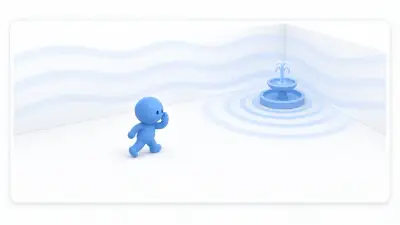
05Set up BGM that plays evenly and ambient sound that grows as you approach in a VRChat world, with falloff distances and volumes that don't drown out talk.
 06
06Make a column of rising light motes with a Particle System in VRChat, and see why screen area, not particle count, drives the cost.
 07
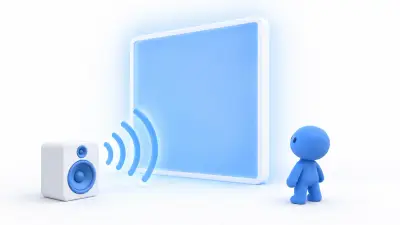
07Install AudioLink and make a wall panel glow with the bass of your VRChat world's music, using a supported shader for the quickest setup.
 08
08Make a VRChat world render faster by adjusting mirrors, realtime shadows, and LOD one at a time and watching the Stats panel.
 01
01UdonSharp lets you script VRChat worlds in C#. See what SDK components can do on their own, where code becomes necessary, where it runs, and common misconceptions.
 02
02UdonSharp ships with the VRChat Worlds SDK, so there is nothing extra to install. Write your first U# Script and make a cube that changes color when used.
 03
03Variables, if, for, and functions for programming beginners, used in one UdonSharp button that counts presses and cycles three light colors.
 04
04Values versus references in UdonSharp, shown by toggling a light from the Inspector, plus why code edits don't update it and fixing None references.
 05
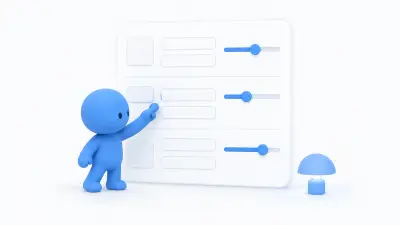
05Organize UdonSharp Inspector fields with SerializeField, Header, Tooltip, and Range, and learn why Range doesn't limit values set from code.
 06
06See when Start, Update, and Interact run in UdonSharp with a rotating display and a stop button, plus why you need Time.deltaTime.
 07
07The difference between Interact and Input Events in UdonSharp, checked with logs, plus interaction distance, Colliders, and VR versus desktop.
 08
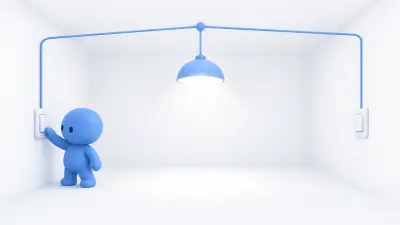
08Control one light from two buttons in UdonSharp by keeping the logic on the light, and choose between typed references and SendCustomEvent.
 09
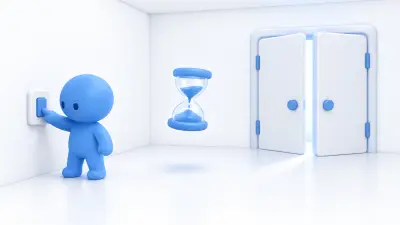
09Run logic three seconds after a button press with SendCustomEventDelayedSeconds, why it beats counting in Update, and handling repeated presses.
 10
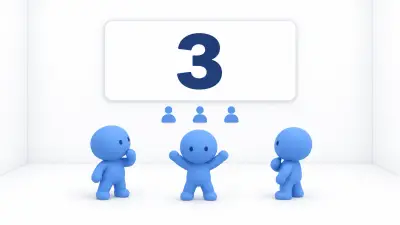
10Count players with OnPlayerJoined and OnPlayerLeft and show it on a board, including why joins fire for everyone already in the world.
 11
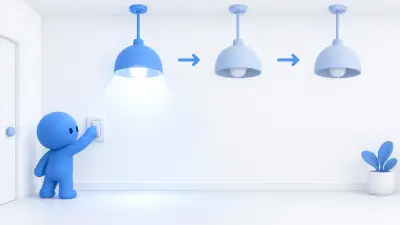
11Cycle three lights with one UdonSharp array, and learn why indices start at 0, how to stay in range, and what unset Inspector elements break.
 12
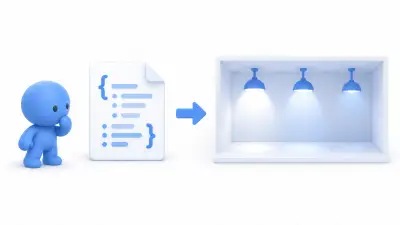
12Load light settings from JSON into VRChat DataList and DataDictionary, look values up by name, and check types as you read them.
 13
13When ordinary C# doesn't work, telling your own bug from an Udon limitation. Hands-on with the four limits you'll hit most and the DataList alternative.
 01
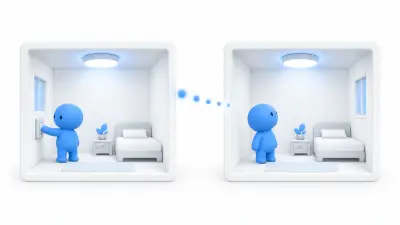
01Sync a light switch for everyone with UdonSynced and RequestSerialization, test it with two players and a late joiner, and see how ownership works.
 02
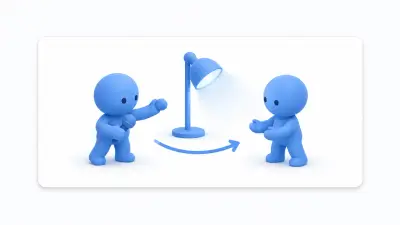
02How VRChat object ownership works: one owner per object, how it differs from Master, when it transfers, and what happens when the owner leaves.
 03
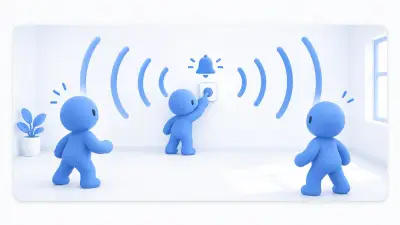
03Ring a chime for everyone with UdonSharp network events, choose between events and synced variables, and handle late joiners and rapid presses.
 04
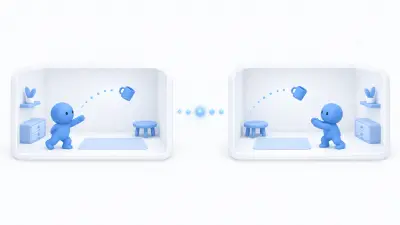
04Share a thrown prop's position with everyone using VRC Object Sync, and why states like a light being on still need separate syncing.
 05
05Saving a BGM volume slider to PlayerData and restoring it next visit. Hands-on with why reading before restoration wipes your save, and how to avoid it.
 06
06Give each visitor their own object with VRCPlayerObject, save it with VRCEnablePersistence, and find your own copy from UdonSharp.
 01
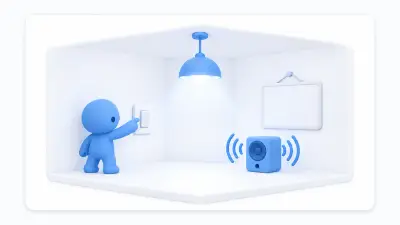
01Switch a light, music, and a sign together from one bool in UdonSharp, and set the initial state in Start so everything starts in sync.
 02
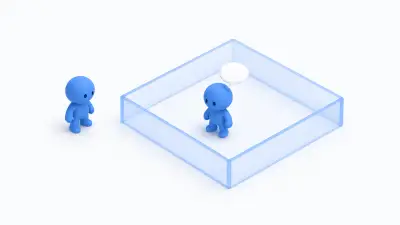
02Detect players entering a Box Collider trigger in VRChat and show a sign only to them, using isLocal and fixing missed detections.
 03
03Build a button teleporter in UdonSharp with TeleportTo, set the landing point and facing with an empty Transform, and stop leftover falling speed.
 04
04Link to another VRChat world with VRC Portal Marker, and use TeleportTo instead when you need to move players within the same world.
 05
05Respawn players who fall back to their last checkpoint in a VRChat world, with height checks, velocity resets, and when the standard respawn is enough.
 06
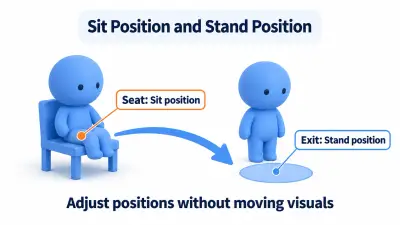
06Place a chair players can sit in with VRC Station, then adjust the seat position and where players stand up and exit.
 07
07Build a holdable flashlight with Rigidbody, Collider, and VRC Pickup, light it with Use, and fix props that fly off or sink into the floor.
 08
08Placing the SDK's mirror and making it toggleable with a button. Covers why mirrors are expensive, narrowing the reflected layers, and keeping it off by default.
 09
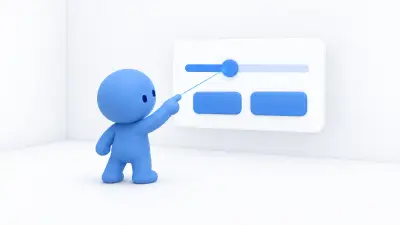
09Build a settings panel with buttons and a slider on a World Space Canvas that calls Udon, and fix UI that won't respond in VRChat.
 10
10Open a door with an Animator and Udon: put the pivot at the edge, switch poses with SetBool, and uncheck Has Exit Time.
 11
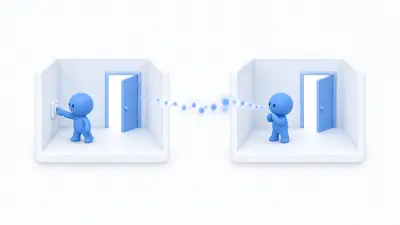
11Sync a button-operated door for everyone in VRChat by syncing a bool instead of the Animator, including late joiners and ownership.
 12
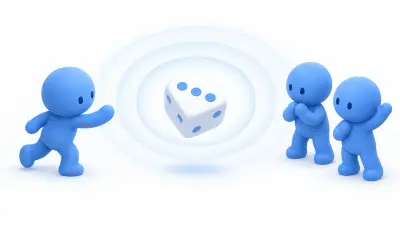
12Build a die that shows the same face for everyone in VRChat by having the owner roll once and sync the result, instead of rolling on each client.
 13
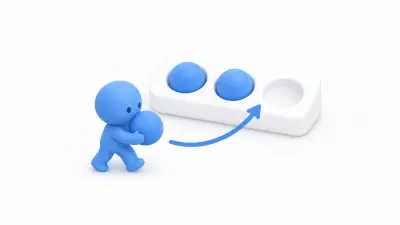
13Lend out and return three pre-placed balls with VRCObjectPool instead of spawning objects, handle an empty pool, and reset positions.
 14
14Playing video on a screen so late arrivals see the same moment. Covers syncing only the URL and start time, and why you align the position after loading finishes.
 15
15Show text from the web on a VRChat notice board with String Loading, and keep the previous notice when a download fails.
 16
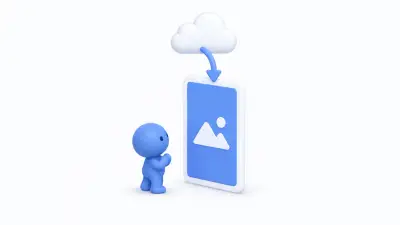
16Displaying a web image on a world panel. Covers why the downloader lives in a field, how to handle Dispose, and building it so the previous image survives a failure.
 01
01Find why an UdonSharp button does nothing with Debug.Log and the Console, and when to test in ClientSim, Build & Test, or the real client.
 02
02Before optimizing, split heaviness into four kinds and measure. Covers when to use Stats, the Profiler, the Frame Debugger, and build size, plus how to keep records.
 03
03Replacing every-frame logic with events to cut Udon's load. Also covers caching lookup results and reducing how often you send synchronization, measured as you go.
 04
04Ten common VRChat world problems by symptom, from can't grab and pink materials to sync and upload failures, with causes and fixes.
 05
05Confirming that settled props are asleep and eliminating what keeps them awake. Covers cutting collision pairs with layers, and why to avoid Mesh Colliders.
 01
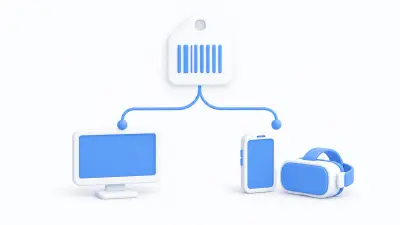
01Publish Android builds for Quest and phones under the same Blueprint ID, set per-platform textures, and see what to cut first.
 02
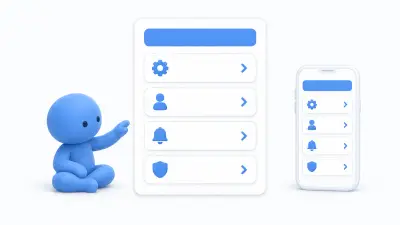
02Make a VRChat settings panel usable seated, one-handed, and on phones by adjusting text size, button spacing, and volume steps.
 03
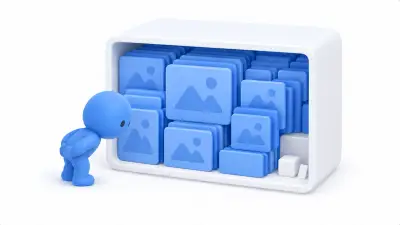
03Shrink a slow-loading VRChat world by lowering texture Max Size and using Crunch compression, with before-and-after numbers.
 04
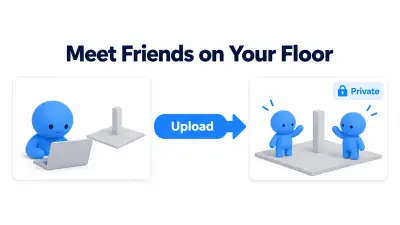
04Upload a VRChat world as Private, then update the same Blueprint ID, with Build & Test vs Build & Publish and fixing updates that don't appear.
 05
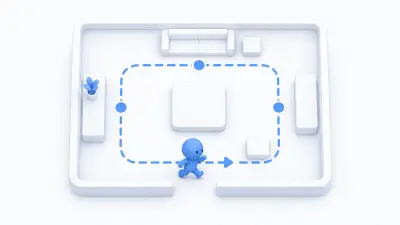
05Ten things to check before release, walked through for real. Spawn point, falling, collision, mirrors, volume, devices, size — the things builders miss, in order.
 06
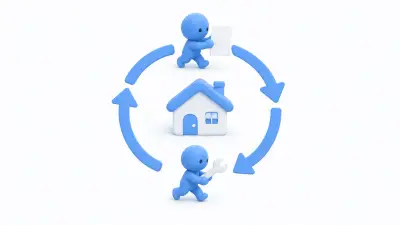
06Keep improving a VRChat world after release: add contact info and a changelog, collect reports, update safely, and read the numbers.