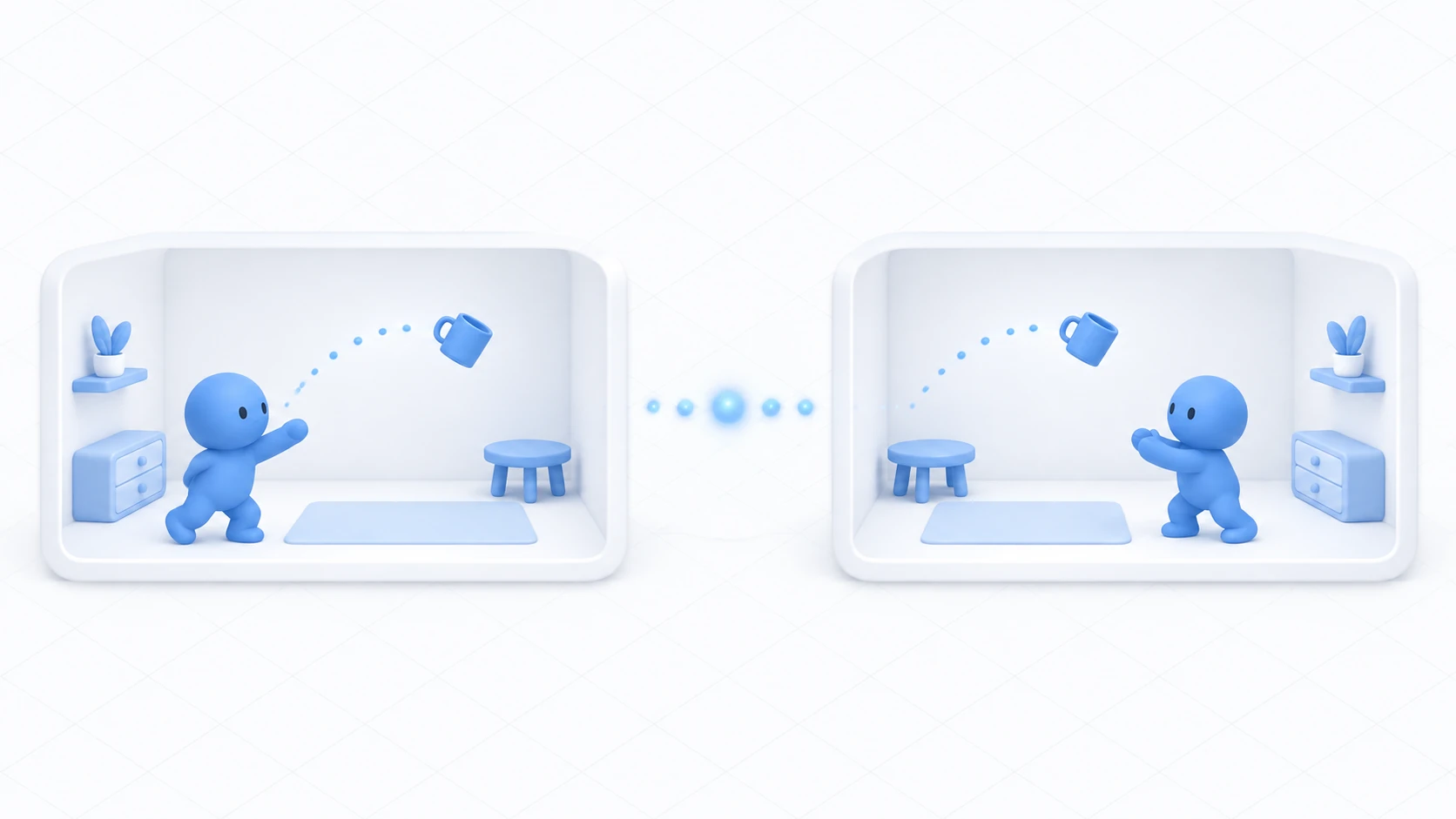
Synced variables let you share a door's state. But some things don't fit into a variable.
"Ring the chime now." "Launch the fireworks now." Things that only need to happen in that moment, with nothing left behind.
That's what Network Events are for. This article builds a chime that rings for everyone when pressed.

What You'll Learn
- When to use "state that persists" versus "a cue in the moment"
- The three targets (All / Others / Owner)
- That late joiners don't receive it
- How to handle rapid presses
Start from having tried networking basics.
Variables are a blackboard, events are shouts
The analogy from the networking introduction works here too.
A synced variable is a blackboard. Write on it and someone arriving later can read it. That's why it suits state like "is it open right now."
A Network Event is a shout. It reaches everyone present, and the voice doesn't linger. It doesn't reach anyone arriving later.

The distinction comes down to one question.
Should someone arriving later know about this?
| What you want to convey | Yes / no | What to use |
|---|---|---|
| Whether the door is open | Yes | Synced variable |
| Whether the light is on | Yes | Synced variable |
| A game's score | Yes | Synced variable |
| The chime ringing now | No | Network Event |
| The firework going up now | No | Network Event |
| The buzzer for someone's correct answer | No | Network Event |
Think "there's no need to replay a past sound effect" and events are enough. Conversely, conveying a door's state with events alone leaves it closed on a late joiner's screen.
Hands-On: Ring a chime for everyone
Press a button and a chime rings on the screen of everyone present.
1. Place the button and the sound
Place two things in a scene with a floor.
| Name | How to make it, and settings |
|---|---|
ChimeButton | Cube. (0, 1, 1), Scale (0.4, 0.4, 0.4) |
ChimeSource | Create Empty with an Audio Source added. (0, 2, 0) |

Put a short sound effect in ChimeSource's Audio Source and turn Play On Awake off and Loop off. It rings from a button, so it shouldn't ring on its own.
Setting Spatial Blend to 0 (2D) makes it the same volume wherever you are in the room.
2. Write the code
In Assets/Scripts, choose "Create → U# Script" and make ChimeBell.
using UdonSharp;
using UnityEngine;
using VRC.SDKBase;
using VRC.Udon.Common.Interfaces;

[UdonBehaviourSyncMode(BehaviourSyncMode.Manual)]
public class ChimeBell : UdonSharpBehaviour
{
    [SerializeField] private AudioSource chime;
    [SerializeField] private float cooldownSeconds = 1f;

    private float nextAllowedTime;

    public override void Interact()
    {
        // Block rapid presses
        if (Time.time < nextAllowedTime) return;
        nextAllowedTime = Time.time + cooldownSeconds;

        // Have everyone present (including me) run PlayChime
        SendCustomNetworkEvent(NetworkEventTarget.All, nameof(PlayChime));
    }

    // Methods called from the network need NetworkCallable
    [NetworkCallable]
    public void PlayChime()
    {
        if (chime != null) chime.Play();
        Debug.Log("[ChimeBell] rang");
    }
}
Three points.
[NetworkCallable] is required. Without it, it can't be called across the network. And there's no error — nothing simply happens, which makes the cause hard to spot.
NetworkEventTarget.All includes you. Calling PlayChime() yourself as well, just in case, plays the sound twice. Sending is enough.
nameof() is used. Writing a method name as a string means it silently stops working when you rename it later.
[UdonBehaviourSyncMode(BehaviourSyncMode.Manual)] is attached because network events can't be sent with sync mode None. Even without synced variables, this specification is required.
3. Assign it and confirm
Add a Udon Behaviour to ChimeButton and set ChimeBell. Drag ChimeSource into Chime and set Interaction Text to Ring the chime.
Check with Build & Test and Number of Clients set to 2.
| Order | Action | Expected result |
|---|---|---|
| 1 | A presses | The sound plays on both A's and B's screens |
| 2 | A presses rapidly | It rings once per second |
| 3 | B re-enters | Nothing rings (past sounds don't arrive) |
The third is the nature of events itself. A shout doesn't linger.
Choosing the target
NetworkEventTarget offers three choices.

| Target | Who runs it | Where it fits |
|---|---|---|
All | Everyone including you | Chimes, fireworks, buzzers |
Others | Everyone but you | When you want to play yours locally first |
Owner | That object's owner | When you're asking the owner to do something |
Situations for Others are limited: when you want your own to play instantly, without waiting for a network round trip. In that case, you call your own.
Owner gets used differently. Because of the constraint that only the owner can write synced variables, someone other than the owner who wants to change state asks the owner to.
// Ask the owner to add to the score
SendCustomNetworkEvent(NetworkEventTarget.Owner, nameof(AddScore));
For logic where losing an update matters, like adding to a score, having the owner alone accept and process it is more dependable than everyone writing freely. For ownership, see understanding ownership.
Common Pitfalls
- Only you hear it → You're calling the method directly instead of
SendCustomNetworkEvent - Nobody hears it → Check that
[NetworkCallable]is attached and the method ispublic - The sound plays twice → You sent to
Alland also called the method yourself - A sync mode error appears → Network events can't be sent with
BehaviourSyncMode.None. UseManual - Ringing from a UI button only affects you → The button's On Click connects to the sending method. Connecting it directly to the receiving method runs it only for the presser
Bonus: Good to Know Up Front
- Handle rapid presses: Sending a flood of events in a short time congests the connection and affects other synchronization. Blocking by elapsed time since the last one is the easy route

- Arguments can be passed: Network events can carry values. There are limits on count and type, though, so complex data is more dependable held in synced variables
- Combine with state: "Open the door" as a synced variable and "the opening sound" as an event is the practical combination. Split by role
- Delivery isn't guaranteed: Depending on network conditions, an event may not arrive. Fine for sound effects, but avoid relying on events alone for anything that drives progression
- It's useful all over: A quiz's correct-answer buzzer, an event venue's start signal, a game's start countdown, an applause effect. All "just in the moment" logic
Summary
Network Events are a mechanism for having everyone present run some logic.
- State that persists is a synced variable; a cue in the moment is an event
- Send a
publicmethod marked[NetworkCallable], specified withnameof Allincludes you. Calling it yourself too doubles it- It doesn't reach late joiners
The question to ask before using one is: "Should someone arriving later know about this?" No means an event.
To share a held object's position, go to VRC Object Sync. To keep a setting until next time, go to saving volume with PlayerData.