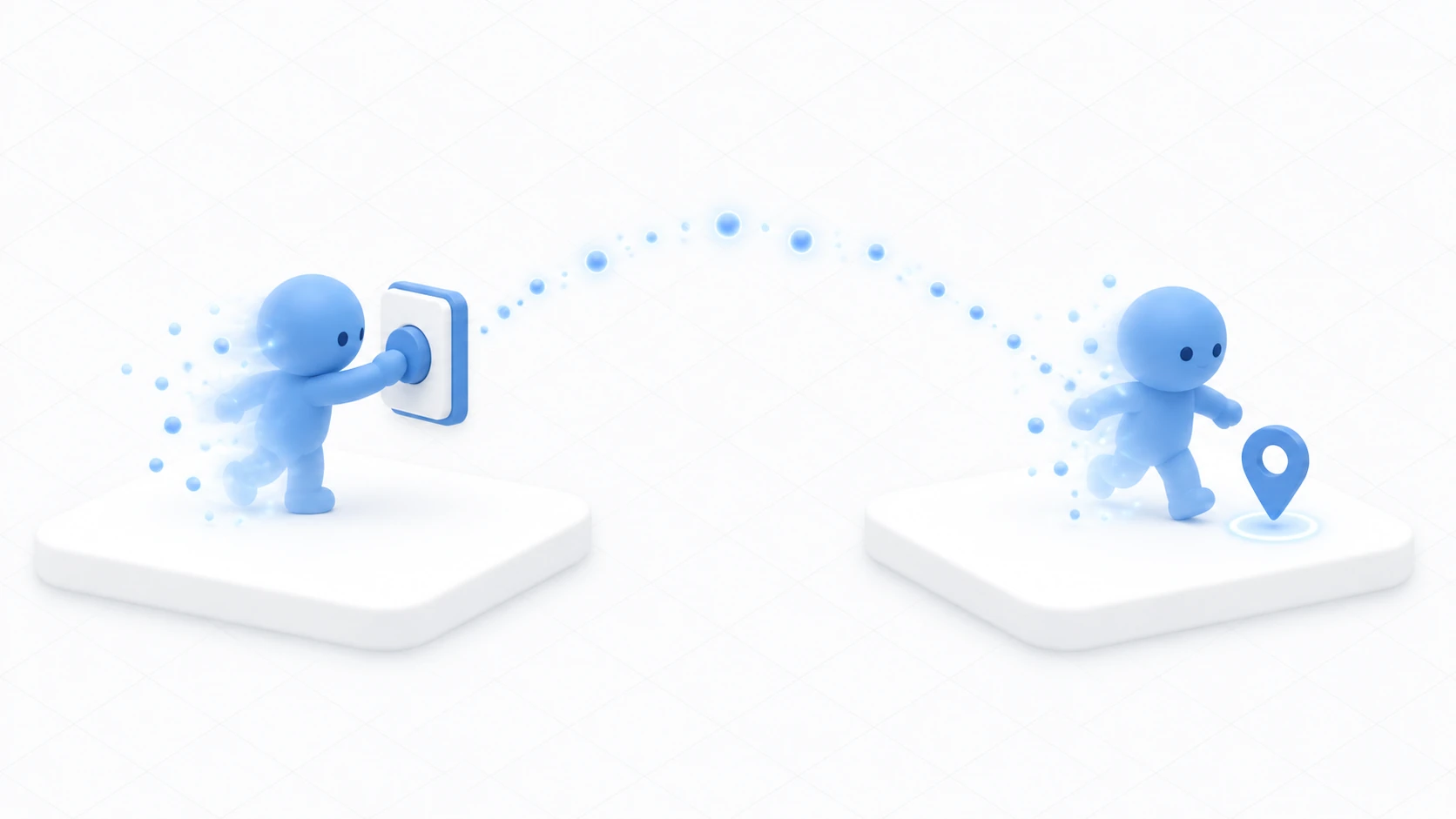
"Show a sign when someone enters this room." "Play a sound when they start crossing the bridge." Wanting to detect entry into an area comes up often.
VRChat has dedicated events for it. Written as-is, though, you react on your own screen when other people enter too.
This article builds up to showing a sign only to the person who entered.

What You'll Learn
- Whose PC trigger events fire on
- Why the
isLocalcheck is necessary- How to build a detection volume
- Where detection slips through, and what to do
Start from having tried variables and references.
Triggers fire on everyone's PC
OnPlayerTriggerEnter(VRCPlayerApi player) fires when someone enters the detection volume.

The important part is that it fires on the PC of everyone in the instance. The player argument is "the person who entered."
When A enters the area, OnPlayerTriggerEnter(A) runs on A's client, on B's client, and on C's client.
So writing code that just shows a sign means B's screen also says "you entered the area."

The isLocal check prevents that.
public override void OnPlayerTriggerEnter(VRCPlayerApi player)
{
    if (!player.isLocal) return;   // Do nothing if the person who entered isn't me
    // From here down runs only when I entered
}
player.isLocal returns whether that player owns the PC currently running this code. It's true for you.

"Someone entered" reaches everyone; you pick out what concerns you. That's the basic shape of VRChat triggers.
There are also cases where you're better off without isLocal. "When anyone enters, light a lamp on everyone's screen" needs no check. Decide by what you want to happen.
Hands-On: Show a sign only to whoever entered
Put an invisible detection volume in one corner of the floor and show a sign only to whoever enters it.
1. Build the detection volume
Create WelcomeZone with "Create Empty" and put it at (0, 1, 2).
Add a Box Collider via "Add Component" and set this.
| Field | Setting |
|---|---|
| Is Trigger | On (this is mandatory) |
| Size | (3, 2, 3) |
| Center | (0, 0, 0) |
Don't forget to turn Is Trigger on. Left off, it becomes a wall and detects nothing.
No Rigidbody is needed. Detecting players takes a Collider and Udon.
The green box is visible in the Scene view, so check which part of the floor it covers.
2. Build the sign to show
Create WelcomeSign as a "3D Object → Cube" at (0, 2, 2.8), Scale (1.5, 0.6, 0.05).
Once made, uncheck the box at the top left of the Inspector to disable it. We start from invisible.
3. Write the code
In Assets/Scripts, choose "Create → U# Script" and make WelcomeZoneTrigger.
using UdonSharp;
using UnityEngine;
using VRC.SDKBase;

[UdonBehaviourSyncMode(BehaviourSyncMode.None)]
public class WelcomeZoneTrigger : UdonSharpBehaviour
{
    [SerializeField] private GameObject signObject;

    private void Start()
    {
        if (signObject != null) signObject.SetActive(false);
    }

    public override void OnPlayerTriggerEnter(VRCPlayerApi player)
    {
        if (!player.isLocal) return;   // Ignore if the person who entered isn't me

        if (signObject != null) signObject.SetActive(true);
        Debug.Log("[WelcomeZone] entered");
    }

    public override void OnPlayerTriggerExit(VRCPlayerApi player)
    {
        if (!player.isLocal) return;

        if (signObject != null) signObject.SetActive(false);
        Debug.Log("[WelcomeZone] exited");
    }
}
Start() reliably hides it, guarding against the accident of building with it left enabled in the Inspector.
The Enter and Exit pairing matters too. Think of entering and leaving as one set. Write only one and the display stays after you leave.
4. Assign it and confirm
Add a Udon Behaviour to WelcomeZone and set WelcomeZoneTrigger. Drag WelcomeSign into Sign Object.
Press Play and walk around.
| Action | Expected result |
|---|---|
| Walk outside the volume | The sign is invisible |
| Enter the volume | The sign appears. Console shows entered |
| Leave the volume | The sign disappears. exited |
| Stand still inside | No repeated logs |
Confirm that last row too. Enter fires exactly once, on entry. It isn't called repeatedly while you're inside.
5. Remove isLocal and compare
If you have time, comment out the if (!player.isLocal) return; line temporarily and try it with two people via Build & Test.
When one enters, the sign appears on the other's screen too. That's the reason for isLocal. Put it back once you've seen it.
Detection can slip through
Triggers aren't universal. Detection can fail in these cases.

- Teleporting over the volume: The path in between isn't traversed, so neither Enter nor Exit fires
- Passing through very fast: Crossing the volume within one frame can miss the check
Two responses.
First, make the volume thicker. For detection across a corridor, give it depth along the direction of travel. Thin, panel-like volumes slip easily.
Second, combine it with another method. For fall detection, there's also the option of watching height rather than relying on triggers alone (covered in fall recovery and checkpoints).
One more: entering by teleport can leave only Exit unfired. To avoid a "entered and can never leave" state, make sure you can also confirm leaving the volume by another route.
Common Pitfalls
- Nothing responds → Check that Is Trigger is on for the Collider, and that Udon is on the same object
- It reacts when other people enter → The
isLocalcheck is missing - The display stays after leaving → You haven't written
OnPlayerTriggerExit, or it needs theisLocalcheck too - The volume isn't visible → Check that Gizmos are on in the Scene view. The green box disappears during Play
Bonus: Good to Know Up Front
OnPlayerTriggerStayis expensive: It fires every frame while someone is inside. Keep the body light if you use it. Enter and Exit are enough in most cases- Object triggers are separate events: To detect objects rather than players, use
OnTriggerEnter(Collider other). That one is standard Unity - You can place several volumes: One detection volume per room lets you track which room someone is in. Useful for switching BGM
- This is local logic: To show the sign to everyone, you need the synchronization mechanism. Covered in networking basics
- It's useful all over: Per-room guidance in social worlds, switches in escape games, checkpoints in obstacle courses, artwork captions in exhibition worlds. All built the same way
Summary
Triggers tell you that someone entered a volume.
- The event fires on everyone's PC. The argument is "the person who entered"
- To react only for yourself, filter with
isLocal - Is Trigger on the Collider; no Rigidbody needed
- Teleports and fast movement can slip through
The question to ask before writing is: "Is this reaction for the person who entered, or for everyone?" For the person alone, add isLocal.
Next, send them from the place you detected to somewhere else. Go to building a teleporter, or for a mechanism that returns people who fall, fall recovery and checkpoints is the entry point.