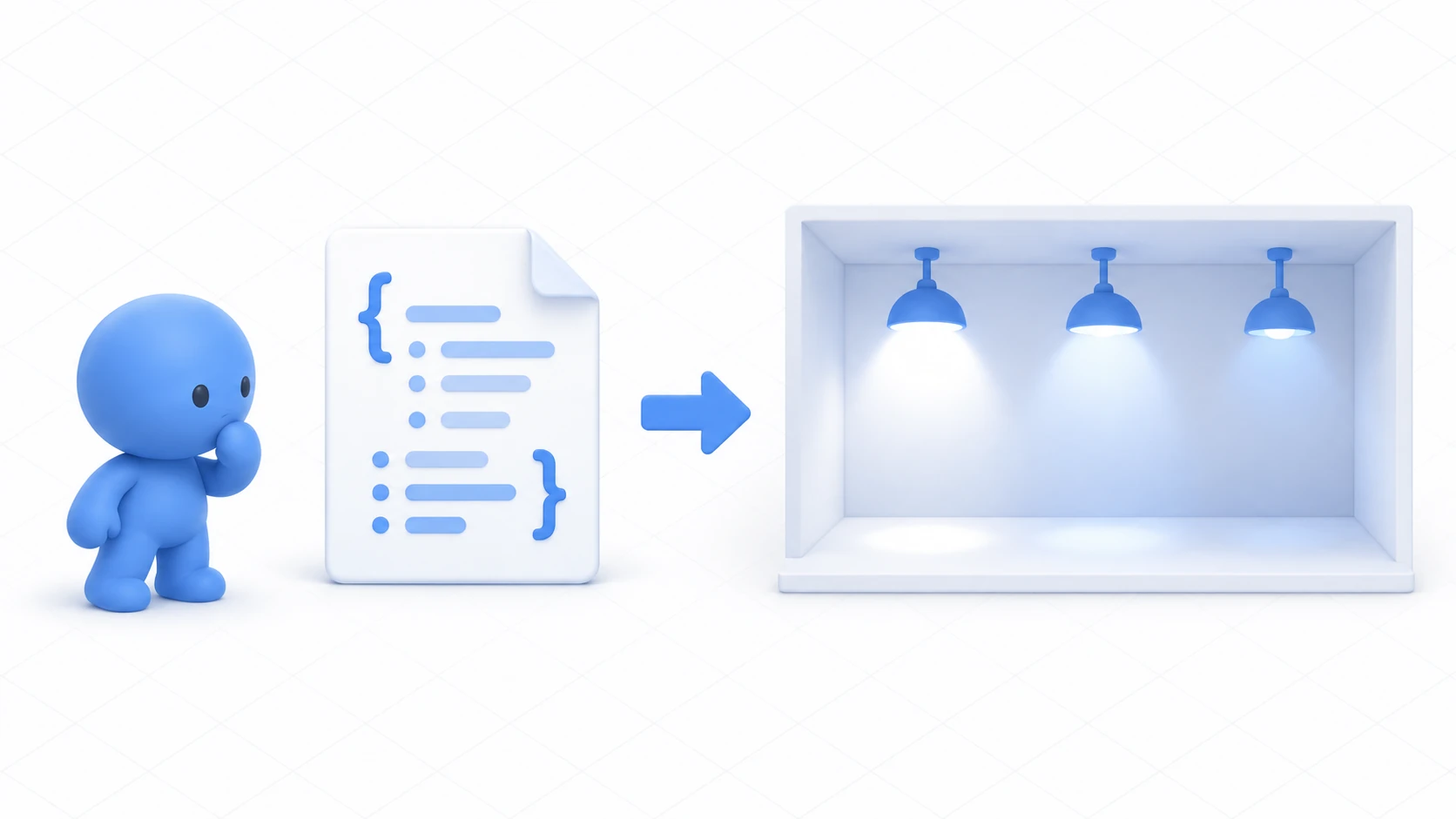
You want three lights in a room, lit in turn. The straightforward version looks like this.
[SerializeField] private Light light1;
[SerializeField] private Light light2;
[SerializeField] private Light light3;
It works. Grow to five and it's five lines; ten and it's ten. The logic gets copied just as many times, and fixing anything means fixing all of it.
This article uses arrays, which handle things of the same kind together, to cycle three lights with one piece of code.

What You'll Learn
- What gets easier when you gather things into an array
- Why indices start at 0
- How to write it so you don't go out of range
- What happens when an Inspector element is empty
Start from having tried variables and references.
An array is a divided tray
An array is a box holding things of the same kind, lined up and numbered.
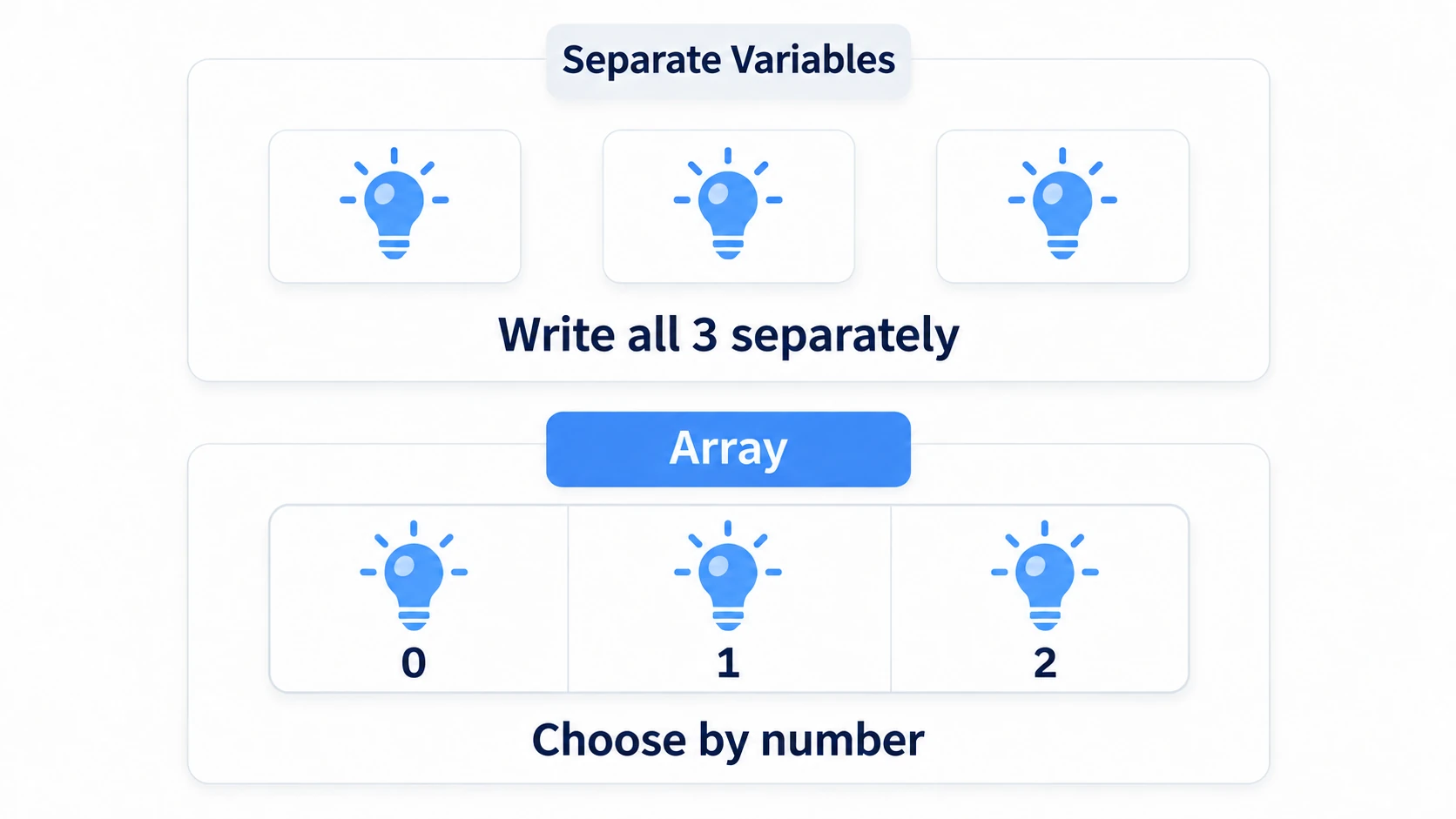
Three separate variables are three independent boxes. Names are the only way to tell them apart.
An array makes them one tray with dividers. You can pick by number, so you can say "the third light." That's the decisive difference.
Written out:
[SerializeField] private Light[] lights;   // An array of Light

// Using it
lights[0].enabled = true;   // The first
lights[1].enabled = true;   // The second
The [] in Light[] is the marker that says "this is an array." The [0] in lights[0] is the index, saying which one.
Indices start at 0. An array of three is 0, 1, 2. There's no 3.
That feels odd at first, and there's a reason. An index expresses "how many elements offset from the start." The first is offset by zero, so it's 0, and the next is 1.
What makes arrays useful is that the number can be a variable.
int index = 2;
lights[index].enabled = true;   // The third lights up
With that, you can process everything in turn with for, or advance to the next light on each press. Three separate variables can't do that.
Hands-On: Cycle three lamps in turn
Each press moves the lit lamp from left to right. After the third it returns to the first.
1. Place three lamps and a button
Place four things in a scene with a floor.
| Name | How to make it, and settings |
|---|---|
Lamp0 | Point Light. (-1.5, 2.2, 1), Range 4, Intensity 2, Mode "Realtime" |
Lamp1 | Point Light. (0, 2.2, 1), same |
Lamp2 | Point Light. (1.5, 2.2, 1), same |
LampButton | Cube. (0, 1, -1), Scale (0.4, 0.4, 0.4) |
Names start at Lamp0 so they line up with the indices and cause less confusion.
2. Write the code
In Assets/Scripts, choose "Create → U# Script" and make LampSequence.
using UdonSharp;
using UnityEngine;

[UdonBehaviourSyncMode(BehaviourSyncMode.None)]
public class LampSequence : UdonSharpBehaviour
{
    [SerializeField] private Light[] lamps;   // Receive the three lights together

    private int currentIndex;

    private void Start()
    {
        Apply();
    }

    public override void Interact()
    {
        // Advance. Wrap back to 0 at the end
        currentIndex++;
        if (currentIndex >= lamps.Length)
        {
            currentIndex = 0;
        }

        Apply();
        Debug.Log("[LampSequence] index=" + currentIndex);
    }

    // Light only the lamp at the current index
    private void Apply()
    {
        for (int i = 0; i < lamps.Length; i++)
        {
            if (lamps[i] == null) continue;   // Skip empty slots
            lamps[i].enabled = (i == currentIndex);
        }
    }
}
Three things to note.
It uses lamps.Length — the property returning the array's element count. Writing 3 directly would mean editing the code when you grow to four lamps. With Length, raising the size in the Inspector is enough.
It loops over everything with for. i runs from 0 to Length - 1. Note it's i < lamps.Length, not i <= lamps.Length. Get that wrong and you get the out-of-range access from the next section.
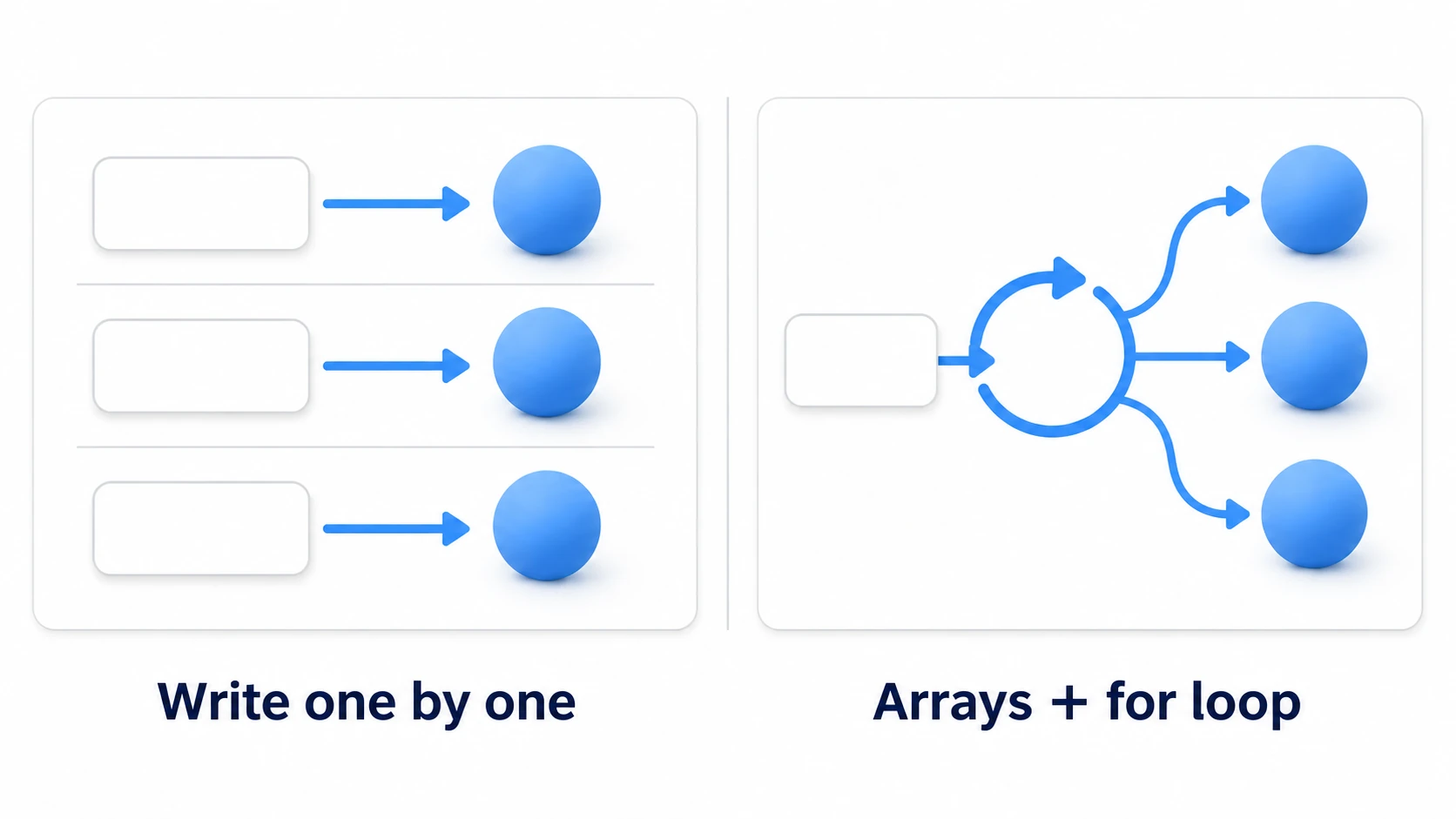
lamps[i].enabled = (i == currentIndex); does the lighting and the extinguishing in one line. It means "true if it matches the current index, false otherwise." Since it runs for every element, whatever was lit before goes out automatically.
3. Assign in the Inspector
Add a Udon Behaviour to LampButton and set LampSequence.
A Lamps field appears in the Inspector. It's an array, so you set the size first.
- Open Lamps and enter
3into Size - Drag
Lamp0intoElement 0 - Drag
Lamp1intoElement 1andLamp2intoElement 2
Raising the size creates empty slots (None). Fill them all in. Forgetting causes the accident in the next section.
Set Interaction Text to Next light.
4. Run it and confirm
Press Play and press the button.
| Action | Expected result |
|---|---|
| Right after start | Only the left lamp is lit. index=0 |
| Press once | It moves to the middle. index=1 |
| Press twice | It moves to the right. index=2 |
| Press three times | It returns to the left. index=0 |
Try growing to four lamps. Make Lamp3, set Size to 4 in the Inspector, and assign it. Without changing a character of code, it cycles through four.
That's the payoff of arrays.
Don't reach out of range
The most common failure with arrays is pointing at an index that doesn't exist.
Light[] lamps = new Light[3];   // Three: 0, 1, 2
lamps[3].enabled = true;        // There is no 3
An array of three has no 3. Running it errors and halts the logic there. Nothing past that point runs.
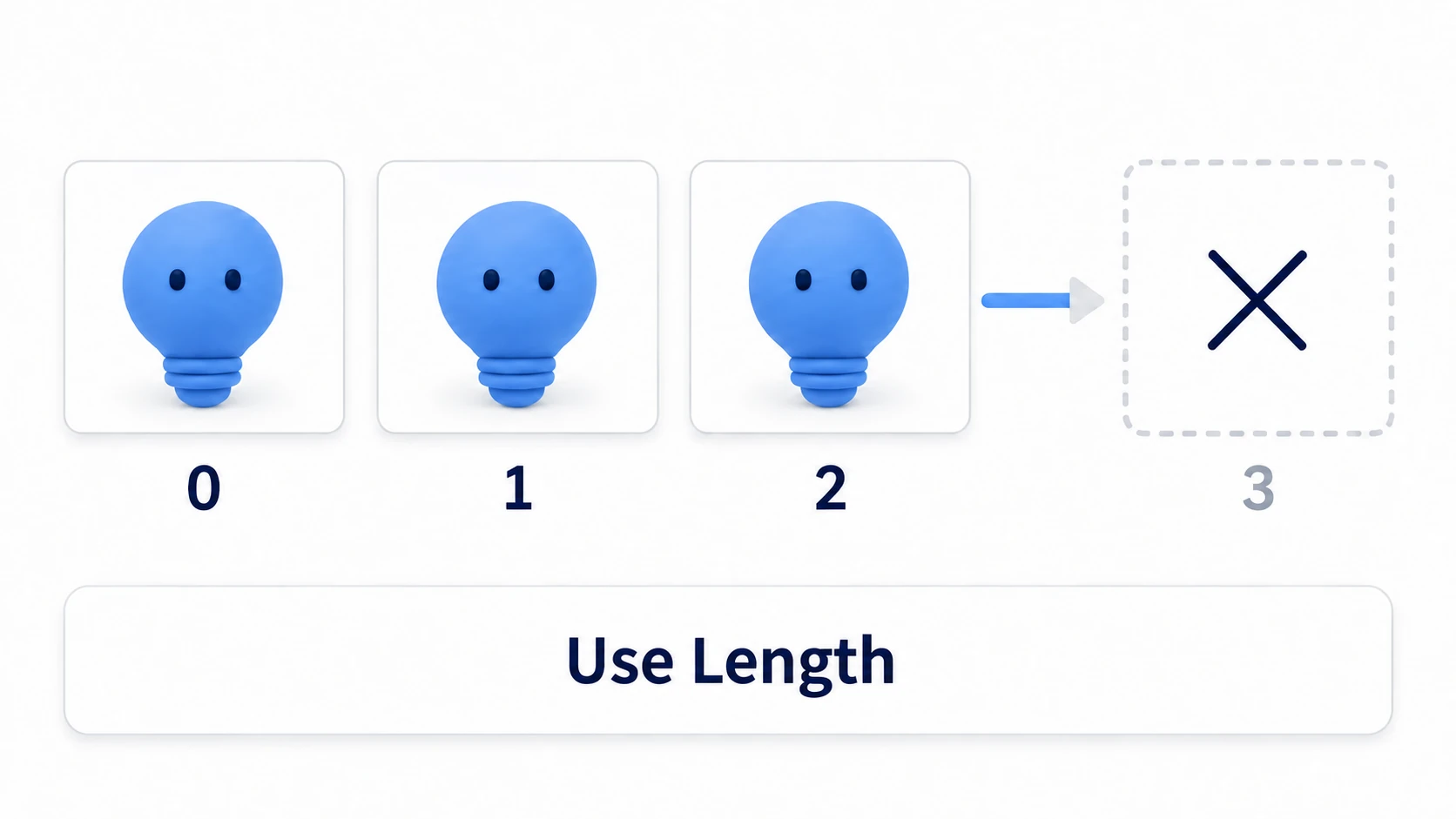
Two ways to avoid it.
First, use Length. Don't write numbers directly; base everything on lamps.Length.
if (currentIndex >= lamps.Length)
{
    currentIndex = 0;
}
Second, skip null. An empty slot in the Inspector makes that element null. Using it directly errors, so check first.
if (lamps[i] == null) continue; // Skip if empty
continue means "end this pass here and go to the next." Even with an empty slot, the rest gets processed correctly.
Raising the Size and forgetting to fill it in is the most common accident. Whenever you touch an array in the Inspector, look at every slot.
Common Pitfalls
- Pressing does nothing → Is Lamps' size
0? Are all the elements empty? - One of them doesn't light → That index's element is
None - It errors and stops → You're pointing at an out-of-range index. Check that you're using
Length - They all light at once → Are you writing an unconditional
enabled = trueinApply()? The(i == currentIndex)comparison is required
Bonus: Good to Know Up Front
foreachworks too: When you're just processing everything in turn, you can writeforeach (Light lamp in lamps). Useforwhen you need the indexListisn't available: Ordinary C#List<T>doesn't work in UdonSharp. For data whose count changes at runtime, use VRChat's DataList and DataDictionary- Arrays can be synced too:
[UdonSynced]shares arrays as well, though it fails if the element count isn't fixed. Always initialize before use - Array contents are references:
Light[]holds references to the lights themselves. Change one and that light changes (covered in variables and references) - Naming from 0 reads better:
Lamp0,Lamp1,Lamp2line up with the Inspector'sElement 0. Starting atLamp1offsets everything by one and causes confusion
Summary
An array is a mechanism for handling things of the same kind by number.
- Rather than lining up variables, you put them in one numbered tray
- Indices start at 0. Three elements means 0, 1, 2
- Get the count with
Length. Don't write numbers directly - Empty slots (
None) cause errors. Check before using
The question to ask when you want more is: "Can I grow this from the Inspector alone, without editing code?" If you can, you're using arrays correctly.
Next, handle data whose count isn't fixed. In DataList and DataDictionary, let's load external settings. For live data like a headcount, player events is the entry point.