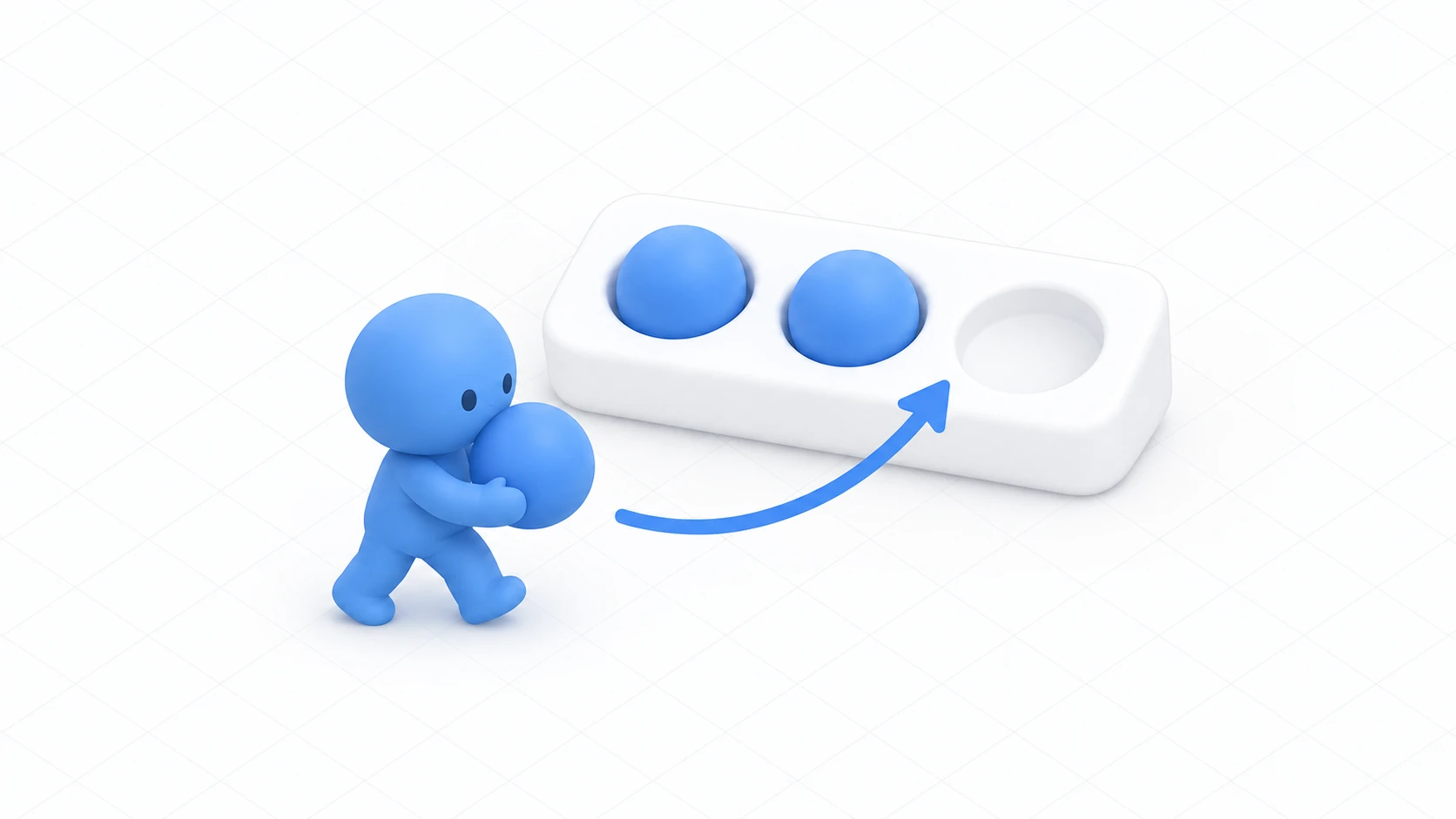
You're building a board game world. You placed a die that rolls when pressed.
It works on your screen. Go in with a friend and your screen shows 3 while theirs shows 5. You're looking at the same die and the faces differ.
The cause is simple: each computer is rolling its own die. This article builds a die that shows the same face to everyone.

What You'll Learn
- Why rolling separately on each machine disagrees
- The idea of the owner deciding and distributing
- That late joiners get the face too
- How to combine it with a tumbling animation
Start from having read understanding ownership.
One roller is enough
First, look at the version that doesn't work.
// This disagrees
public override void Interact()
{
    int value = Random.Range(1, 7);
    diceText.text = value.ToString();
}
This code runs only on the presser's screen. And even if everyone ran it, each would get a different number.

Random numbers return a different value every call. So calling it separately on several computers naturally scatters.
The correct shape matches a real board game.
One person rolls the die. Everyone looks at the result.

As code, it goes like this.
- The presser takes ownership
- The owner calls
Random.Range()exactly once - That result goes into a synced variable and gets distributed
- Each receiver displays that number
This isn't a new mechanism. It's exactly the same shape as the light switch in networking basics. The value held changed from a boolean to an integer.
"One person decides, the mechanism distributes" works beyond random numbers. That's the main takeaway here.
Hands-On: A die that shows the same face to everyone
Build a die that rolls 1 through 6 and lines up on every screen.
1. Place the die and the display
Place the following in a scene with a floor.
| Name | How to make it, and settings |
|---|---|
Dice | Cube. (0, 1, 2), Scale (0.3, 0.3, 0.3) |
DiceCanvas | UI Canvas (World Space). (0, 1.6, 2), Scale (0.005, 0.005, 0.005) |
DiceText | TextMeshPro as a child of DiceCanvas. Large text, center-aligned |

Put - into DiceText up front — the not-yet-rolled state.
2. Write the code
In Assets/Scripts, choose "Create → U# Script" and make SyncedDice.
using UdonSharp;
using UnityEngine;
using TMPro;
using VRC.SDKBase;

[UdonBehaviourSyncMode(BehaviourSyncMode.Manual)]
public class SyncedDice : UdonSharpBehaviour
{
    [SerializeField] private TextMeshProUGUI diceText;
    [SerializeField] private float cooldownSeconds = 1f;

    [UdonSynced] private int diceValue;   // The face shared by everyone

    private float nextAllowedTime;

    private void Start()
    {
        ApplyState();
    }

    public override void Interact()
    {
        // Block rapid presses
        if (Time.time < nextAllowedTime) return;
        nextAllowedTime = Time.time + cooldownSeconds;

        if (!Utilities.IsValid(Networking.LocalPlayer)) return;

        // 1. Become the roller
        if (!Networking.IsOwner(gameObject))
        {
            Networking.SetOwner(Networking.LocalPlayer, gameObject);
        }
        if (!Networking.IsOwner(gameObject)) return;

        // 2. Roll exactly once. The only random call
        diceValue = Random.Range(1, 7);   // Upper bound is excluded, hence 7

        // 3. Apply on your own screen and ask for sending
        ApplyState();
        RequestSerialization();

        Debug.Log("[SyncedDice] " + diceValue);
    }

    // Called when a value arrives
    public override void OnDeserialization()
    {
        ApplyState();
    }

    // Read the value and build the display
    private void ApplyState()
    {
        if (diceText == null) return;
        diceText.text = diceValue == 0 ? "-" : diceValue.ToString();
    }
}
Three things to note.
Random.Range() is called in exactly one place, and after ownership is confirmed. On other people's computers that line never runs.
Note the 7 in Random.Range(1, 7). The integer version excludes the upper bound, so writing 6 gives you at most 5. Everyone hits this once.
The structure is identical to the networking introduction. Take ownership, change the value, ApplyState(), RequestSerialization(). The receiving side calls the same ApplyState() from OnDeserialization().
3. Assign it and confirm
Add a Udon Behaviour to Dice and set SyncedDice. Drag DiceText into Dice Text and set Interaction Text to Roll the die.
Launch Build & Test with Number of Clients set to 2.
| Order | Action | Expected result |
|---|---|---|
| 1 | A and B enter | Both screens show - |
| 2 | A rolls | The same number appears on both screens |
| 3 | B rolls | Both screens change to the same new number |
| 4 | A presses rapidly | It changes only once per second |
| 5 | B leaves and re-enters | The last rolled face is still visible |
| 6 | Roll repeatedly | 1 through 6 appear. Never 7 or 0 |
Rows 2 and 5 are this article's answer key.
In row 2, B sees the same face without doing anything, because only A rolled.
In row 5, the last face reaches B, who arrived later. Because it's a synced variable, the latest value is distributed to late joiners.
In row 6, confirm that 7 never appears. That's proof Random.Range(1, 7) is written correctly.
Adding a tumbling animation
A number snapping into place is a bit dry. You'll want a tumbling animation.
Here, don't get the order wrong.

| Order | Correct? |
|---|---|
| Tumble → read the resting face → distribute | Wrong (each machine's physics drifts, so faces disagree) |
| Decide at the roll → distribute → each machine plays the animation | Correct |
The answer is decided first, and the animation only shows it. It looks like a live broadcast while actually being a recording.
Building it is easy. Inside ApplyState(), start the animation instead of showing the number immediately.
private void ApplyState()
{
    if (diceValue == 0) return;

    // Play the tumbling animation
    if (diceAnimator != null) diceAnimator.SetTrigger("Roll");

    // One second later, show the already-decided face
    SendCustomEventDelayedSeconds(nameof(ShowResult), 1f);
}

public void ShowResult()
{
    if (diceText != null) diceText.text = diceValue.ToString();
}
The animation runs separately on each screen, and the number that lands at the end is the same. Even with slightly different tumbling, the results line up.
The waiting matches calling logic after a delay, and building the animation matches driving a door with Animator and Udon.
Common Pitfalls
- Different faces for different people → Each person is calling
Random.Range(). Make only the owner call it - 6 never appears → You wrote
Random.Range(1, 6). The upper bound is excluded, so use7 - Only your screen changes → You haven't taken ownership, or you aren't calling
RequestSerialization() - Late joiners don't get it → You aren't calling
ApplyState()inStart(), or you're conveying it with network events alone - Rapid presses change it repeatedly → Add a cooldown interval
- The number shows during the animation → Move the display timing to after the animation ends
Bonus: Good to Know Up Front
- The same shape gets reused: Drawings, shuffling cards, picking random BGM, lottery tickets. Anything where "one person decides and everyone looks" is written the same way
- A second die gets its own variable: To roll two, hold two synced variables. There's no need to cram them into one
- You can distribute who rolled too: One more synced variable lets you send "the roller's name" along. Useful for turn management in board games
- Don't expect perfect fairness: The owner's computer decides the result, so there's theoretical room for tampering. Fine for a world you play in with friends, unsuited to anything with stakes
- It's useful all over: Sugoroku, gacha, roulette, random prompts. All built from this one shape
Summary
Synchronized randomness is about narrowing the decider to one person.
- Rolling separately disagrees. Only the owner rolls
- Distribute the result with a synced variable. The structure matches the networking introduction
Random.Range(1, 7)excludes the upper bound- The animation only shows the already-decided answer afterwards
The question to ask while building is: "Who decides this, and who sees it?" With one decider, the rest is just distribution.
To lend out a fixed number of objects, go to VRCObjectPool. To send a momentary cue, go to network events.