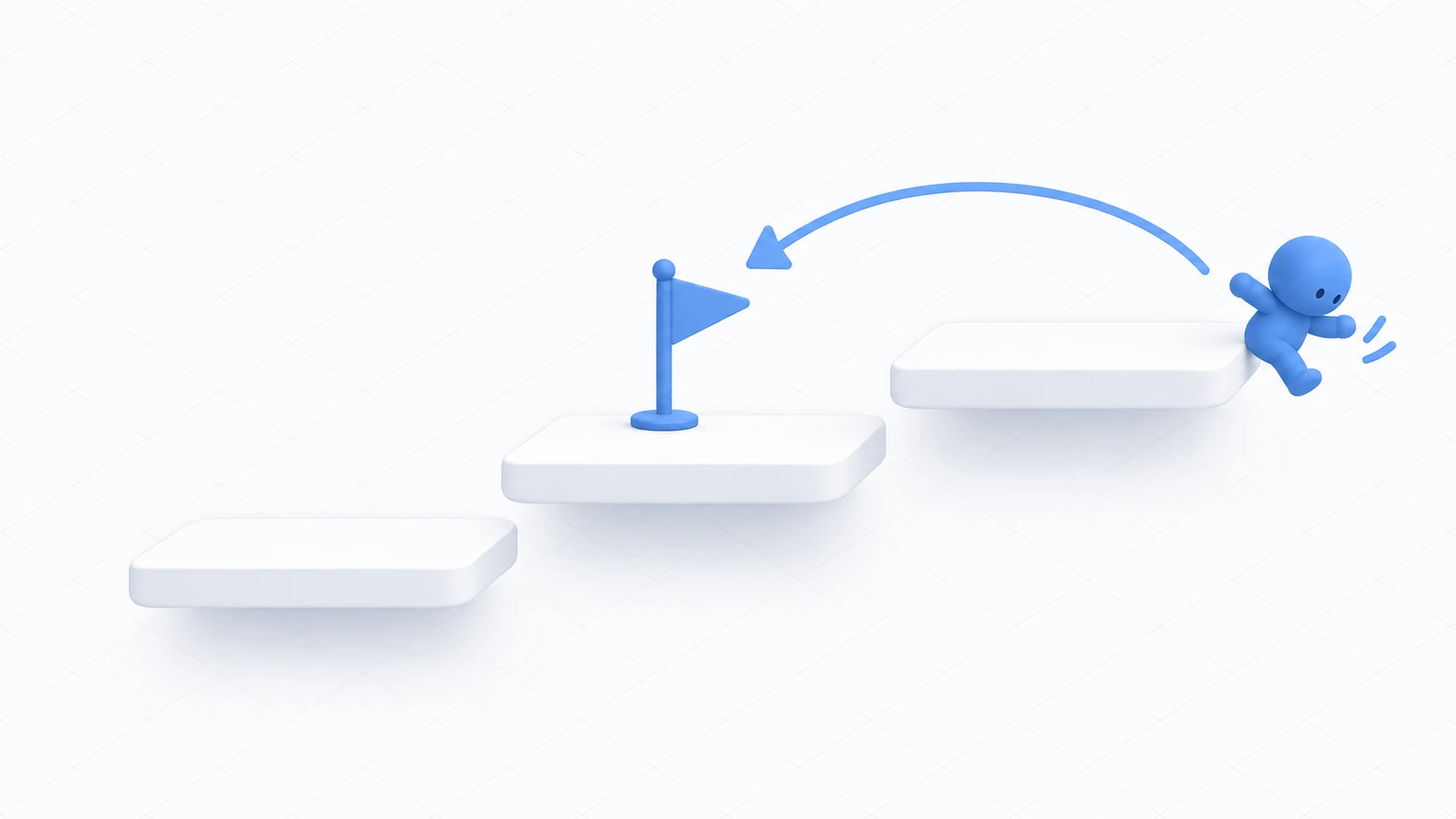
You want people to go straight from your world to a friend's. Or you want an entrance to the second world in a series.
VRChat has a mechanism called a portal — an entrance that moves you to that world when you touch it.
But it can't be used to move around inside the same world. Mixing that up wastes time. This article covers the difference between the two kinds of movement and how to build each.

What You'll Learn
- When to use a portal versus a teleport
- How to place a VRC Portal Marker
- How to get a world ID
- How to move within the same world
Start from having finished your first world.
A portal is a front door; a teleport is a hallway
Both are "movement," and they're completely different mechanisms.

| Portal | Teleport | |
|---|---|---|
| Destination | Another world | Inside the same world |
| As an analogy | The front door | A hallway |
| What it needs | VRC Portal Marker | Udon code |
| How it moves you | Reloads the world | Changes position on the spot |
| Other people | Don't come with you | Only you move |
A portal is the act of leaving the house. It reloads the world, so you part ways with whoever you were with.
A teleport is moving inside the house. Your position changes instantly and you stay in the same instance.
If what you want is "an alternative to stairs to the second floor," that's a teleport, not a portal. Specifying your own world ID won't take you to another spot in the same room — it puts you into a different instance.
Hands-On: Place an entrance to another world
Build an entrance in one corner of your room that leads to another world.

1. Find the destination world's ID
First you need the destination world's ID.
Open that world's page on the VRChat site and the URL contains a long string starting with wrld_.
wrld_00000000-0000-0000-0000-000000000000
That's the world ID. To point at another of your own worlds, select VRCWorld in that project's scene and look at the Blueprint ID in Pipeline Manager.
Make the destination a world other people can enter. Left private, visitors get turned away.
2. Place the portal
Create ExitPortal with "Create Empty" and put it near a wall, around (0, 0, 5).
Add VRC Portal Marker via "Add Component."
| Field | What to put in |
|---|---|
| Room Id | The wrld_... string you found |
| Name | The name shown above the portal (e.g. To the second world) |
Put it at floor height. A portal rises upward from the position you specify, so placing it in the air leaves it floating.
3. Make it read as a gateway
VRChat draws the portal itself, so you can't change that. You can change the impression by building around it.
Aligned with ExitPortal's position, place the following.
| Name | How to make it |
|---|---|
PortalFrame | Three Cubes combined into a gateway arch |
PortalSign | A World Space Canvas with TextMeshPro. A description of the destination above the gateway |
One line of explanation is a kindness. Just knowing "going through here leaves this room" cuts down on people wandering in by accident.
4. Confirm
Portals can't be checked in Play mode. You have to upload and look inside VRChat.
Upload, enter, and check the following.
| Check | Expected result |
|---|---|
| Is the portal standing | A swirling entrance is visible at the gateway's position |
| Is the name showing | The name you set is displayed |
| Approach it | The destination's world name and thumbnail appear |
| Enter it | You move to that world |
If approaching shows something like "Invalid," the ID is wrong. Copy it again from the URL.
Within the same world, use a teleport
Going up to the second floor, entering a hidden room, returning to the start. Movement within the same world is written in Udon.

You use TeleportTo().
using UdonSharp;
using UnityEngine;
using VRC.SDKBase;

[UdonBehaviourSyncMode(BehaviourSyncMode.None)]
public class TeleportPad : UdonSharpBehaviour
{
    [SerializeField] private Transform destination;

    public override void Interact()
    {
        VRCPlayerApi player = Networking.LocalPlayer;
        if (!Utilities.IsValid(player) || destination == null) return;

        // Only the presser moves
        player.TeleportTo(destination.position, destination.rotation);

        Debug.Log("[TeleportPad] moved");
    }
}
You pass two things: position and facing. The simplest approach is putting one empty object at the destination and assigning its Transform.
Being able to pass the facing matters. Landing while facing a wall confuses people for a moment. Rotate the destination's empty object toward what you want them to see.
Only the presser moves. Everyone else stays where they are. To move everyone, have them all run it via network events.
This one can be checked in Play mode, unlike a portal, because no world reload happens.
Common Pitfalls
- The portal doesn't appear → It isn't displayed in Play mode. Upload and check there
- It says the portal is invalid → Room Id is misspelled, or the ID itself is wrong. Copy it again from the URL
- You enter and get turned away → The destination is private. Check that anyone can enter it
- The portal floats in the air → You placed it too high. Match it to floor height
- The teleport leaves you facing a wall → Fix the destination object's rotation
- The teleport does nothing → Destination is
None, or there's no Collider so it can't be pressed
Bonus: Good to Know Up Front
- Don't put it near the entrance: A portal right beside the spawn point means arrivals wander back out. Put it somewhere tucked away, or somewhere its intent is obvious
- Say that they're leaving: One line reading "this moves you to another world" cuts down accidents
- Linking your own worlds keeps people circulating: If you're building a series, portals in both directions let people travel back and forth
- Teleports pair with effects: Darken the screen before moving, play a sound. More natural than switching in an instant
- It's useful all over: An entrance to a sister world, moving from an event hall to a green room, the next stage of an escape game, an alternative to a long staircase
Summary
There are two kinds of movement, with different tools.
- A portal is the front door to another world. Put a
wrld_ID into VRC Portal Marker - Within the same world, use a teleport — Udon's
TeleportTo() - Portals can't be checked without uploading
- A teleport moves only the presser
The question to ask before placing one is: "Is this leaving the house, or moving inside it?" That decides which tool you use.
For a mechanism that returns people who fall, go to recovering from falls. To move everyone together, go to network events.