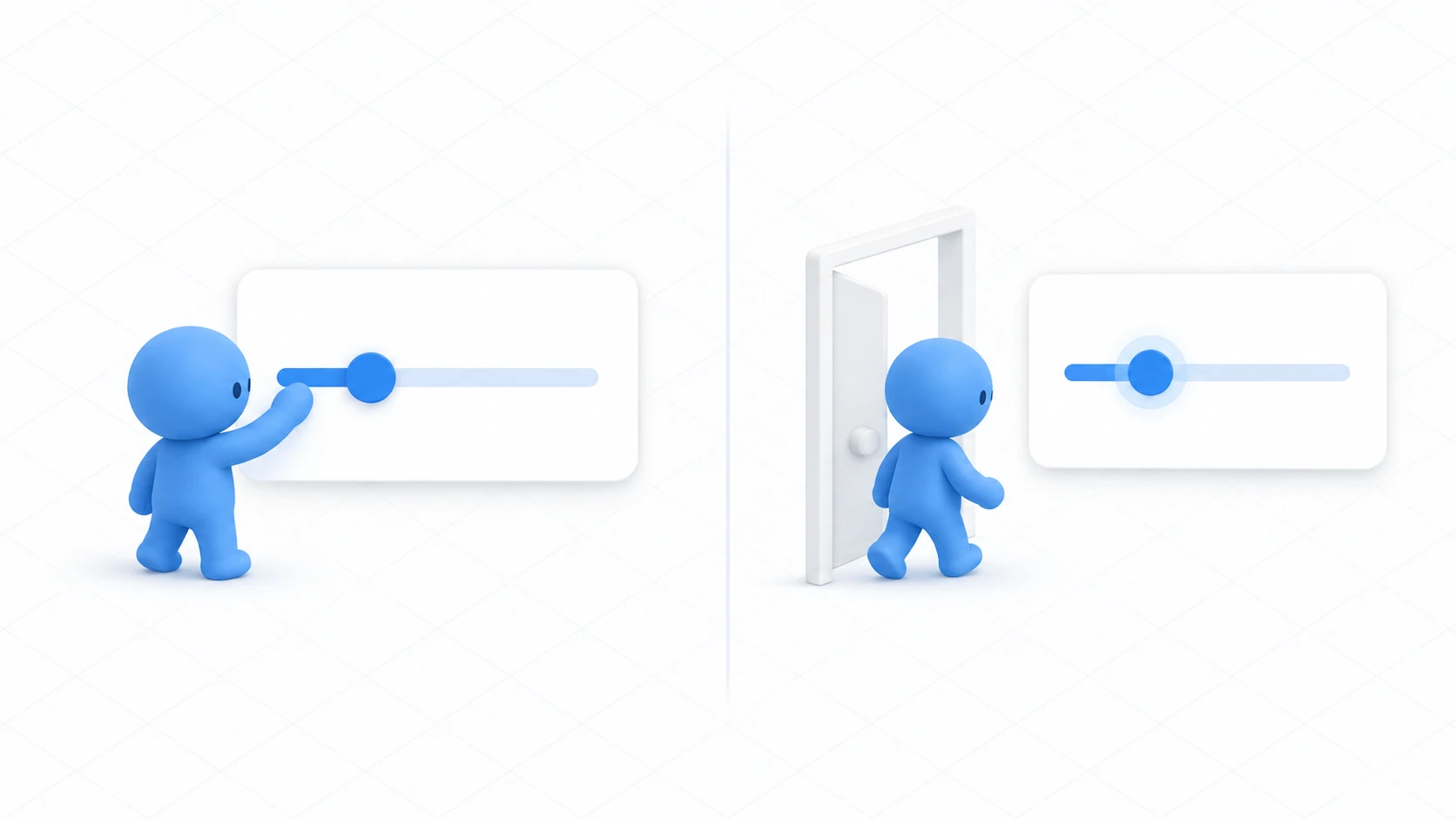
You built a holdable cup. Then you go in with a friend and the cup you set on the desk is still on the floor on their screen.
Pickup is a component that makes things grabbable and nothing more — it has no function for sharing position. VRC Object Sync adds that.
This article builds up to a thrown object's position lining up for everyone. Along the way we'll look at why state other than position is handled separately.

What You'll Learn
- What Object Sync carries and what it doesn't
- How ownership behaves when combined with Pickup
- How to return objects to their starting position
- What to attach it to, and what not to
Start from having tried a flashlight you can hold and networking basics.
Only position and rotation are carried
VRC Object Sync is a component that keeps sending an object's position and rotation from the owner to everyone else.

That's all it carries. State like a color change or a light turning on isn't included.
Get this wrong and you end up with "carrying is shared, but only I can see the flashlight's beam." The beam needs separate synchronization.
The structure looks like this.
| Component | Role |
|---|---|
| Collider + Rigidbody | Colliding, falling |
| VRC Pickup | Makes it grabbable |
| VRC Object Sync | Shares position and rotation |

The other convenience of Pickup is that ownership transfers automatically. Whoever grabs it becomes the Owner the moment they do, so the role of sending position switches automatically. No extra code needed.
Hands-On: Build a throwable cup
Build a holdable cup so its thrown position is the same for everyone.
1. Build the cup
Create SharedCup as a "3D Object → Cube" at (0, 1, 1), Scale (0.15, 0.2, 0.15).
Add the following via "Add Component."
- VRC Pickup (a Rigidbody comes with it)
- VRC Object Sync
For VRC Pickup, turn Auto Hold on and Pickupable on.
For the Rigidbody, leave Use Gravity on and Is Kinematic off. That gives the natural motion of falling when thrown.
That's everything you add. No code.
2. Check with two people
Launch Build & Test with Number of Clients set to 2.
| Order | Action | Expected result |
|---|---|---|
| 1 | A and B enter | The cup is in the same place on both screens |
| 2 | A grabs it | The cup moves into A's hand. On B's screen it moves near A's hand too |
| 3 | A throws it | It flies and lands the same way on both screens |
| 4 | B picks it up | Ownership moves to B. It appears in B's hand on A's screen too |
| 5 | A leaves while B holds it | The cup stays in B's hand |
All of that works without a single line of code. Pickup carries ownership and Object Sync carries position.
3. Add a way to reset the position
A cup thrown below the floor or past a wall becomes unreachable. A reset button is reassuring.

Create ResetButton as a "3D Object → Cube" at (1.5, 1, 1).
Create CupResetter in Assets/Scripts.
using UdonSharp;
using UnityEngine;
using VRC.SDK3.Components;
using VRC.SDKBase;

[UdonBehaviourSyncMode(BehaviourSyncMode.None)]
public class CupResetter : UdonSharpBehaviour
{
    [SerializeField] private VRCObjectSync targetSync;

    public override void Interact()
    {
        if (targetSync == null) return;

        // Become the owner before resetting
        if (!Networking.IsOwner(targetSync.gameObject))
        {
            Networking.SetOwner(Networking.LocalPlayer, targetSync.gameObject);
        }

        targetSync.Respawn();   // Return it to its starting position
        Debug.Log("[CupResetter] reset");
    }
}
Respawn() is the method that returns the object to the starting position Object Sync remembers. You don't have to record the position yourself.
Taking ownership before resetting is the key point. Only the owner can move the position, so to reset a cup someone else is holding, you take ownership first.
Add a Udon Behaviour to ResetButton and drag SharedCup into Target Sync.
State other than position, you sync yourself
Now recall the flashlight built with Pickup — the one that lit up on Use while held.
Add Object Sync to it and carrying gets shared while the beam is visible only to you.
You can probably see why now. Object Sync carries position and rotation, and Light.enabled isn't carried.
To share the beam too, add one synced variable.
[UdonSynced] private bool beamOn;

public override void OnPickupUseDown()
{
    // The holder is already the owner, so we can write directly
    beamOn = !beamOn;
    ApplyBeam();
    RequestSerialization();
}

public override void OnDeserialization()
{
    ApplyBeam();
}

private void ApplyBeam()
{
    if (beam != null) beam.enabled = beamOn;
}
Exactly the same shape as the networking introduction. Hold one state and apply it on receive. Only the target changed, from a door to a light.
Note that the sync mode here is Manual. Position is carried separately by Object Sync, so "only when it changes" is enough on this side.
Common Pitfalls
- Position isn't shared → Check that VRC Object Sync is attached. Pickup alone doesn't share it
- You hold it but it doesn't move on their screen → Ownership may not have transferred. Check that Pickup is attached correctly
- The object jitters or flies off → Look at the Rigidbody settings. Also check whether several scripts are touching the same object's position
- The reset button does nothing → Check that you call
Respawn()after taking ownership - Only the beam isn't shared → That's by design. State other than position you sync yourself
Bonus: Good to Know Up Front
- Keep the count down: Object Sync keeps sending position, so more of them means more traffic. Keep rolling props to a handful and don't attach it to static decorations
- Don't attach it to static objects: On furniture or walls it does nothing and only adds traffic
- It doesn't suit switches or chairs: There's a misconception that "putting Object Sync on everything shares it," but it's a position-sending component and doesn't suit things whose state you want shared. Those want synced variables
- Physics won't match exactly: Physics runs on each PC, so fine rolling behavior differs slightly. Position gets lined up periodically, and the motion in between isn't strictly identical
- It's useful all over: Board game pieces, balls to throw around, a cafe's cups, an escape game's key. Anything you move whose position you want shared
Summary
Object Sync is a component dedicated to carrying position.
- It carries position and rotation only. State like a light being on isn't carried
- Combined with Pickup, whoever grabs it becomes the owner automatically
Respawn()returns it to the starting position. Call it after taking ownership- State other than position you share yourself, with synced variables
The question to ask before attaching it is: "Is this something whose moved position I want shared?" If you only want state shared, synced variables suit better.
To keep each person's settings until next time, go to saving volume with PlayerData. To lend out a fixed number of objects, go to VRCObjectPool.