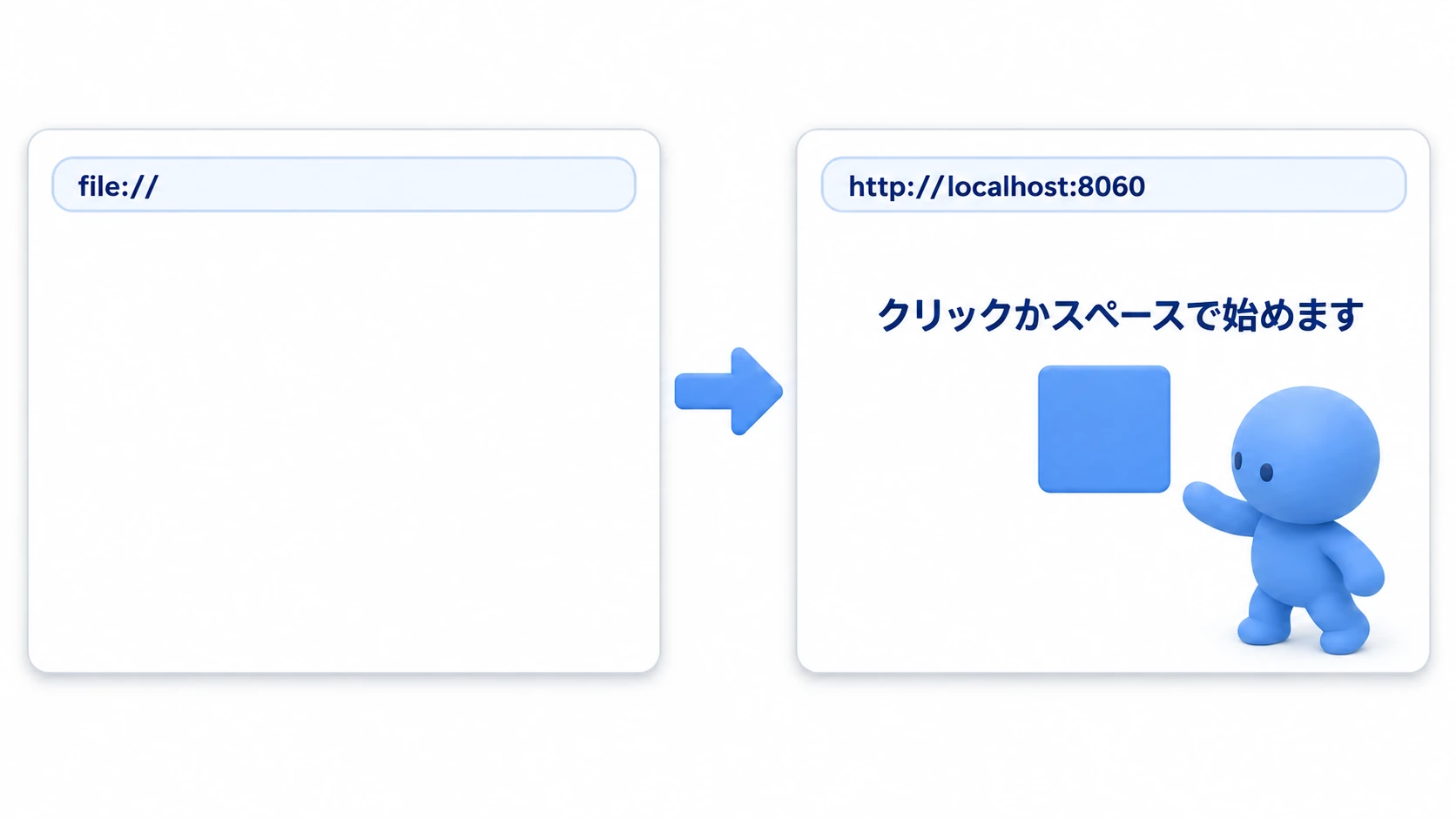
Your game is basically done and it's time to get it into players' hands. That final step, exporting (building), is where a lot of people hit an unexpected wall. "It ran perfectly in the editor, but the exported build is a black screen." "Only one platform errors out." Most of these last-mile problems are avoidable once you know how exporting works and the quirks of each platform.
This article covers everything you need to reliably ship a Godot project to Windows, macOS, Android, and Web: how export templates and PCK files work, the steps for your first export, the traps that catch people (case sensitivity and Web headers), build size optimization, and a final pre-ship checklist.
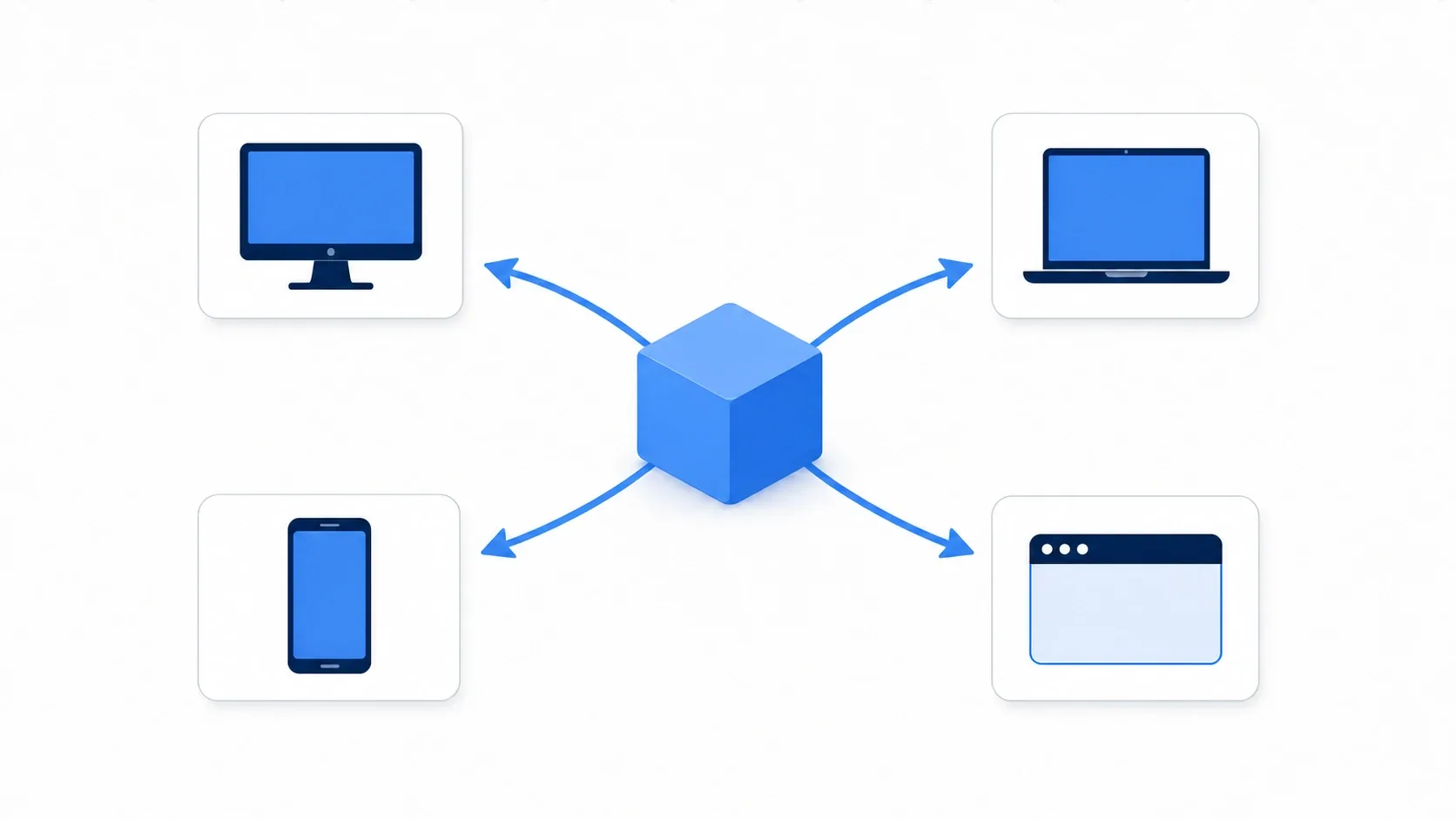
What You'll Learn
- How export templates and PCK files work (separate vs. embedded)
- The steps for your first export (desktop, then Web)
- The biggest trap, case sensitivity, and the header settings Web needs
- Build size optimization and a pre-ship checklist
Tested with: Godot 4.7
How Exporting Works: Templates and PCK
Two things unlock how exporting works: export templates and PCK files.
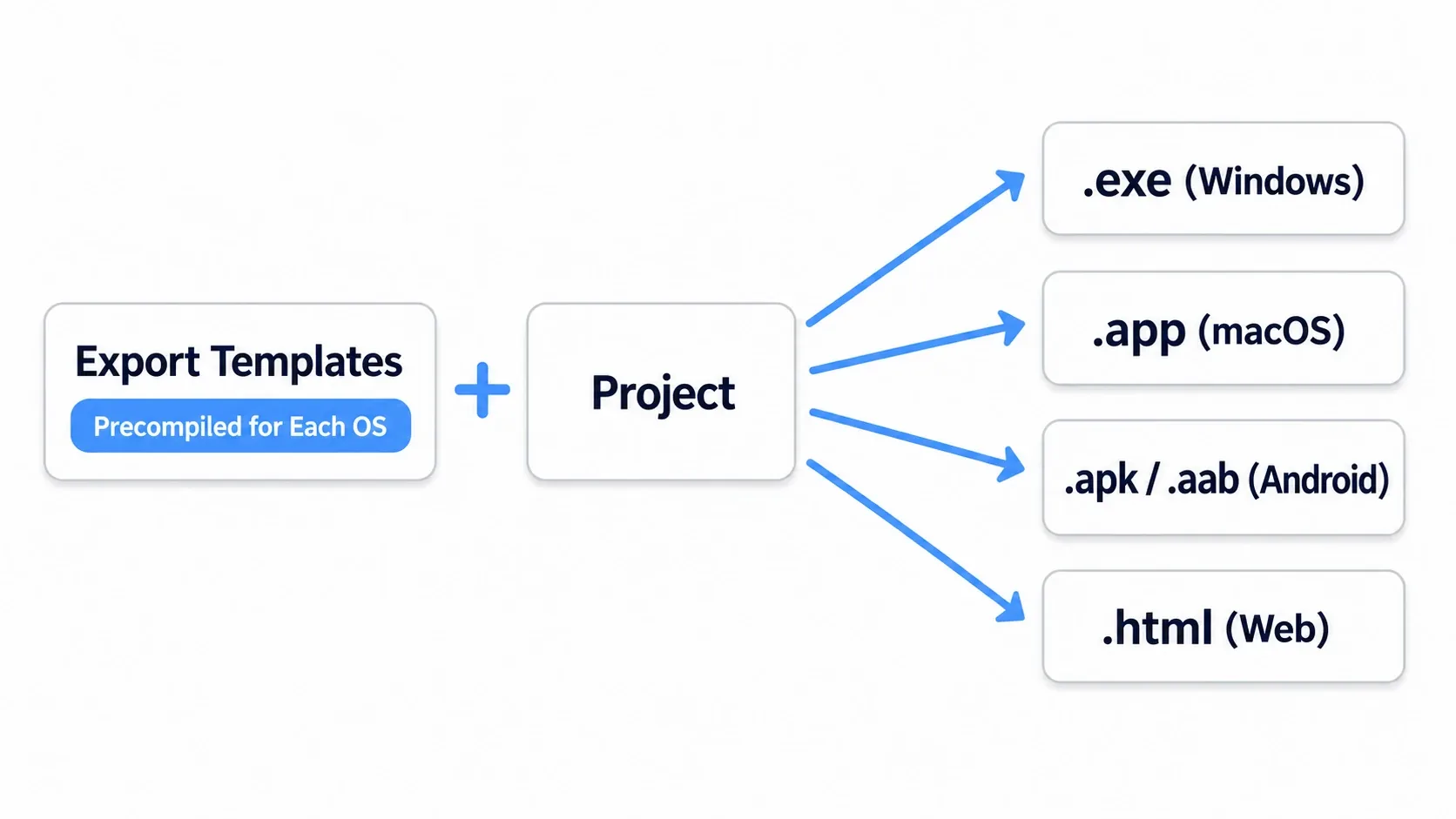
Export templates are the Godot engine itself, compiled as binaries for each platform. Your project (its scenes and scripts) rides on top of a template to become something executable.
- Versions must match: the Godot editor and the templates must be exactly the same version (a mismatch blocks exporting)
- Debug and release builds: templates include both, and you choose at export time. Ship the release build
A PCK is a single file bundling your project's scenes, scripts, and assets. You can choose whether to keep it separate from the executable or embed it.
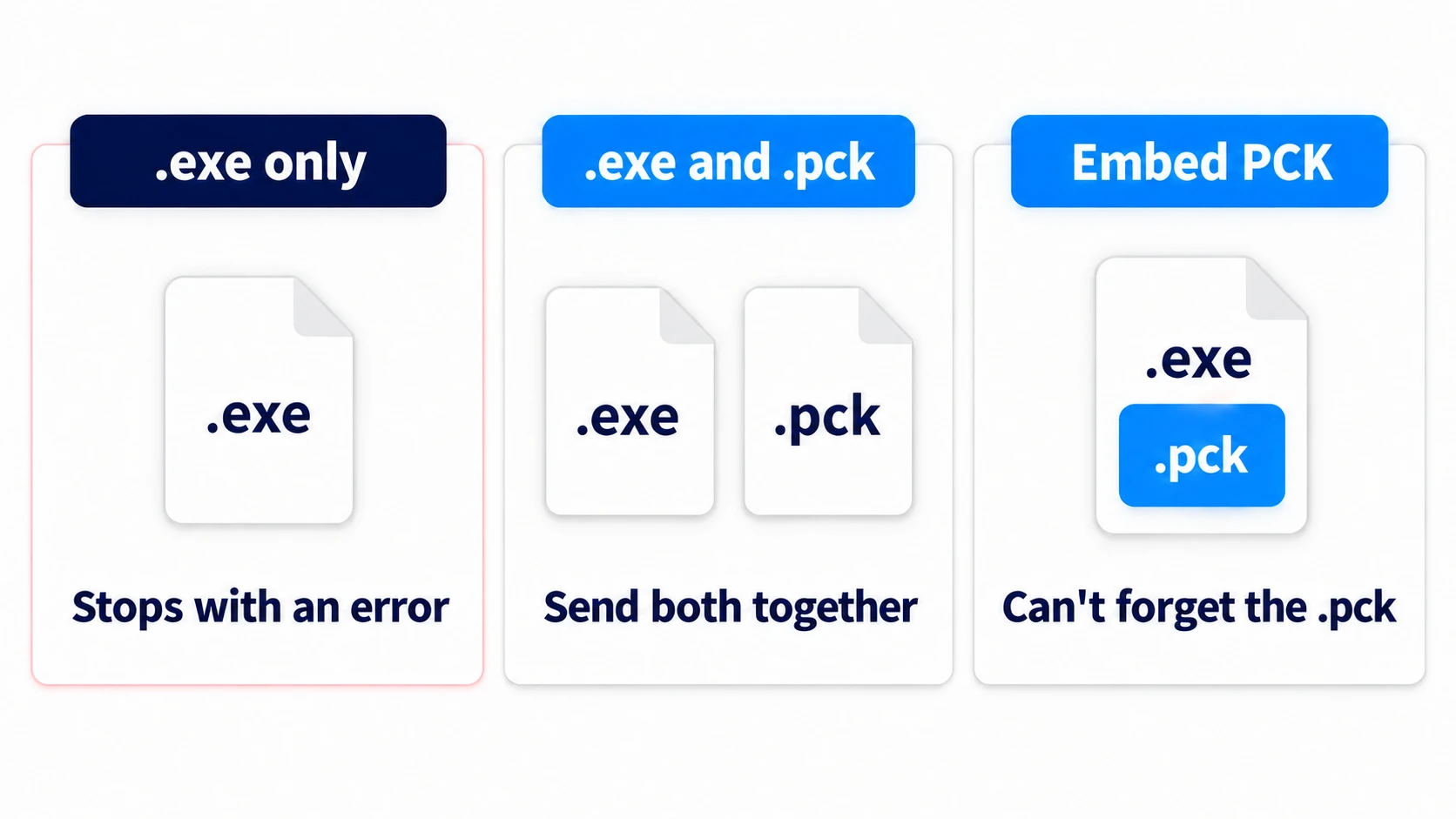
| PCK handling | Pros | Cons | Typical use |
|---|---|---|---|
| Separate (default) | Small executable, easy patch distribution | Multiple files to distribute | PC |
| Embedded (Embed PCK) | Distribute a single file | Larger executable | PC (when you want a single file) |
Hands-On: Your First Export (Desktop to Web)
Publishing an indie game on itch.io, handing out a free game for Windows, putting a mobile app on a store: the first step is the same. The standard route is to export for desktop (Windows) first, then move on to Web (itch.io). The steps follow the same flow on every platform.
- Get the templates: under Editor > Manage Export Templates, download the templates for the Godot version you're using
- Add a preset: under Project > Export > Add, pick the platform you want to ship (Windows Desktop, for example)
- Check the settings: confirm the main scene, the icon, and whether you're building release or debug
- Export: choose an output location with "Export Project" and write the build
Once your first desktop build runs, add a Web preset to the same project, export it, and upload it to itch.io to play in a browser. Getting one platform working end to end makes the rest much easier to follow.
There are two key points.
- Always test the actual exported build: working in the editor and working in an export are two different things. Saving (
user://) in particular can behave differently in an export, so always verify save/load against a real build. - Get one working before adding more: don't aim at every platform at once. Push one convenient target like Windows all the way through. It makes isolating errors far easier.
Platform-Specific Essentials and Traps
The Biggest Trap: Case Sensitivity
This is the error Windows developers hit most. The editor on Windows ignores filename case, but inside the exported data (the PCK) case matters strictly, even in a Windows build.
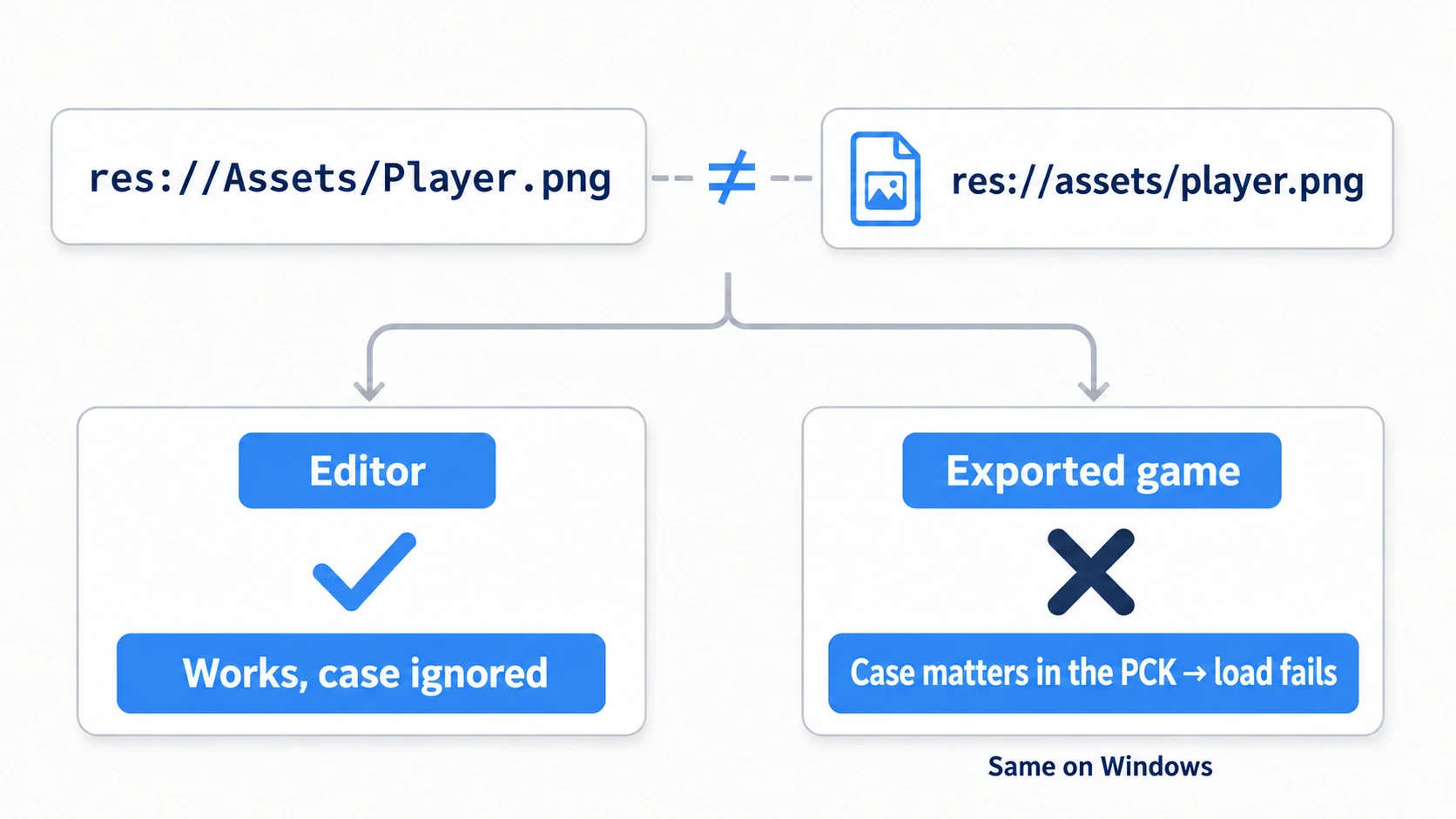
If your code says res://Assets/Player.png while the actual file is res://assets/player.png, it works in the Windows editor but fails to load once exported. The fix is simple: standardize filenames on lowercase snake_case.
Windows / macOS
Desktop is the simplest. On Windows, Godot writes the icon and version info into the executable itself through the export option Modify Resources (on by default), so rcedit is no longer needed. On macOS, distribution may require Apple notarization.
Android
Android has the most settings of any platform.
- SDK/JDK setup: set the paths under Editor Settings > Export > Android. Godot 4.7's official instructions use OpenJDK 17
- AAB vs. APK: the Google Play Store recommends AAB. APK is easier for testing and direct distribution
- Error signposts:
No Android SDK foundmeans the SDK path isn't set,apksigner not foundmeans build-tools isn't installed
Web
Web is easy to reach, but it has a trap tied to your server environment. If you export with threads enabled, the browser needs SharedArrayBuffer, which requires COOP/COEP headers on the server.
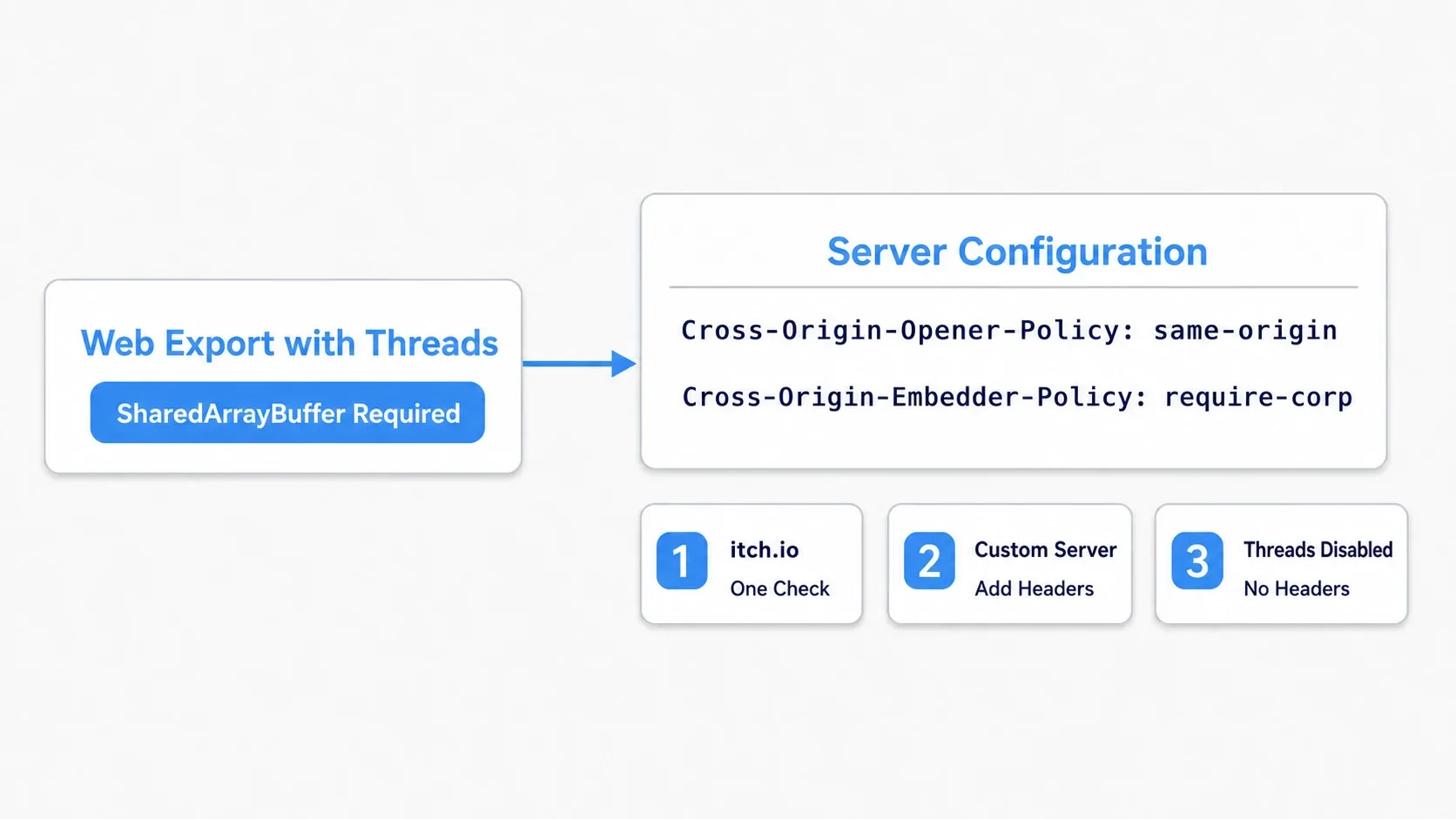
Cross-Origin-Opener-Policy: same-origin
Cross-Origin-Embedder-Policy: require-corp
- itch.io: a single SharedArrayBuffer checkbox enables it
- Your own server: add the headers above to your configuration
- Disable threads: turning off
Thread Supportin the export settings lets the build run without the headers (it's off by default in Godot 4.7; this may affect performance)
Optimizing Build Size
A large distribution size means slow downloads and slow first loads on the Web. Tackle it in order of impact.
| Technique | Action | Impact |
|---|---|---|
| Resource filtering | Include only the files you need, via the Resources tab in the export settings | High |
| Texture compression | Enable VRAM compression in the .import settings | High |
| Audio quality tuning | Lower the bitrate of music and sound effects | Medium |
Excluding unused assets has an especially big payoff. Before shipping, check whether prototype-era assets are still sitting in your project.
The Final Pre-Ship Checklist
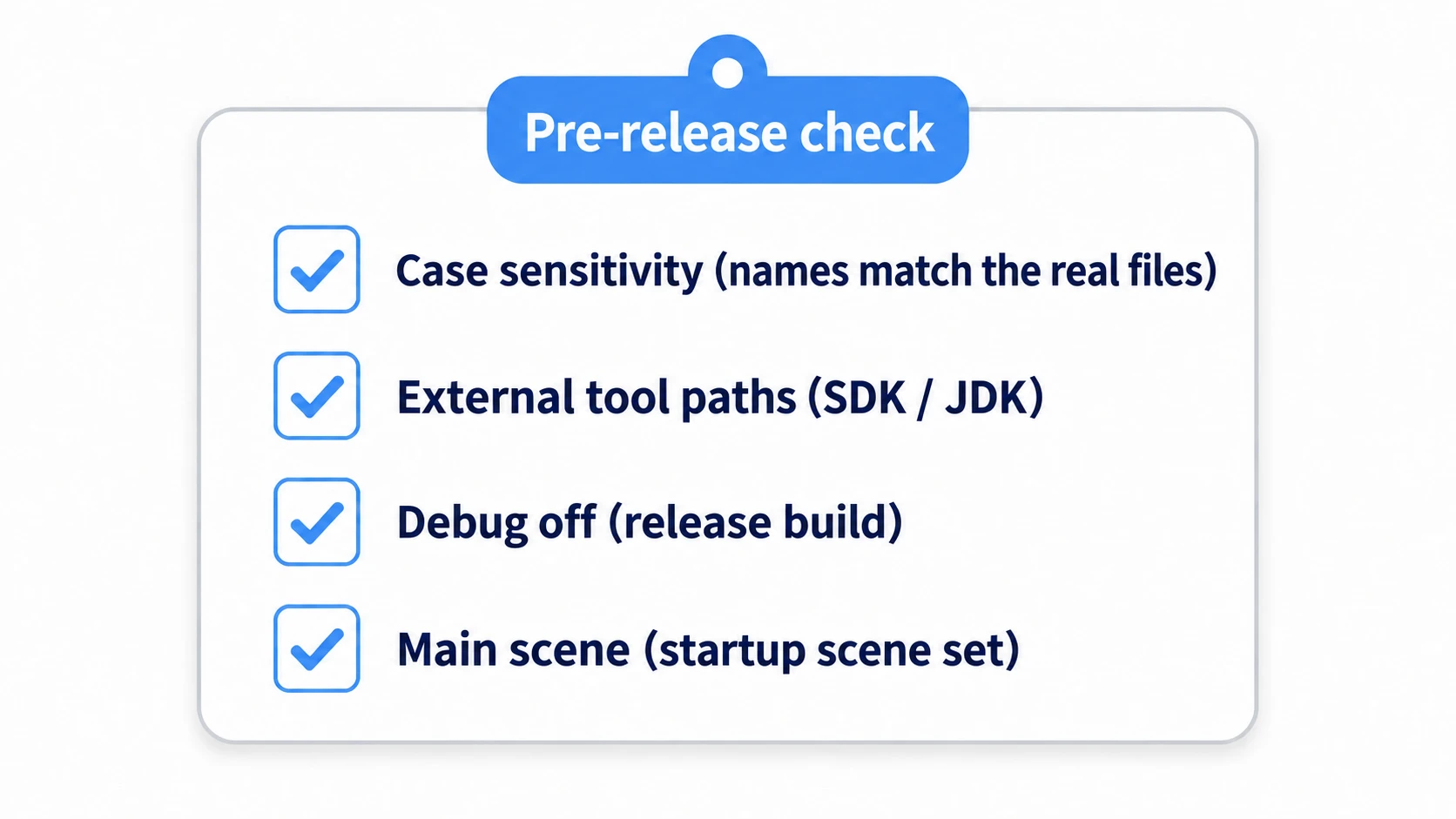
Confirm these four things before you export. Covering them prevents most "I shipped it and it doesn't run" situations.
| Check | Details |
|---|---|
| Case sensitivity | Do resource paths match the actual filenames, casing included? |
| External tool paths | Are the Android SDK and JDK paths correct? |
| Debug disabled | Is "Export With Debug" OFF for the release build? |
| Main scene | Is the startup scene set correctly? |
Bonus: Good to Know for Later
- Try exporting early: if your first export is right before release, casing mismatches and friends all erupt at once. Getting one export through early in development saves pain later.
.resand encryption: text.tresfiles are converted to binary automatically on export. If you want the contents harder to read, consider encryption (see custom resources).- Revisit controls per platform: Web and mobile change the assumptions (no keyboard, portrait screens, touch input). Check your input handling against the target you're shipping to.
Summary
- Exporting means putting your project on a template (matching versions) and writing it out. Ship the release build
- Choose PCK separate (PC) or embedded (Web, mobile) based on use case
- The biggest trap is case sensitivity. Standardize filenames on lowercase snake_case
- Android needs OpenJDK 17 plus SDK/build-tools, and Web needs COOP/COEP headers when you use threads
- Before shipping, confirm casing, external tool paths, debug OFF, and main scene, and always test the exported build
Start by getting a Windows export through and confirming the resulting .exe launches on its own. The moment it becomes something you can hand out, your project goes from a game to a released work.
Further Reading
- Implementing a Save/Load System: always verify
user://against an exported build - Stabilizing FPS in Godot: Frame Rate Management and Optimization: performance tuning before you ship
- Creating and Using Custom Resources:
.resand encryption for releases - Godot and Git Basics: what goes into Git, and
.gitignore - Godot Official Docs: Exporting projects: the primary source on exporting