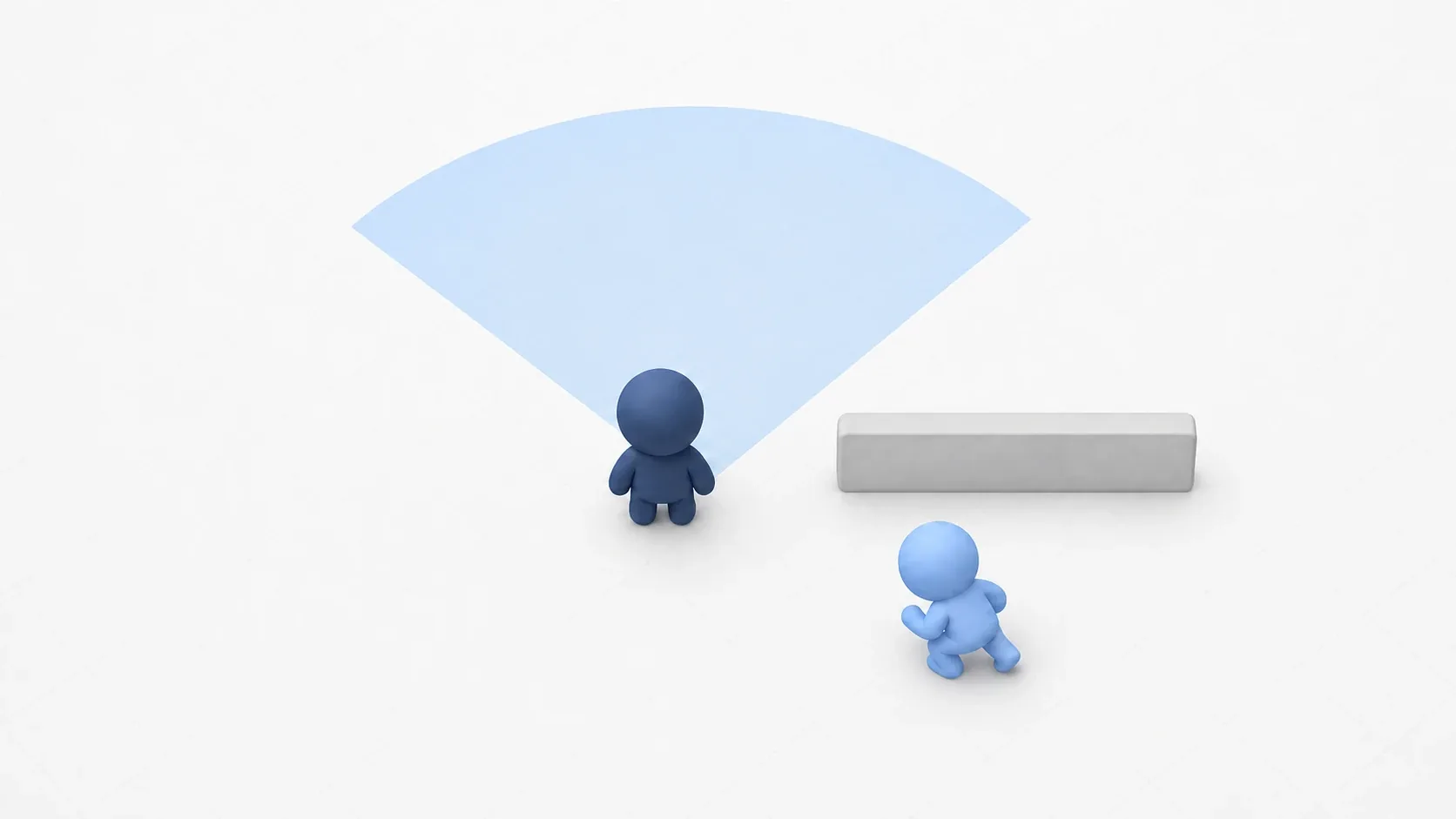
An enemy chases the player around obstacles. A guard silently walks a fixed route. That kind of smart movement comes from NavigationAgent2D walking on top of a navigation mesh (a map for AI).
In the previous article, we baked a walkable map. This article is about actually moving on it. You only set a destination, and the agent handles path calculation and obstacle avoidance for you, so all you decide is where to go. Let's build the two classics: chasing and patrolling.
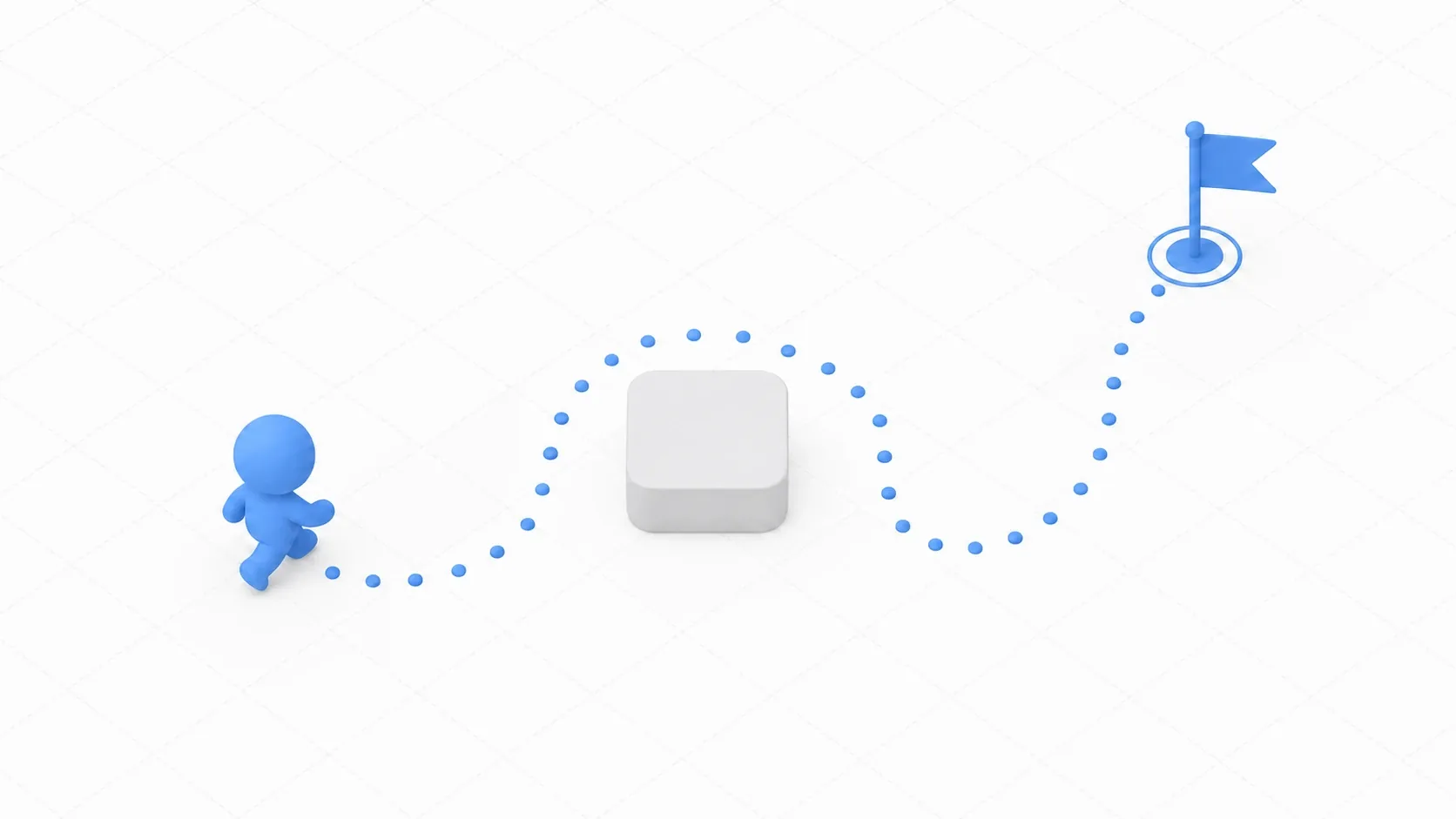
What You'll Learn
- The basic processing cycle of
NavigationAgent2D(target, path, next point, move)- The key point that
get_next_path_position()returns the next waypoint- Implementing chase AI and patrol AI
- Agent-to-agent avoidance (RVO) with
velocity_computed- Performance optimization for path recalculation, and how
AStar2Ddiffers
Tested with: Godot 4.7
The Basic NavigationAgent2D Cycle
Place NavigationAgent2D as a child node of the character you want to move (a CharacterBody2D). Using it means running this cycle every frame.
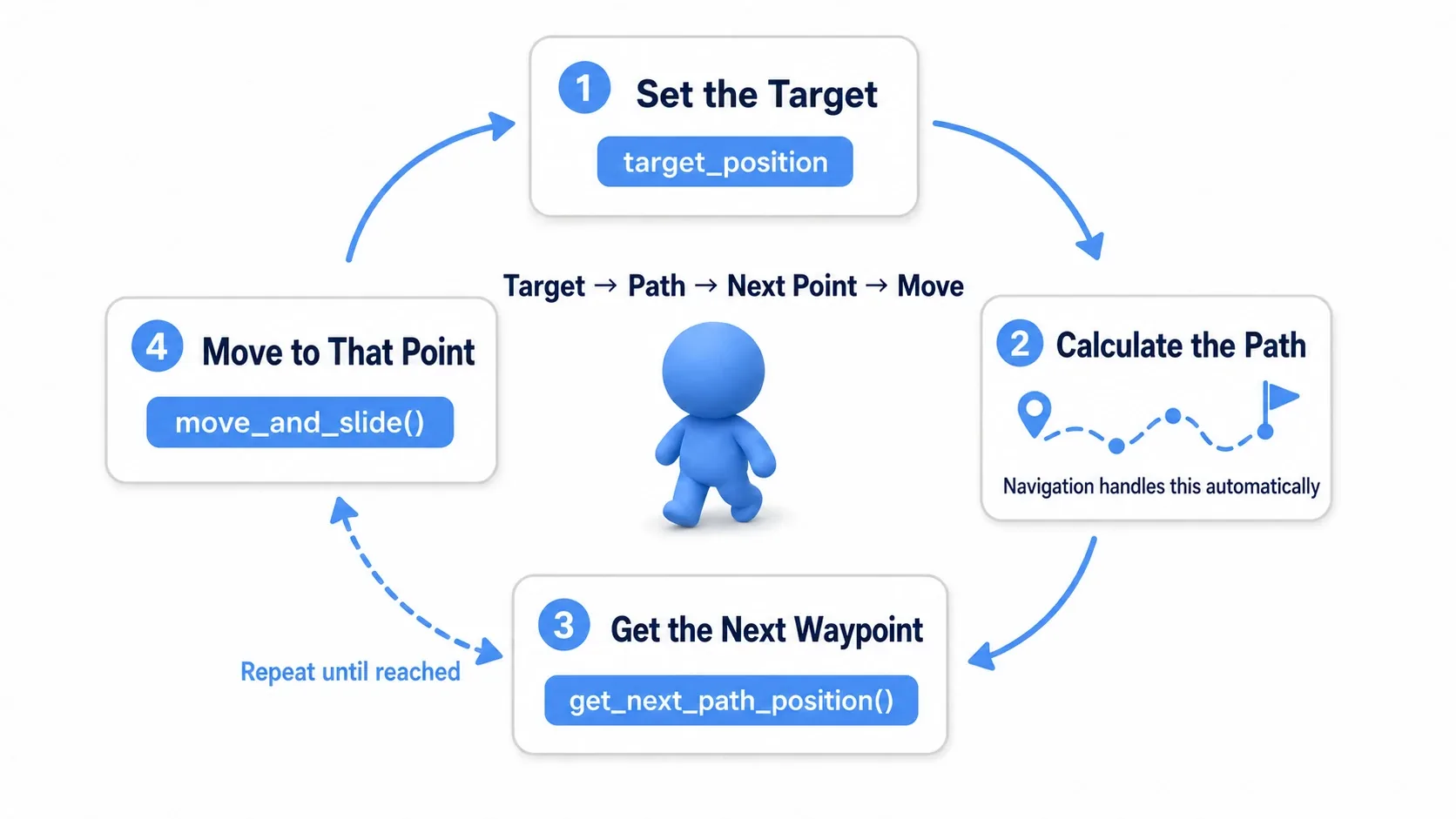
- Set the target: assign the destination coordinate to
target_position - Calculate the path: navigation automatically finds the shortest route
- Get the next point: call
get_next_path_position()for the next waypoint on the path - Move there:
move_and_slide()toward that point
All the hard parts, pathfinding and obstacle avoidance, are handled internally by the agent. What we write is just "set the target" and "move toward the point it returns."
get_next_path_position Returns the Next Waypoint
The thing beginners trip over is what get_next_path_position() means. It returns the next waypoint to head for along the path, not the goal itself.
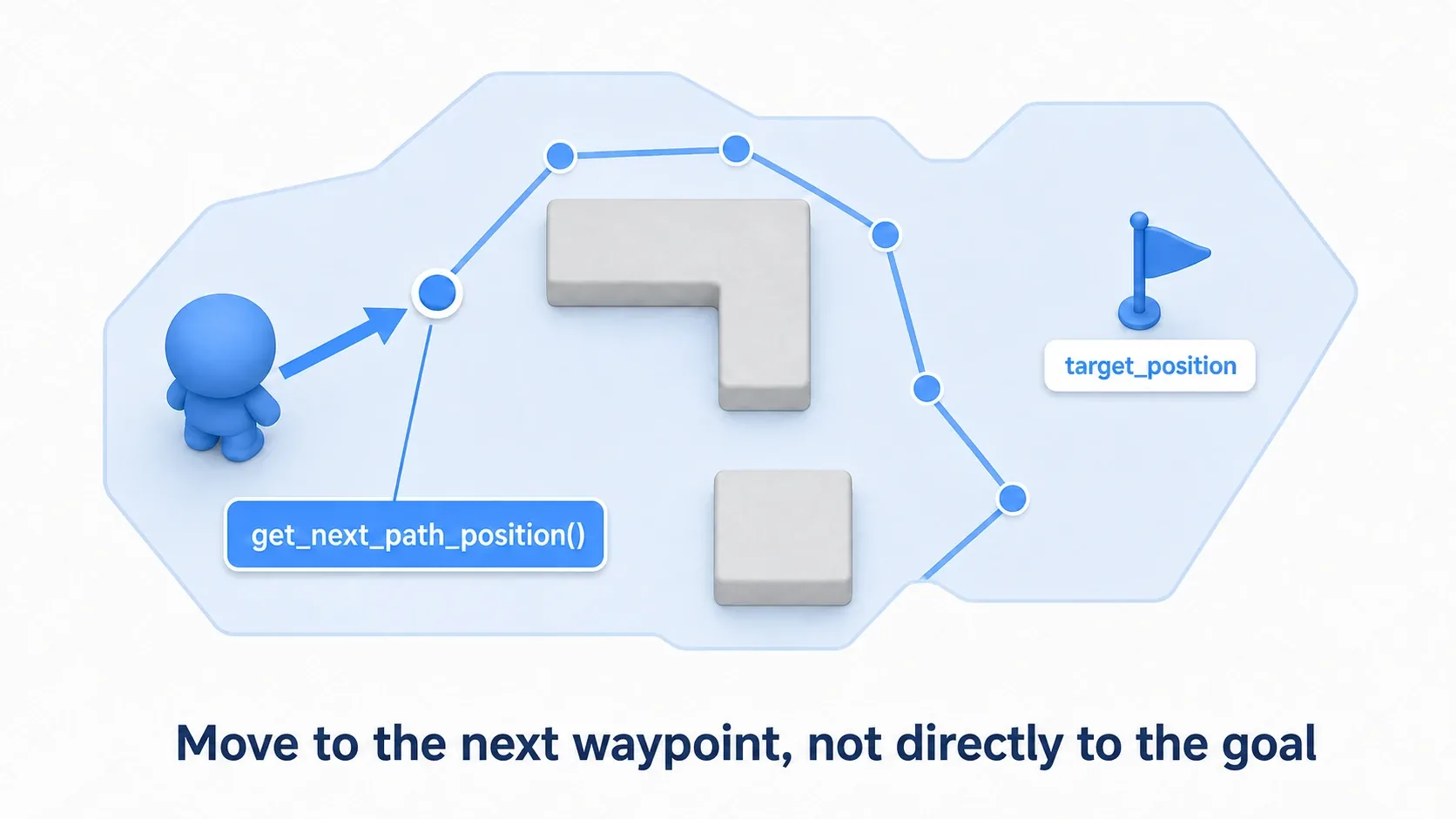
So you move straight toward the coordinate it returns. Heading directly for the goal (target_position) would run you into obstacles, but following the waypoints one at a time naturally curves you along the route. Each call to get_next_path_position() advances the agent's internal progress along the path, so call it only once per physics frame.
var next_point := navigation_agent.get_next_path_position()
var direction := global_position.direction_to(next_point)  # Direction to the next waypoint
velocity = direction * speed
move_and_slide()
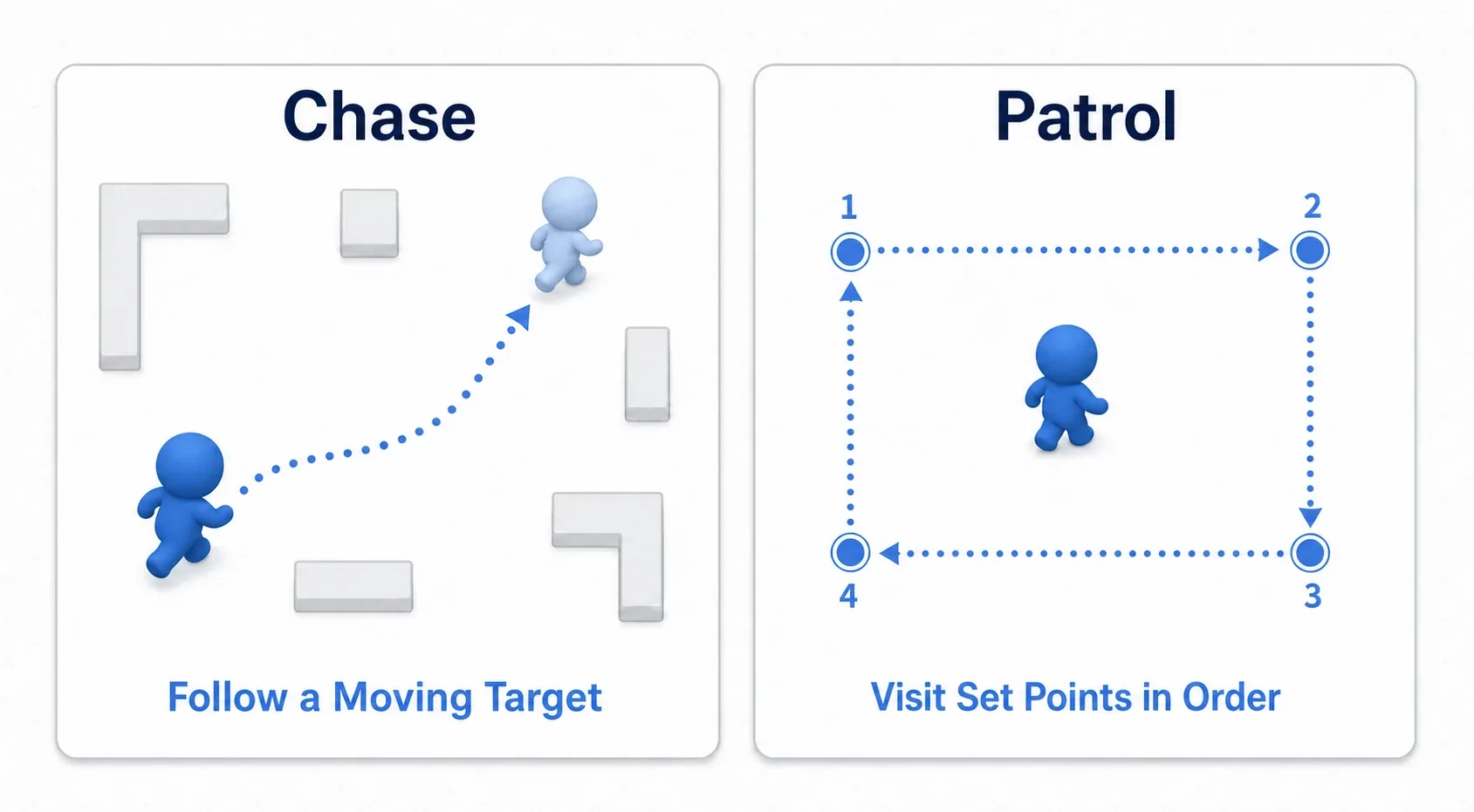
Chase AI: Following a Moving Target
First up is chase AI, where an enemy pursues the player. Just keep feeding the player's current position into target_position, and the enemy comes after you while avoiding obstacles.
The key is not updating target_position every frame. Every target update triggers a path recalculation, so doing it per frame gets expensive. With just a few enemies it won't drop frames, but the next point shifts slightly every frame, and the chase can start to weave. Use a Timer to thin it out to roughly every 0.2 seconds.
extends CharacterBody2D

@export var speed: float = 250.0
@export var player: Node2D

@onready var navigation_agent: NavigationAgent2D = $NavigationAgent2D
@onready var repath_timer: Timer = $RepathTimer   # 0.2 second interval, autostart

func _ready() -> void:
    repath_timer.timeout.connect(_update_target)

func _update_target() -> void:
    if is_instance_valid(player):
        navigation_agent.target_position = player.global_position  # Updating the target recalculates the path

func _physics_process(_delta: float) -> void:
    if navigation_agent.is_navigation_finished():   # Stop once we've arrived
        return
    var next_point := navigation_agent.get_next_path_position()
    velocity = global_position.direction_to(next_point) * speed
    move_and_slide()
is_navigation_finished() tells you whether the agent has arrived, so you stop moving once it has. Leaving path recalculation to the Timer and keeping _physics_process focused purely on movement is the clean structure.
Patrol AI: Visiting Fixed Points in Order
Next is patrol AI, which cycles through a set of points. When it reaches a target, it switches to the next one, and this is where is_navigation_finished() earns its keep.
extends CharacterBody2D

@export var speed: float = 150.0
@export var patrol_points: Array[Vector2] = [
    Vector2(100, 100), Vector2(800, 100), Vector2(800, 500), Vector2(100, 500)
]

@onready var navigation_agent: NavigationAgent2D = $NavigationAgent2D
var index := 0

func _ready() -> void:
    navigation_agent.target_position = patrol_points[index]

func _physics_process(_delta: float) -> void:
    if navigation_agent.is_navigation_finished():
        # Move to the next point (wrap around at the end)
        index = (index + 1) % patrol_points.size()
        navigation_agent.target_position = patrol_points[index]
        return
    var next_point := navigation_agent.get_next_path_position()
    velocity = global_position.direction_to(next_point) * speed
    move_and_slide()
In a patrol, the target only changes when a point is reached, so no thinning is needed like it is for chasing. Combine "when do we switch to chasing (once we spot the player)" with a state machine and you get enemies that move naturally between patrolling and chasing.
Agent-to-Agent Avoidance (RVO)
Once you spawn multiple enemies, a new problem shows up: they clump together and overlap. Avoidance via RVO (Reciprocal Velocity Obstacles) prevents that.
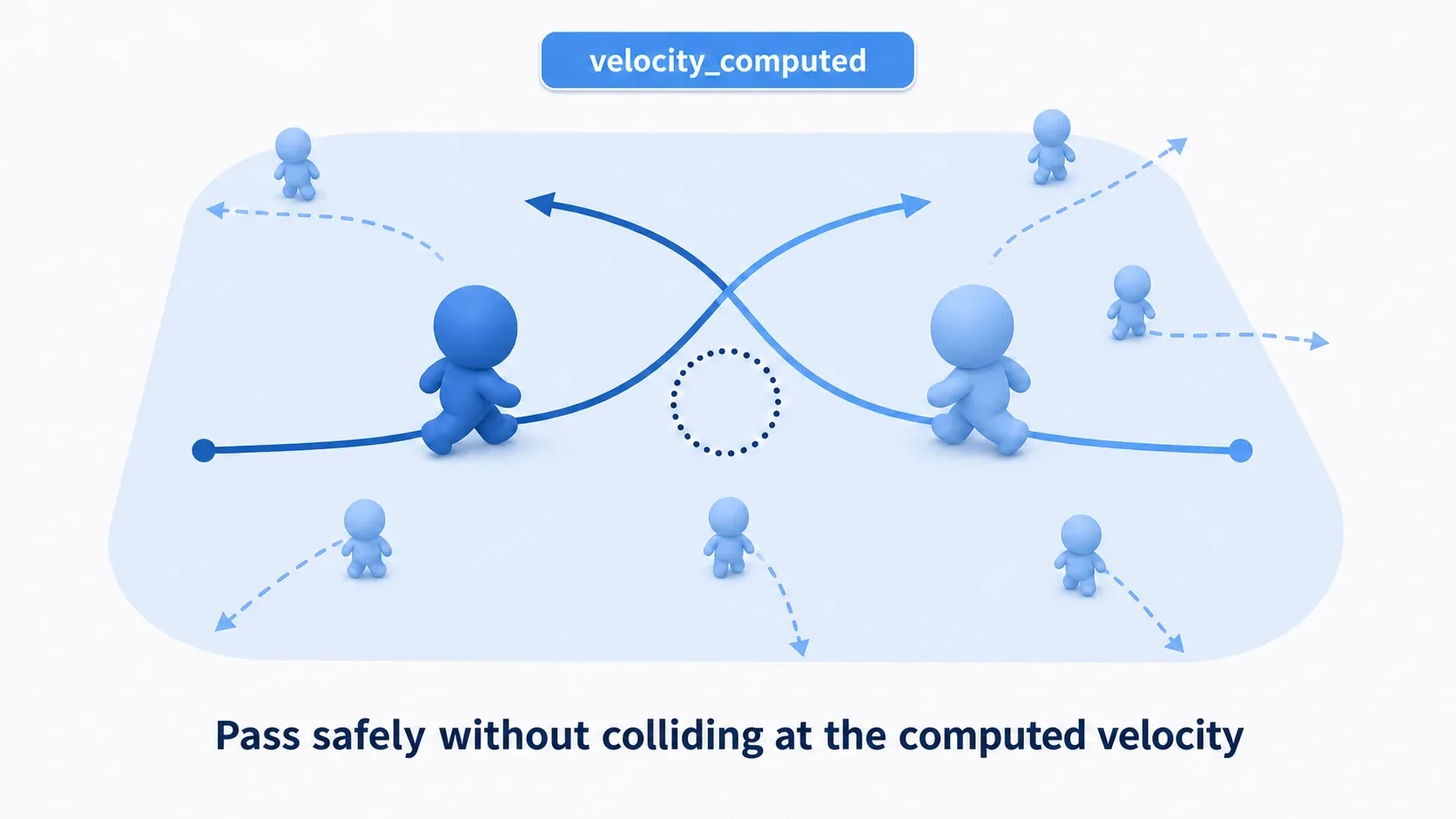
To use it, enable avoidance_enabled on the agent and, instead of moving directly, pass your desired velocity to set_velocity(). The agent then returns a safe velocity that avoids other agents via the velocity_computed signal, and you call move_and_slide() with that.
func _physics_process(_delta: float) -> void:
    if navigation_agent.is_navigation_finished():
        return
    var next_point := navigation_agent.get_next_path_position()
    var desired := global_position.direction_to(next_point) * speed
    navigation_agent.set_velocity(desired)   # Pass the desired velocity (don't move directly)

# The safe velocity, accounting for avoidance, comes back here
func _on_navigation_agent_2d_velocity_computed(safe_velocity: Vector2) -> void:
    velocity = safe_velocity
    move_and_slide()
When avoidance_enabled is on, it's essential to call move_and_slide() only inside velocity_computed. Moving directly in _physics_process as well causes double movement, and avoidance stops working. Connect the signal by adding one line to _ready(): navigation_agent.velocity_computed.connect(_on_navigation_agent_2d_velocity_computed) (without it, no safe velocity comes back and the enemy doesn't move).
Performance and How AStar2D Differs
When you're moving a lot of agents, how often paths are recalculated is the biggest bottleneck.
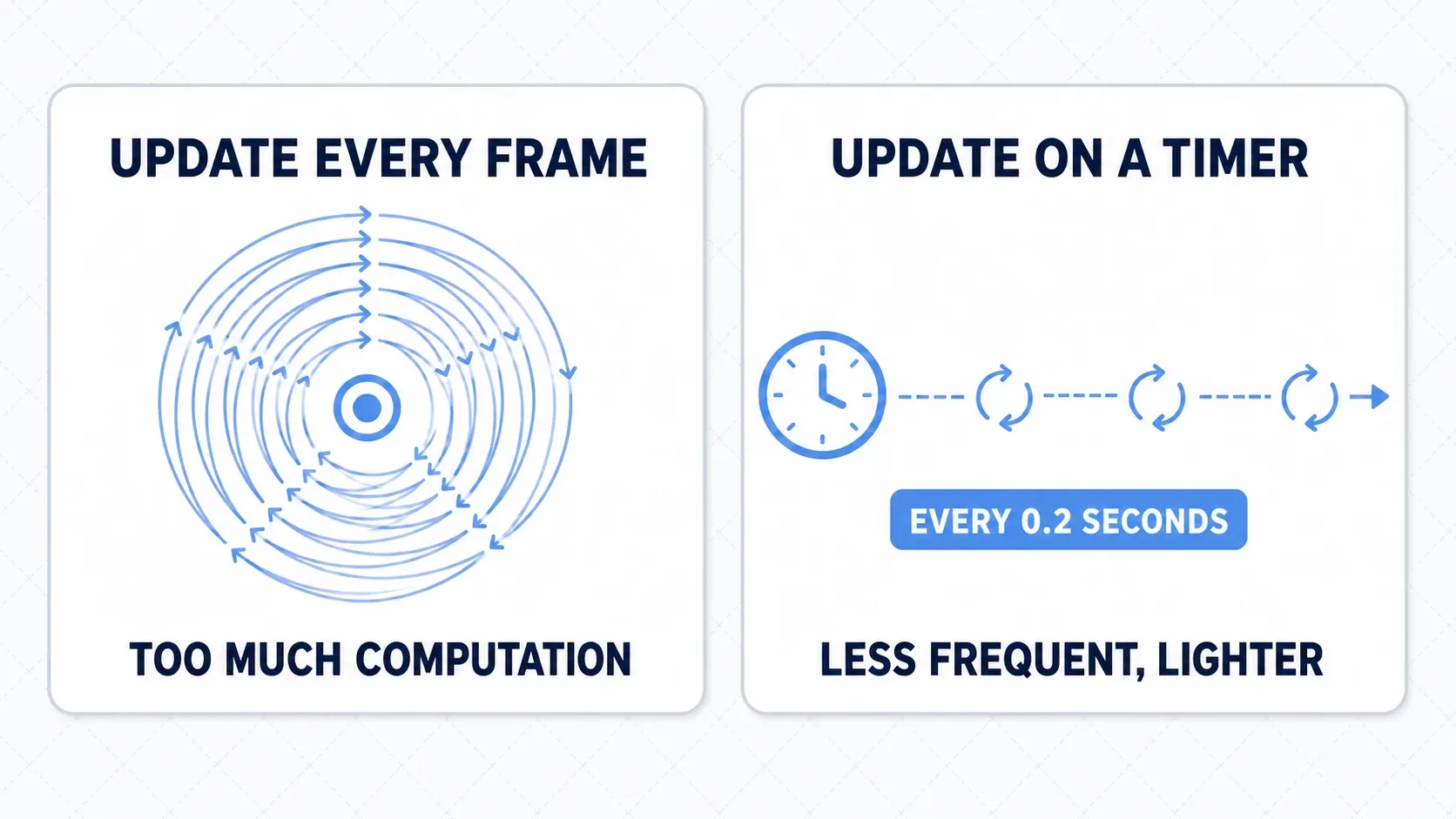
- Thin out recalculation: update
target_positionon aTimerevery 0.2 seconds or so. Give less important enemies an even longer interval - Stop off-screen agents: use
set_physics_process(false)on distant or off-screen AI - Keep
NavigationObstacle2Dminimal: dynamic obstacles are convenient but expensive, so limit how many you use
Choosing Between AStar2D and NavigationAgent2D
For grid-based games, the lower-level AStar2D is sometimes a better fit.
NavigationAgent2D | AStar2D | |
|---|---|---|
| Abstraction level | High level (easy to use) | Low level (flexible) |
| Setup | Just bake a mesh | Define points and connections manually |
| Obstacle avoidance | Automatic (including dynamic obstacles and RVO) | Implement it yourself |
| Good for | Free-form movement through space | Grid movement, turn-based strategy |
It's enough to remember this: use NavigationAgent2D for typical enemy AI that moves freely in real time across a map, and AStar2D when the board is a grid and you want tight control over the route.
Bonus: Good to Know for Later
- Check the map first: 90% of "my agent won't move" problems are on the map (mesh) side. Suspect first that NavigationRegion2D hasn't been baked to cover the area.
- Jitter or refusal to stop means the tolerance is too tight: if the agent won't settle at its destination, raise
target_desired_distancea bit (10.0 by default; for example, 20.0). - Smooth out the velocity: interpolating with something like
velocity = velocity.lerp(desired, 0.1)gives natural acceleration instead of an overly snappy start. - Keep decisions on the AI side: whether to patrol, chase, or flee belongs to a state machine or behavior tree. Letting navigation stick to "move toward the given target" keeps your design clean.
Summary
- Basic cycle: set
target_position, thenmove_and_slide()toward the waypoint fromget_next_path_position() - Following waypoints one at a time is what makes obstacle avoidance look natural
- Chasing updates
target_positionon a thinnedTimer; patrolling advances to the next point on arrival - RVO with
avoidance_enabledplusset_velocity()plusvelocity_computedstops agents from overlapping - Optimization starts with thinning recalculation and stopping off-screen agents
Start by placing one enemy on your baked map and setting the player as its target_position. Once you see it curving around obstacles to reach you, the foundation of navigation is done. From there, add patrolling, RVO, and state management to get enemy AI that really feels like a game.
Further Reading
- NavigationRegion2D and Navigation Meshes: how to build the map this agent walks on (prerequisite article)
- Managing AI and Player States with State Machines: wire up the patrol, chase, and flee decisions
- Organizing Objects with Collision Layers and Masks: layer settings for player detection and obstacles
- _draw Basics: drawing the chase-distance circle on screen to tune the boundary
- Godot Official Docs: Using NavigationAgents: the primary source on agents