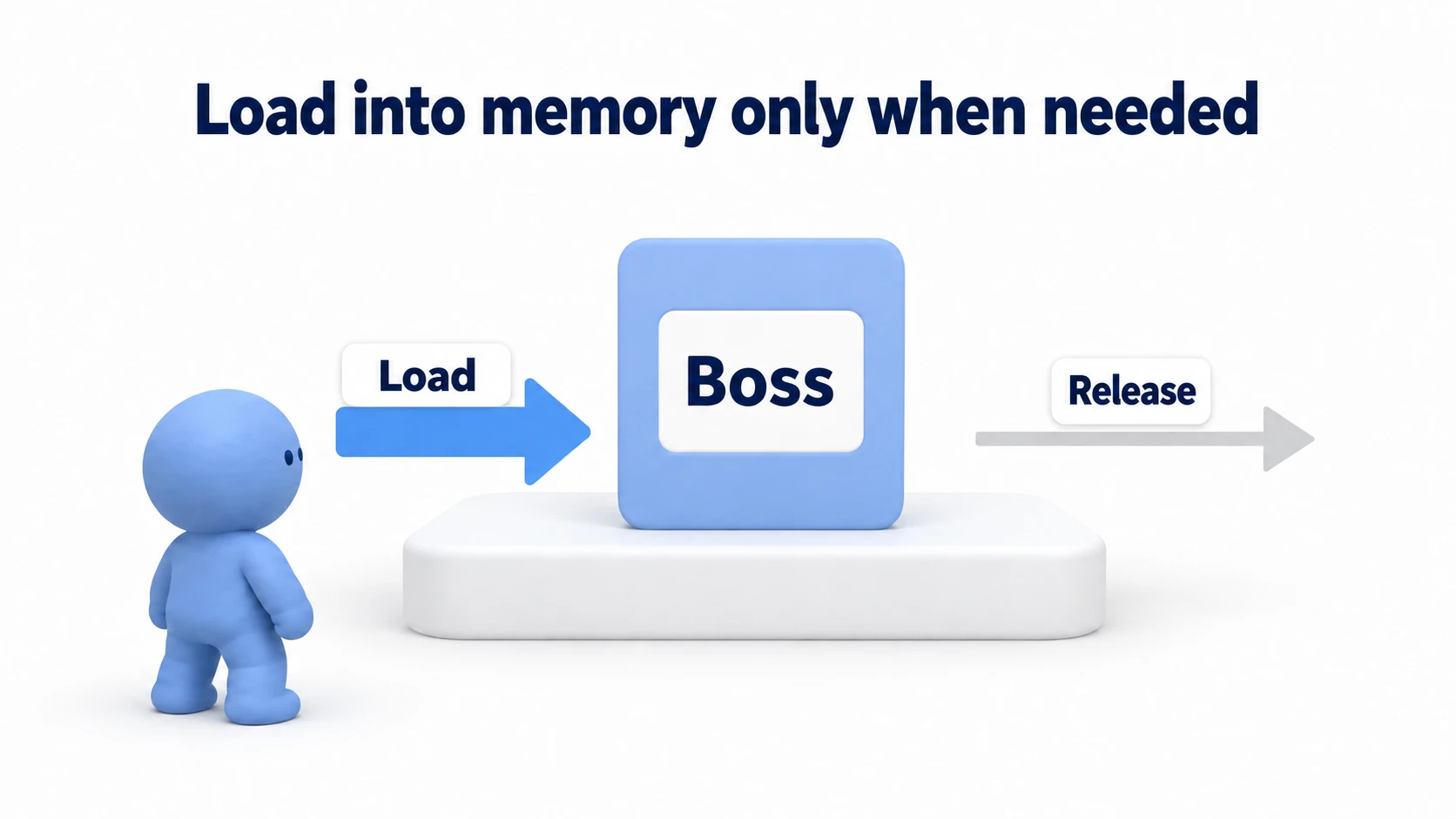
You put your character and weapon prefabs in a Resources folder and load them with Resources.Load() — and it works. It works perfectly well, yet the official docs and forums keep telling you "don't use Resources." Why?
This article starts from how Unity loads assets into memory, then walks through the three ways of holding assets — direct references, Resources, and Addressables — with their pros, cons, and clear criteria for choosing between them.

What You'll Learn
- When assets get loaded into memory (the relationship between scene loading and references)
- Direct references — the right answer for small projects, and where their limits are
- Why Resources is discouraged — everything ships in the build, manual release, untrackable references
- Addressables — solving it with reference counting and dynamic loading
- How to choose (project size, memory, content delivery needs)
Tested with: Unity 6 (6000.x), Addressables 2.x
- Prerequisite: When Do Assets Get Loaded into Memory?
- Option 1: Direct References — the Right Answer for Small Projects
- Option 2: The Resources Folder — Why It's Discouraged
- Option 3: Addressables — the Modern Solution
- Practical: Diagnosing Which Approach Your Project Needs
- Bonus: Good to Know for Later
- Summary
Prerequisite: When Do Assets Get Loaded into Memory?
Unity's basic rule is simple: "everything placed in a scene, plus everything referenced from the Inspector, gets loaded into memory when the scene loads."
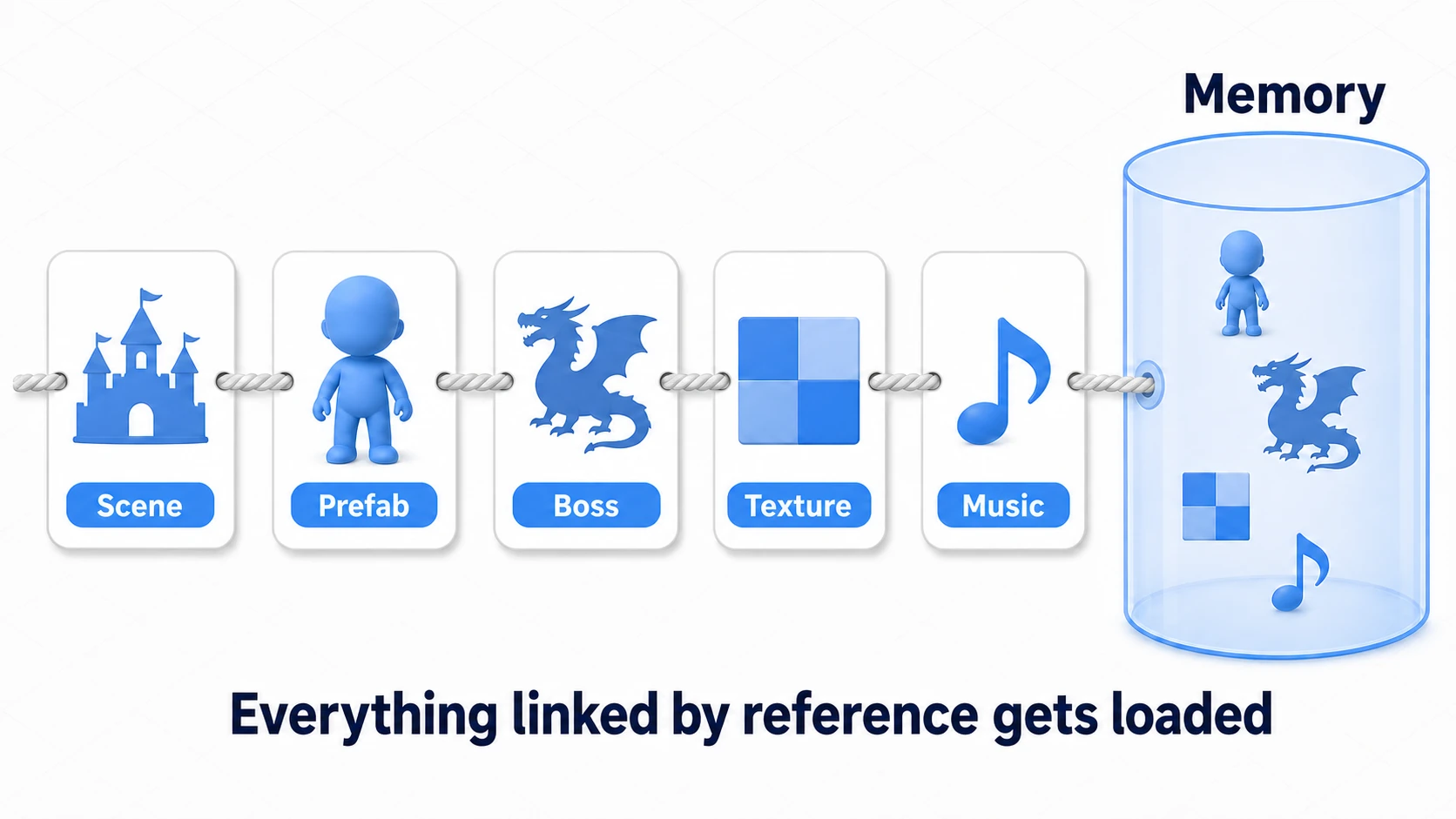
For example, if an enemy prefab references a boss's model, textures, and BGM, then even on a stage where that boss never appears, loading a scene that references the prefab pulls the entire chain into memory. This is fine while your asset count is small, but as it grows, these symptoms start showing up:
- Growing memory usage: Unused assets stay resident, which on mobile can lead to crashes.
- Bloated load times and build size: Everything ships bundled with the game itself.
- No dynamic content updates: Adding even a single new character requires updating the entire app.
The three asset management approaches differ in how they deal with these symptoms.
Option 1: Direct References — the Right Answer for Small Projects
This is the familiar approach: assign assets in the Inspector via [SerializeField].
- Pros: The simplest option. The editor immediately flags broken references, and it survives renames. For small to mid-sized games, this is the right answer.
- Cons: Everything referenced is loaded into memory at scene load, no exceptions. You can't control when loading happens.
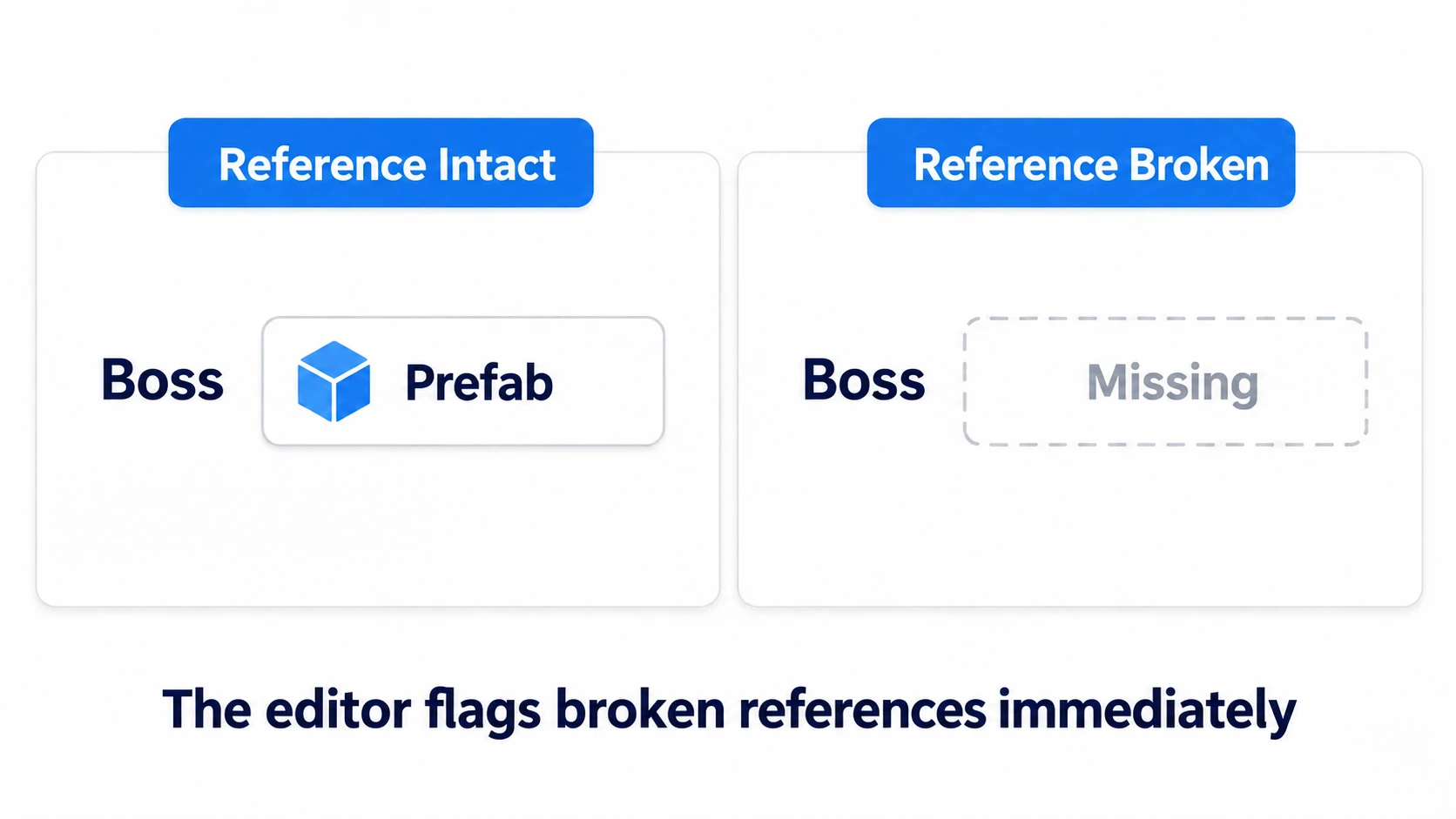
This is where the reassurance of direct references comes from. If a reference breaks, the editor immediately flags it in red, so "it was broken without you knowing" simply doesn't happen. This is a major advantage unique to direct references, in stark contrast to the string references of Resources discussed below.
If memory isn't hurting you yet, there's no need to force a move to another approach.
Option 2: The Resources Folder — Why It's Discouraged
Any asset placed in a folder named Resources can be loaded at any time with Resources.Load<T>("path"). It looks convenient, but the costs are steep.
- Everything ships in the build, used or not: The entire contents of the Resources folder are included in the build regardless of whether they're actually used. Build size and startup time balloon (Unity builds an index of Resources at startup).
- Memory release is manual: Except when you switch scenes outright (
LoadSceneMode.Single), you have to callResources.UnloadUnusedAssets()yourself; forget it, and assets stay in memory. - References are strings: A string path like
"Prefabs/Boss"breaks silently on renames or folder moves. The editor gives no warning.
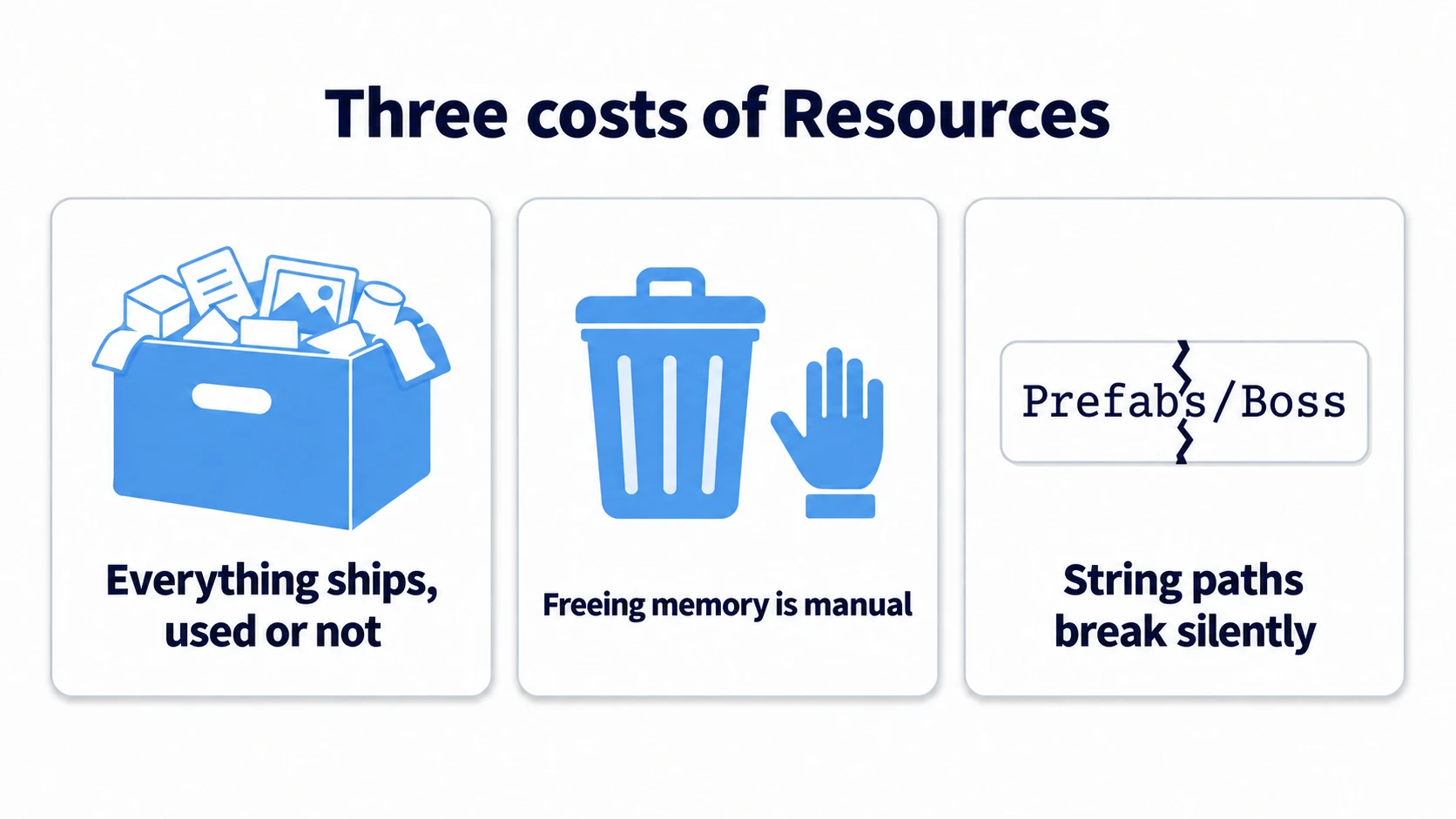
For these reasons, Unity's official manual recommends avoiding Resources outside of prototypes and small data that's needed from startup onward. Think of it as "shows up in old tutorials all the time, but rarely what you'd pick today."
Option 3: Addressables — the Modern Solution
The Addressable Asset System is Unity's official system that assigns an "address" (key) to each asset and loads/unloads them dynamically and asynchronously.
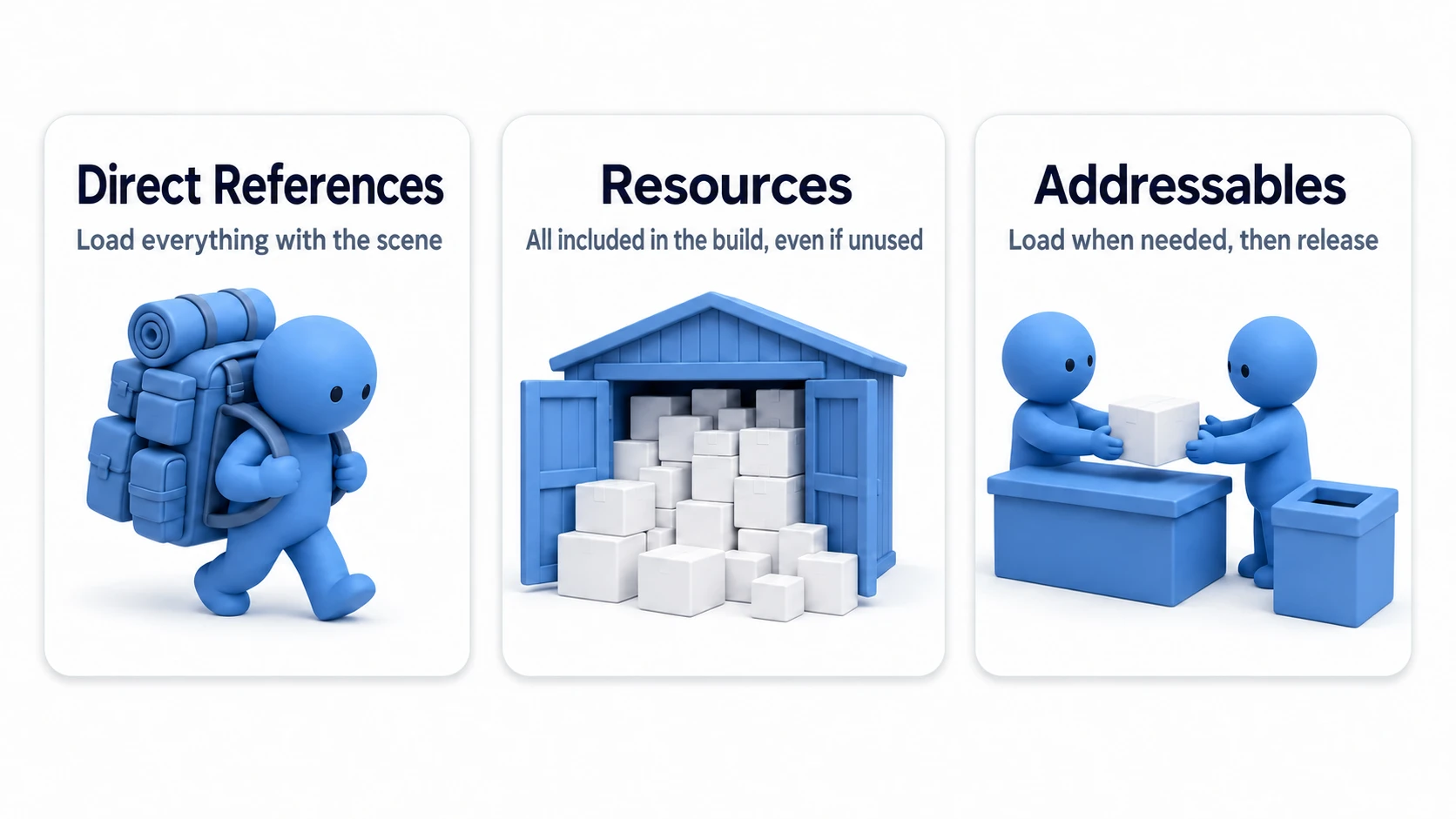
- Reference-counted memory management: Load the same asset from multiple places and only one instance exists. When each loader calls
Releaseafter it's done, the reference count drops, and the asset is freed once nothing uses it anymore (if another asset in the same bundle is still in use, the memory stays for the whole bundle). It's not "fully automatic"—follow the "return what you borrow" rule, and the system tracks the exact right moment to free things for you. - Separation from the build and dynamic updates: Assets can be split off from the game itself and hosted on a server, letting you deliver new content without shipping an app update.
- Control over load timing: Logic like "load the boss's assets right before the boss fight, release them once it's defeated" can be written naturally.
For setup steps, how to use LoadAssetAsync/Release, and leak detection with the Event Viewer, see Getting Started with Addressables.
Practical: Diagnosing Which Approach Your Project Needs
Which approach should your project use? Two questions will diagnose it.
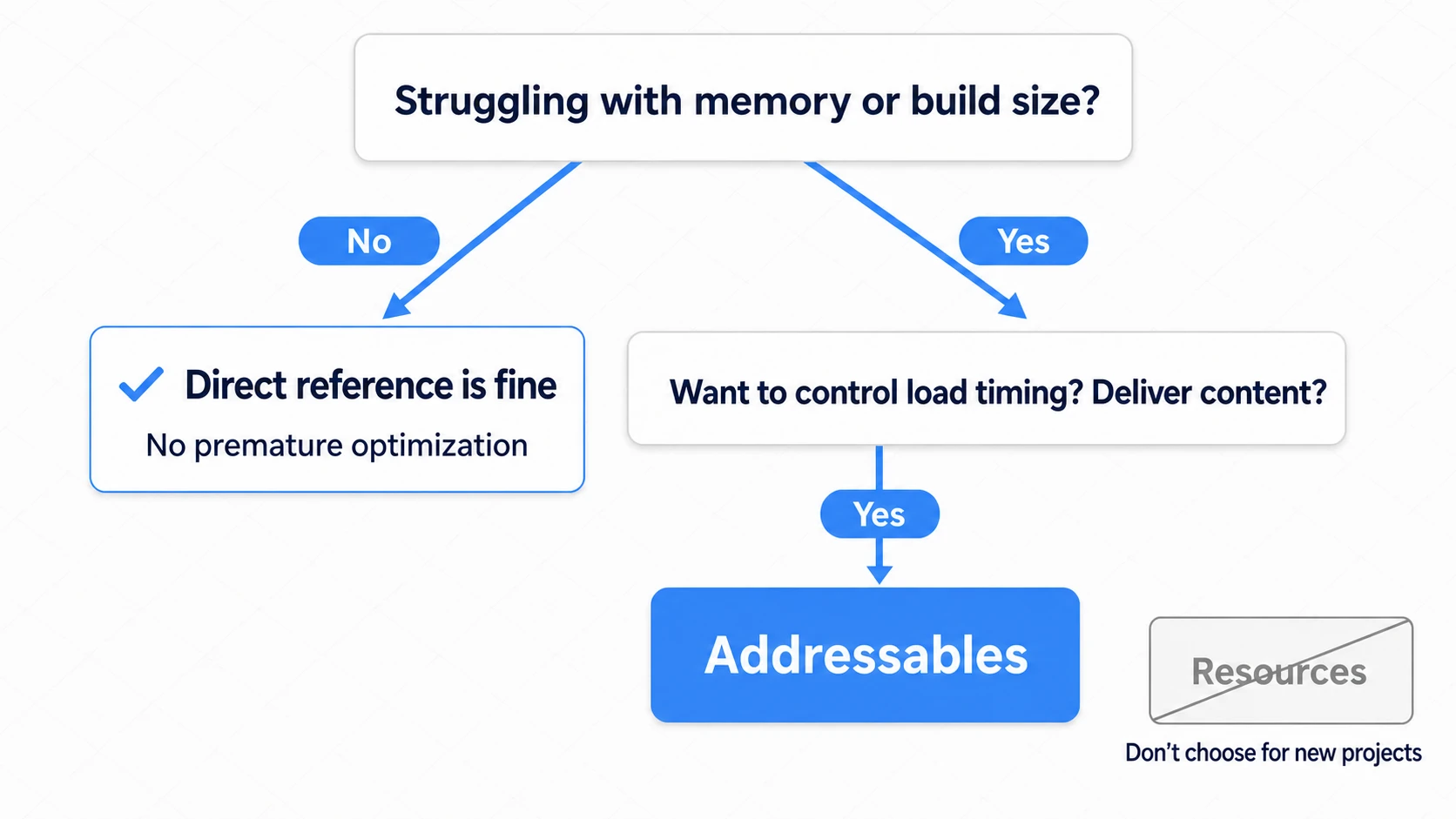
Mapping it onto real genres makes the decision concrete:
| Example project | Diagnosis | Recommendation |
|---|---|---|
| A 2D puzzle with 10 stages | Total asset volume is small; memory isn't a problem | Direct references |
| A gacha RPG with 100 characters | Bundling every character makes both build and startup heavy; you also want event delivery | Addressables |
| A 3D action game where only the boss fight is ultra-heavy | You want to load normally-unneeded assets only right before combat | Addressables (boss-related only) |
| Using Resources per an old tutorial | It works, but carries the triple burden | Rewrite to direct references |
The criterion is one line: "The moment you want to control load timing yourself, reach for Addressables." Until it hurts, direct references are enough.
There are two key points.
- "Once it hurts" isn't too late: Migrating from direct references to Addressables can be done gradually, replacing how you hold references with
AssetReference. You don't need to Addressable-ize everything from the start. - Diagnose together with measurement: "I feel like I'm struggling with memory" should be confirmed as fact in the Memory view of the Profiler first. The hands-on setup work continues in Getting Started with Addressables.
Bonus: Good to Know for Later
- Relationship to AssetBundles: Under the hood, Addressables uses the traditional AssetBundle system. Think of Addressables as "a wrapper that makes AssetBundles practical for humans to work with directly," and older articles will make sense too.
- StreamingAssets: For raw files you want bundled into the build as-is (videos, config files, etc.), there's a separate mechanism: the
StreamingAssetsfolder. It's for "bundling files," not asset management. - Resources.UnloadUnusedAssets(): It's called automatically when you switch scenes outright, but when you load scenes on top of each other (Additive), calling it yourself releases unused assets. Worth remembering as a stopgap if an existing project keeps using Resources.
- The one small niche where Resources survives: for small-scale, name-driven dynamic loading—like loading an icon by ID string—Resources can still be the low-friction option. If you use it, do so understanding the three pitfalls, and keep the folder's contents to a minimum.
- Measuring memory: Before deciding you "really have a memory problem," verify it in the Memory view of the Profiler.
Summary
- Assets get chained into memory via "scene + references." This is the starting point for every approach.
- Direct references are the default. For small to mid-sized projects they're the right answer, and migrating too early is unnecessary.
- Don't pick Resources for new code. It's a triple burden: everything-in-the-build, manual release, and string references.
- Addressables are for "when you want control." Reference counting, dynamic delivery, and build separation — the official answer with all three.
- For hands-on usage, head to Getting Started with Addressables.
Once you can explain "why Resources is a problem" from first principles, you can make asset management design decisions with confidence.